Chapter 11 Replacing the Motherboard and Associated Components 11-29
■ “Installing a PCI Card” on page 11-38
Click this film icon to view an animated version of these instructions.
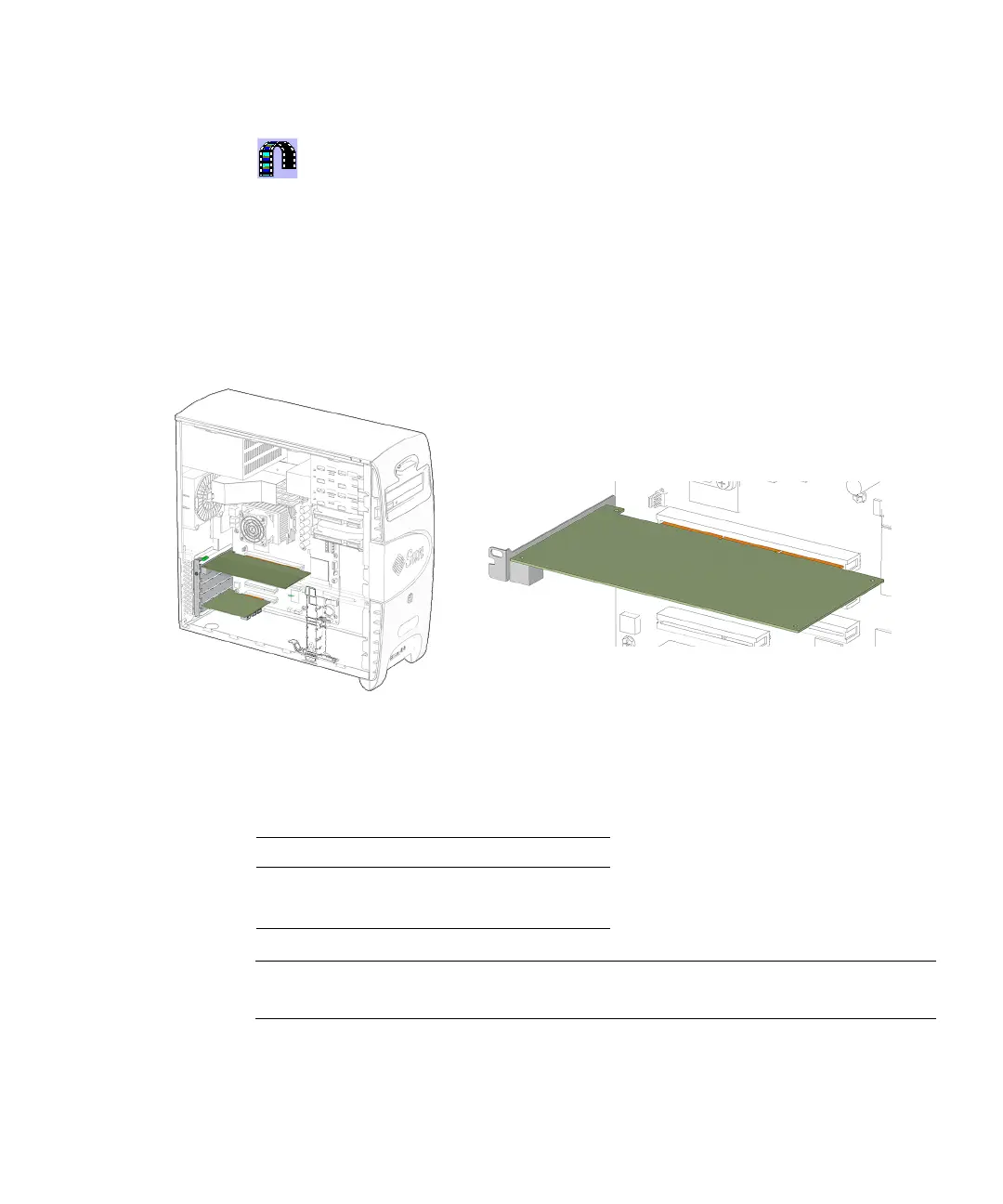
11.5.1 Identifying the PCI Cards
PCI cards are supported in the five PCI slots that reside on the system motherboard.
See
FIGURE 11-31.
FIGURE 11-31 PCI Card Location and Identification
TABLE 11-5 lists the PCI card slot specifications.
Note – If you are installing or upgrading PCI cards, proceed to “General PCI Card
Guidelines” on page 11-33.
TABLE 11-5 PCI Card Slot Specifications
PCI Card Slot Supported Speed
PCI4 66 MHz
PCI0 through PCI3 33 MHz














 To Next Page