Chapter 11 Replacing the Motherboard and Associated Components 11-17
Note – Use care not to damage electronic components and other sensitive devices
around the CPU fan and heat sink assembly.
8. Remove the CPU fan and heat sink assembly from of the CPU.
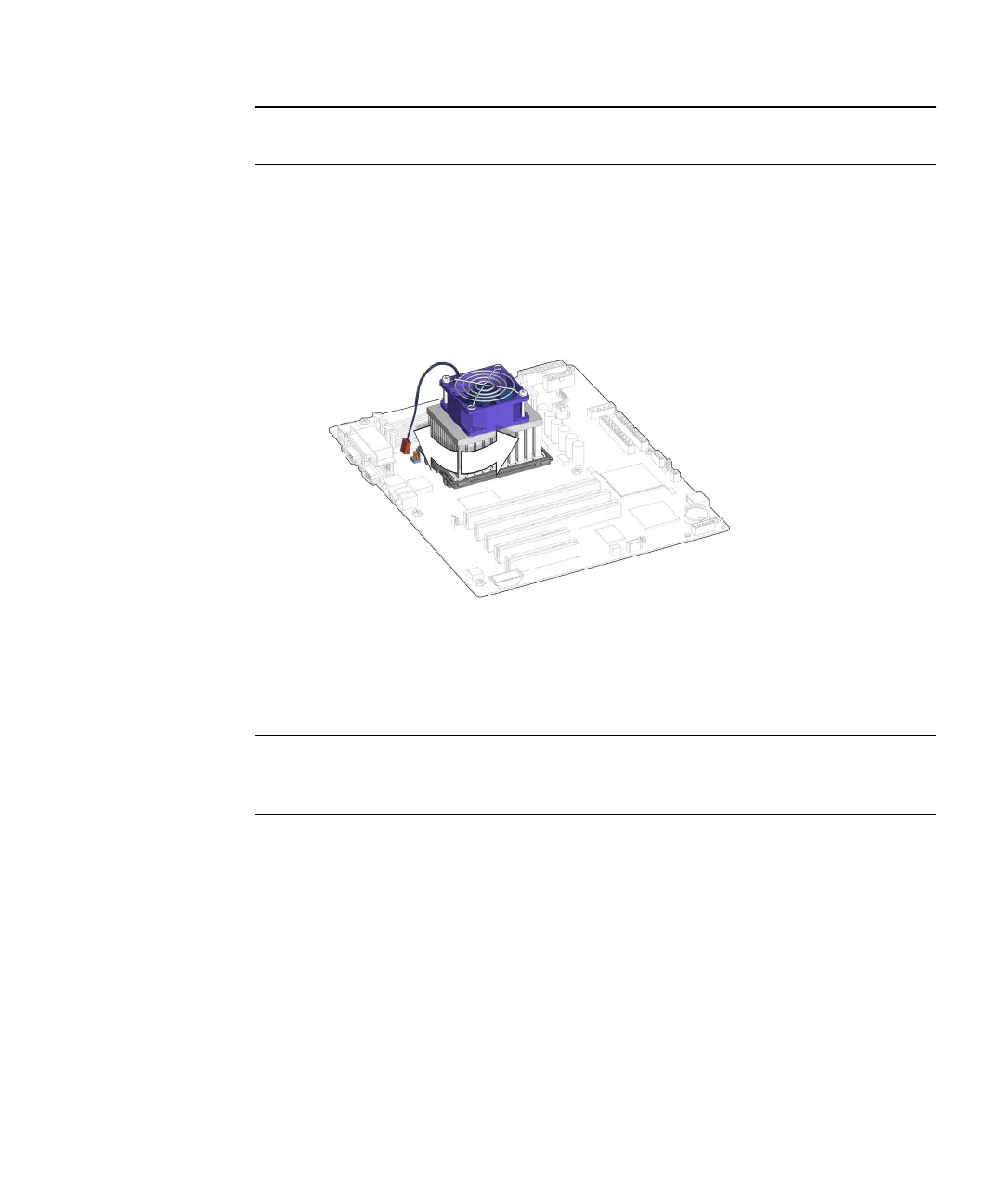
a. If there is resistance, rotate the CPU fan and heat sink assembly
clockwise/counterclockwise while gently pulling up.
See FIGURE 11-18.
FIGURE 11-18 Rotating CPU Fan and Heat Sink Assembly
b. Continue this rocking motion until the CPU fan and heat sink assembly
releases from the CPU.
Note – If the rocking motion is not possible, or if you cannot break the seal between
the CPU fan and heat sink assembly and the CPU, replace the motherboard. See
“Replacing the Motherboard” on page 11-43
c. Lift the CPU fan and heat sink assembly off of the CPU.
See FIGURE 11-19.














 To Next Page