EasyManua.ls Logo

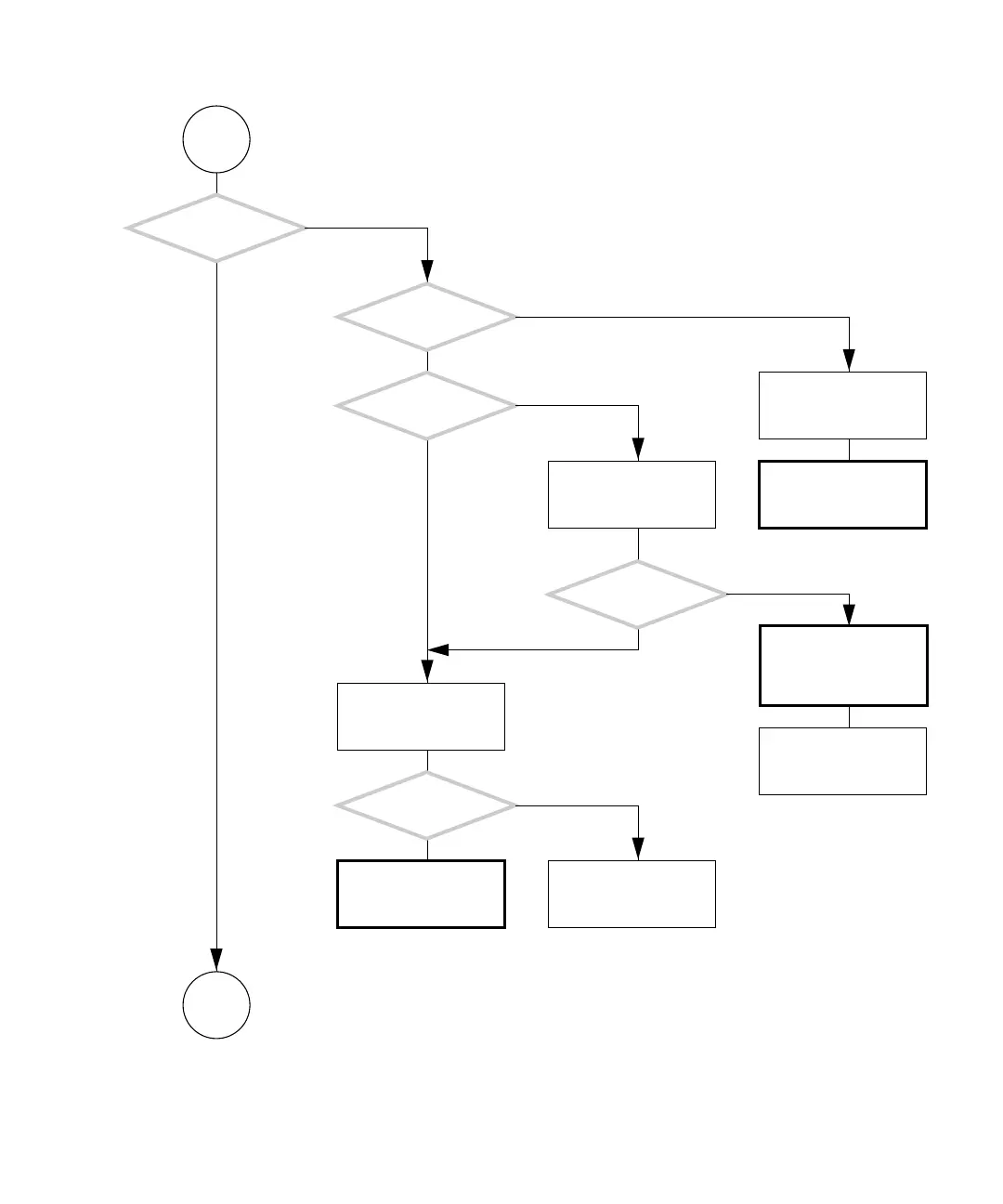
Sun Microsystems Blade 1500 - FIGURE 4-12 Monitor Problem (Continued)

Sun Microsystems Blade 1500
500 pages
Print Icon
To Next Page IconTo Next Page
To Previous Page IconTo Previous Page
Loading...
Chapter 4 Troubleshooting Flowcharts 4-15
FIGURE 4-12 Monitor Problem (Continued)
D
Does an LED indicate
power to the monitor?
Is the monitor
turned on?
Is the monitor
connected to same power
source as computer?
Return to “Power-On
Flowchart” on page 4-3.
Turn monitor on.
Check power require-
ments. See “Electrical
Specifications” on
page A-2.
Attach known good elec-
tric device or tester to
wall receptacle.
Resolve facility power
supply issues.
Is the specified power
supplied?
Replace monitor power
cable.
Replace monitor.Return to “Power-On
Flowchart” on page 4-3.
Does an LED indicate
power to the monitor?
Y
N
Y
N
Y
N
Y
N
Y
N
Go to
E

Table of Contents

Related product manuals