11-26 Sun Blade 1500 Service, Diagnostics, and Troubleshooting Manual • December 2004
■ “Removing the NVRAM” on page 11-26
■ “Installing the NVRAM” on page 11-27
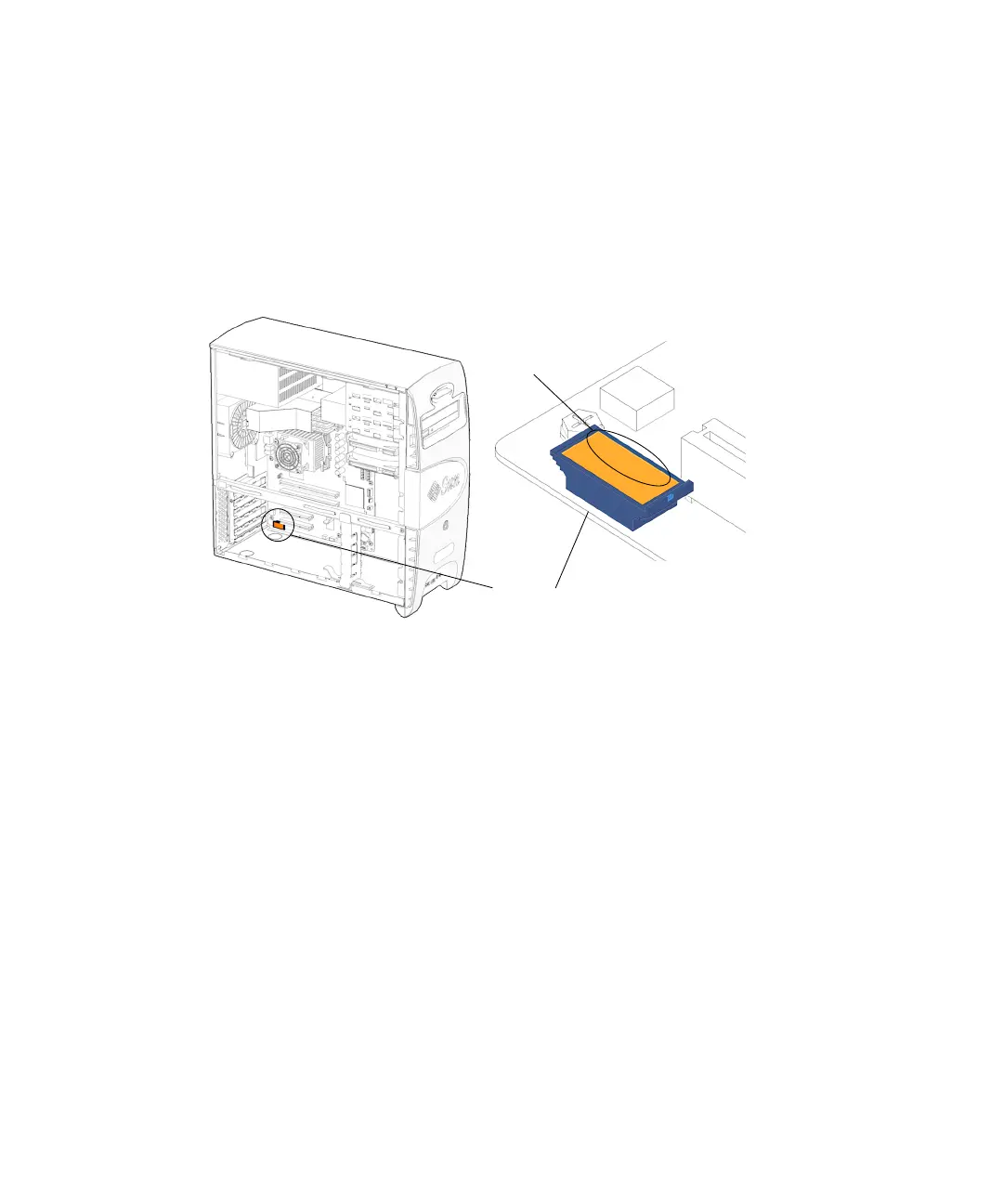
11.4.1 Identifying the NVRAM
FIGURE 11-28 shows the location of and identifies the NVRAM.
FIGURE 11-28 NVRAM Location and Identification
11.4.2 Removing the NVRAM
1. Power off the system, open and position the chassis.
Refer to:
■ “Powering Off the Workstation” on page 10-4
■ “Removing the Access Panel” on page 10-12
■ “Positioning the Chassis” on page 10-16
2. Locate the NVRAM.
See FIGURE 11-28.
3. (Optional) If the PCI cards in slots PCI0 and/or PCI1 are blocking access to the
NVRAM, remove them.
Refer to “Removing a PCI Card” on page 11-30.
4. Pull the NVRAM straight up from the motherboard connector.
See FIGURE 11-29.
NVRAM
12345678
MAC address














 To Next Page