EasyManua.ls Logo

Sun Microsystems Blade 1500 - Page 120

Sun Microsystems Blade 1500
500 pages
Print Icon
To Next Page IconTo Next Page
To Previous Page IconTo Previous Page
Loading...
4-36 Sun Blade 1500 Service, Diagnostics, and Troubleshooting Manual December 2004
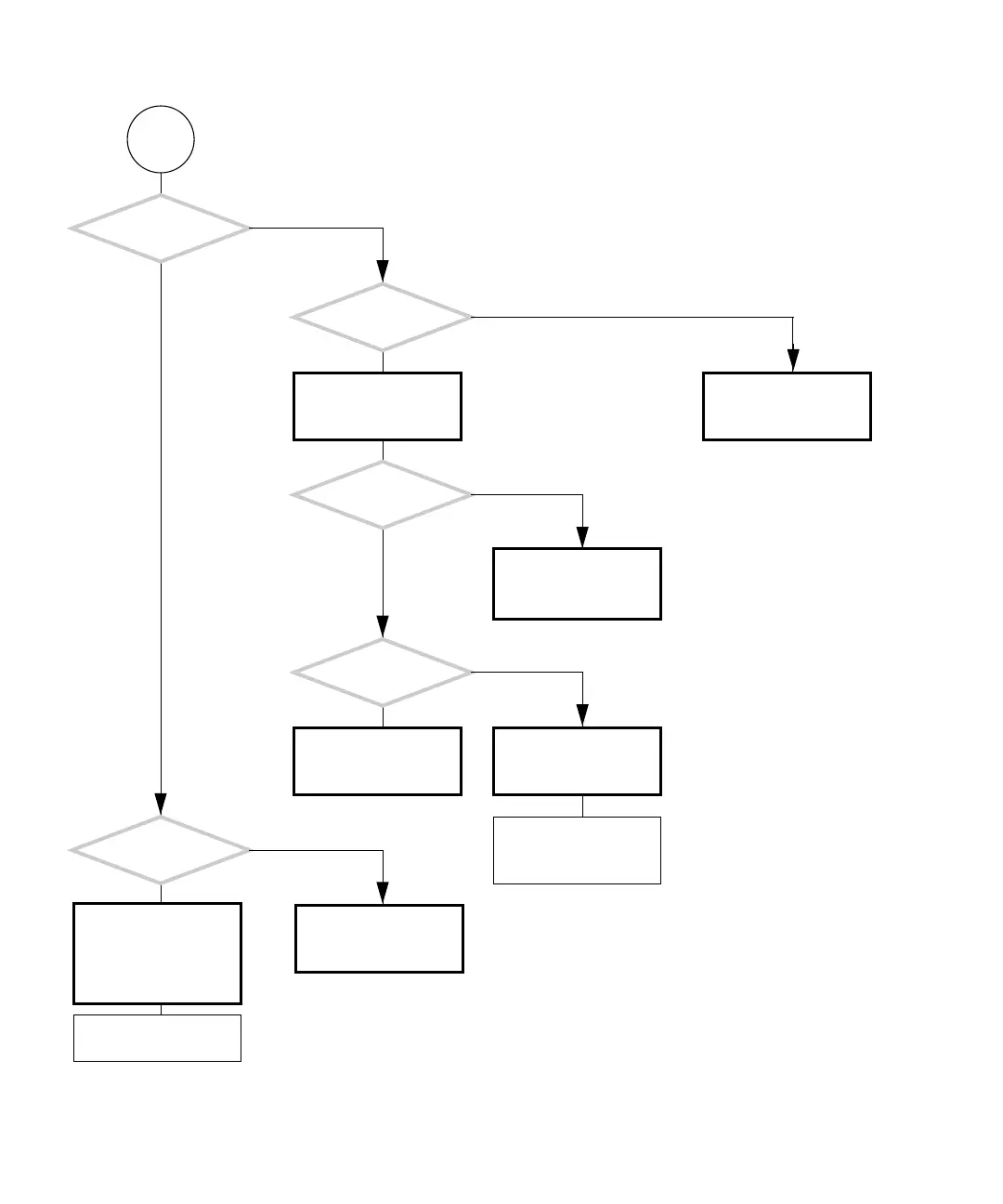
FIGURE 4-31 Motherboard Problem (Continued)
P
Use the test-all com-
mand from OpenBoot
Diagnostics. See “Open-
Boot Diagnostics” on
page 8-5.
Replace motherboard.
See “Replacing the Moth-
erboard” on page 11-43.
Can you run OpenBoot
Diagnostics?
Consider test results for
your next step.
Is there any
output from the serial
ports at power on?
Problem with memory.
See “Memory Problem”
on page 4-37.
Replace motherboard.
See “Replacing the Moth-
erboard” on page 11-43.
Were
error messages about
memory displayed?
Can you run POST?
Can you get the
ok prompt?
Compare POST output
with table. See “POST
Output” on page 7-6.
Check the NVRAM and
replace if necessary. See
“Replacing the NVRAM”
on page 11-25.
Consider comparison for
your next step.
Y
N
Y
N
Y
N
Y
N
Y
N
Run POST. See “Power-On
Self-Test” on page 7-1.

Table of Contents

Related product manuals