Chapter 3 Basic Troubleshooting 3-3
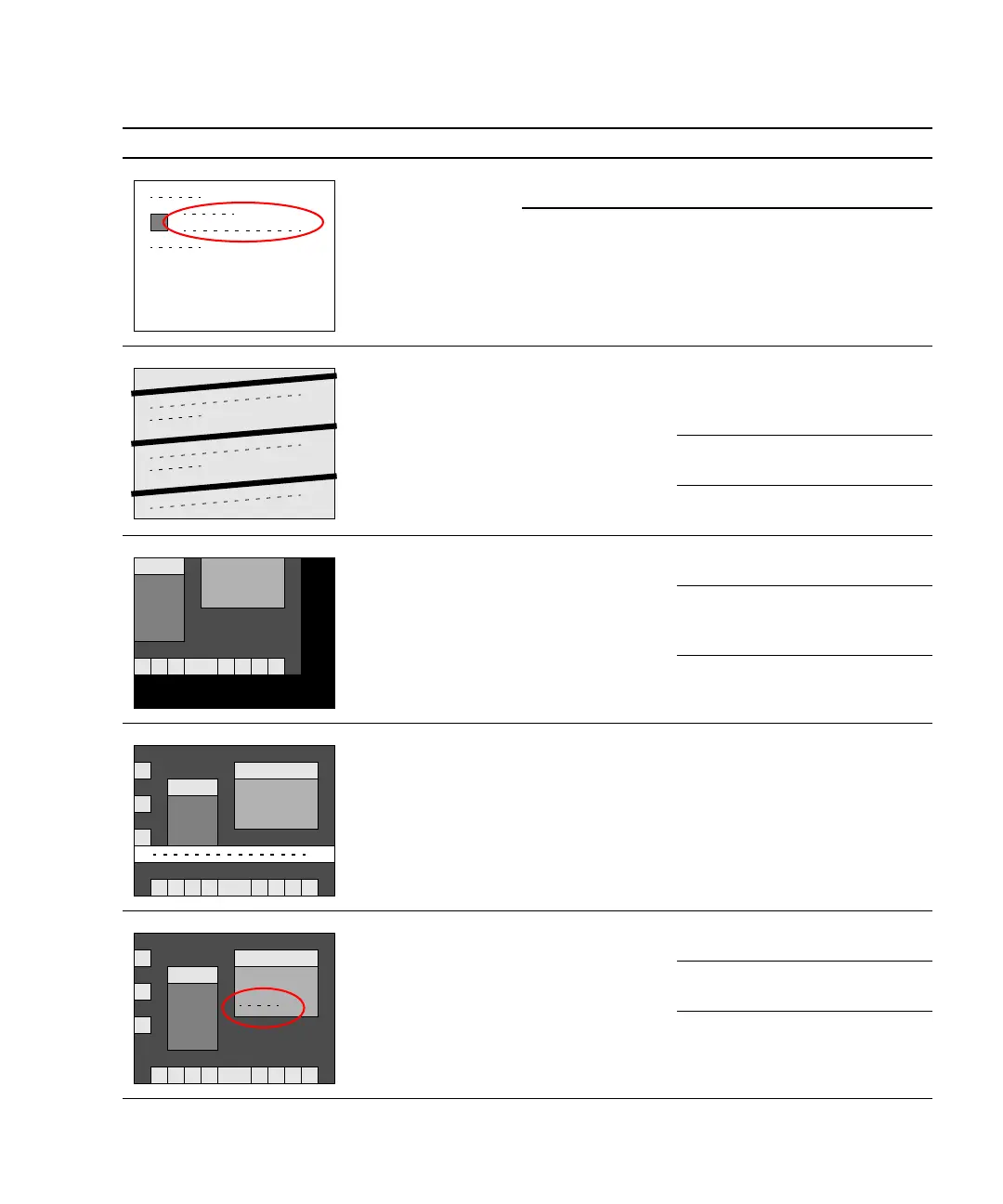
White screen with
banner and text.
Information
displayed in banner
is incorrect.
Corruption of
OpenBoot PROM.
See “OpenBoot PROM
Messages” on page 3-6.
Corruption of
NVRAM.
See “NVRAM Problem” on
page 4-39.
Display has
flickering horizontal
lines.
Monitor sync
problem.
Verify monitor can sync to set
frequency. See
“Graphics
Accelerators” on page C-21. Also
see monitor documentation.
See “Monitor Problem” on
page 4-14.
See “PCI Card Problem” on
page 4-28.
GUI is too small,
too large, or not
centered.
Monitor settings
or sync problem.
Adjust monitor according to
monitor manual.
Verify monitor can sync to set
frequency. See
“Graphics
Accelerators” on page C-21.
See “Monitor Problem” on
page 4-14.
White bar with
black text across
GUI.
Error occurred in
Solaris kernel.
See “Other Messages” on
page 3-11.
Error message in
terminal window.
Error occurred in
process started
from that terminal.
See “Solaris Error Messages” on
page 3-8.
See “Other Messages” on
page 3-11.
See “Graphical User Interface
Problem” on page 4-22.
TABLE 3-1 Screen Images and What They Mean (Continued)
Screen Images Description Meaning Comment














 To Next Page