11-42 Sun Blade 1500 Service, Diagnostics, and Troubleshooting Manual • December 2004
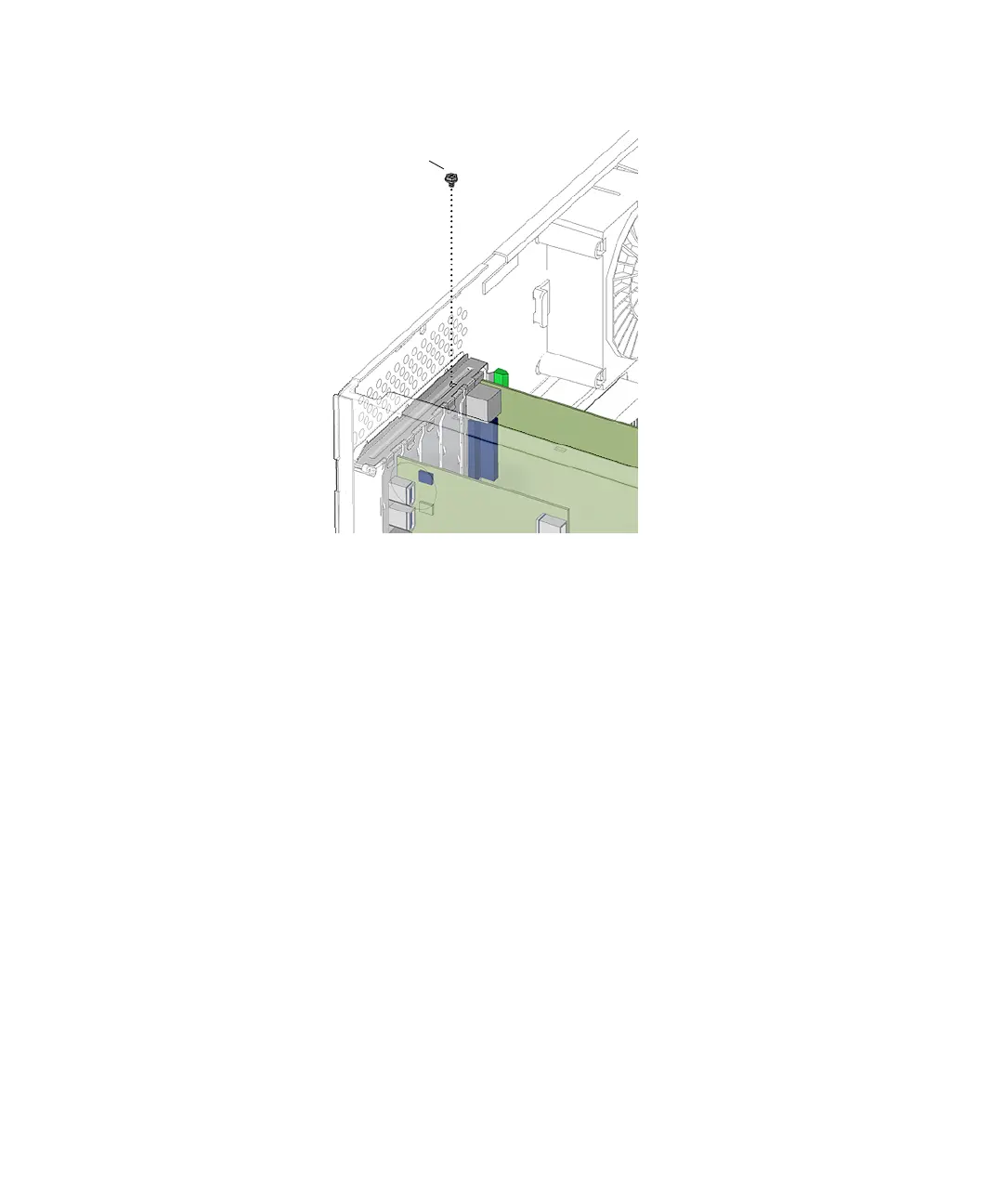
FIGURE 11-40 Fastening the PCI Card Retainer
13. If you installed a PCI card into slot PCI4, install the chassis cross brace according
to the procedure in
“Installing the Chassis Cross Brace” on page 13-53.
14. If you installed PCI cards after installing the motherboard, return to Step 15 of
“Installing the Motherboard” on page 11-50.
15. Swing the PCI card support back down into the chassis.
16. Align the center of the PCI card support fingers with each PCI card.
17. Press the PCI card support toward the motherboard until it clicks in place, fully
closed.
See FIGURE 11-41.
Screw














 To Next Page