4-4 Sun Blade 1500 Service, Diagnostics, and Troubleshooting Manual • December 2004
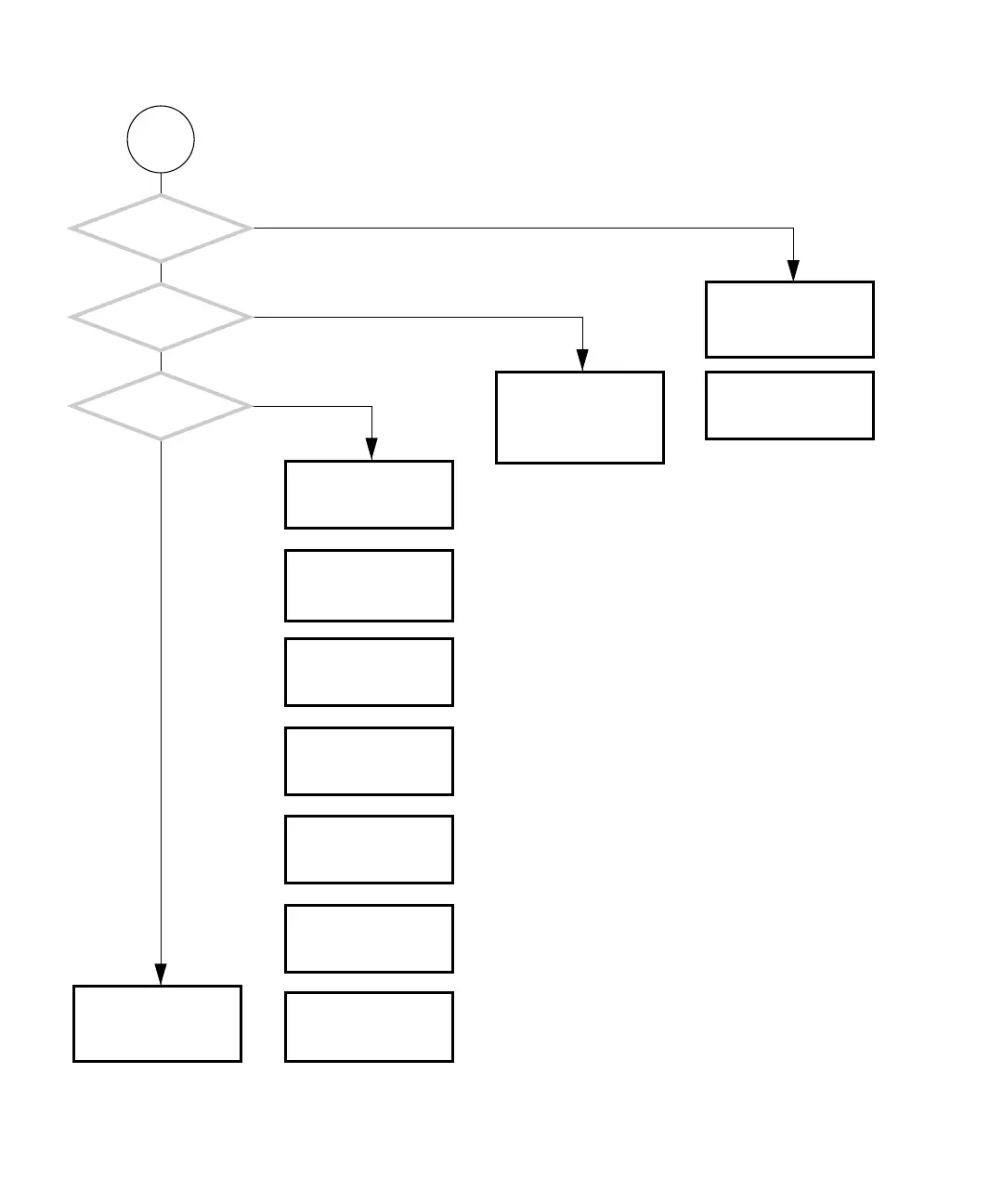
FIGURE 4-2 Power-On Flowchart (Continued)
Next Page
Can you use: the optical
drive, smart card reader,
PCI cards, USB, audio
ports?
Can you access data
and run applications?
Can you interact
with the GUI?
Problem with memory.
See “Memory Problem”
on page 4-37.
Problem with audio. See
“Audio Output Problem”
on page 4-12.
Problem with remote net-
work or servers. See
“Data Access and Run-
ning Applications Prob-
lems” on page 4-23.
Problem with optical
drive. See “Optical Drive
Problem” on page 4-25.
Problem with resources.
See “Graphical User Inter-
face Problem” on
page 4-22.
Problem with network.
See “Network Problem”
on page 4-17.
Problem with USB. See
“USB Problem” on
page 4-10.
Problem with PCI card.
See “PCI Card Problem”
on page 4-28.
Problem with smart card
reader. See “Smart Card
Reader Problem” on
page 4-32.
System is normal. If you
suspect a problem, run
SunVTS. See “SunVTS” on
page 9-1.
Y
N
Y
N
Y
N
Problem with CPU or
motherboard. See “Moth-
erboard Problem” on
page 4-34.
OR
OR
OR
OR
OR
OR
OR














 To Next Page