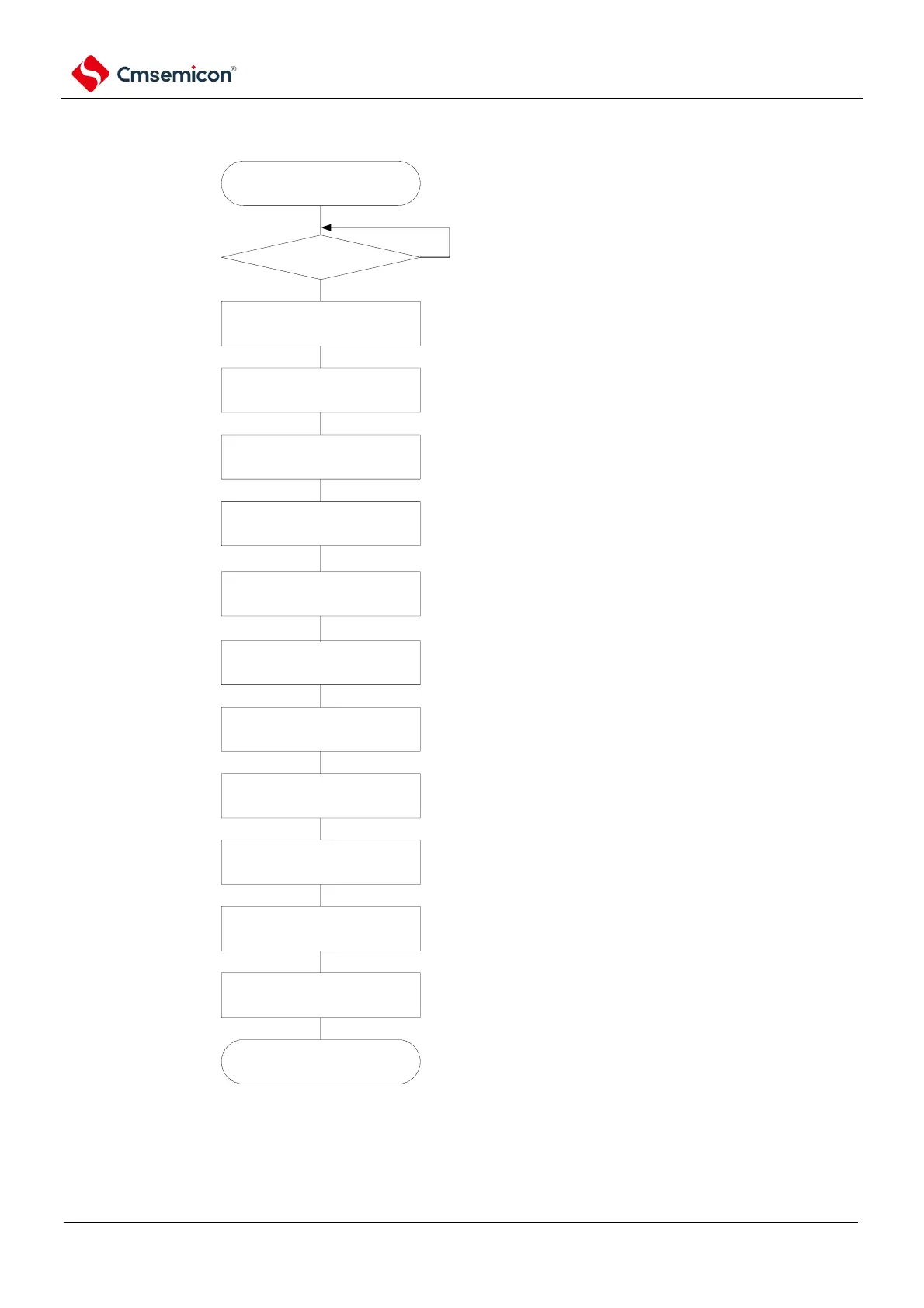
restart configuration starts.
master device
preparation complete?
port operation
modify SPSm register
configuration
Yes
No
wait till commuication target (master device)
stops or communication ends
via Configure port register and port mode
register, set clock output of target channel to
invalid.
re-configure when modifing operational clock
configuration
re-configure when serial mode register mn.
re-configure when serial communication
operation configuration register mn.
modify SMRmn register
configuration
modify SCRmn register
configuration
modify SOEm register
configuration
modify SOm register
configuration
modify SOEm register
configuration
port operation
write into SSm register
via Configure port register and port mode
register, set data output of target channel to
valid.
set SSmn bit of target channel to "1"
(Semn=1, configure as operation enable
state).
restart configuration
completes.
set SOEmn bit to "0", stop output of target
channel
set SOEmn bit to "0", stop output of target
channel
set SOEmn bit to 1, enable target channel
data otuput
clear error flag
when OVF flag remains at set state, erase via
serail flag clear trigger register mn(SIRmn).
start communication
configure transmit data to SIOp register(bit
7~0 of register SDRmn), wait for master
device clock.
(mandatory)
(mandatory)
(selection)
(selection)
(selection)
(selection)
(selection)
(selection)
(mandatory)
(selection)
(mandatory)
(mandatory)
Note 1 Before the master device starts to output the clock, data must be sent to the SIOp register settings.
2. If you override PER0 in the abort setting to stop the clock, you must wait until the communication object (the
master device) stops or the communication is over to make the initial setting instead of the restart setting.



 To Next Page