4-26 Sun Blade 1500 Service, Diagnostics, and Troubleshooting Manual • December 2004
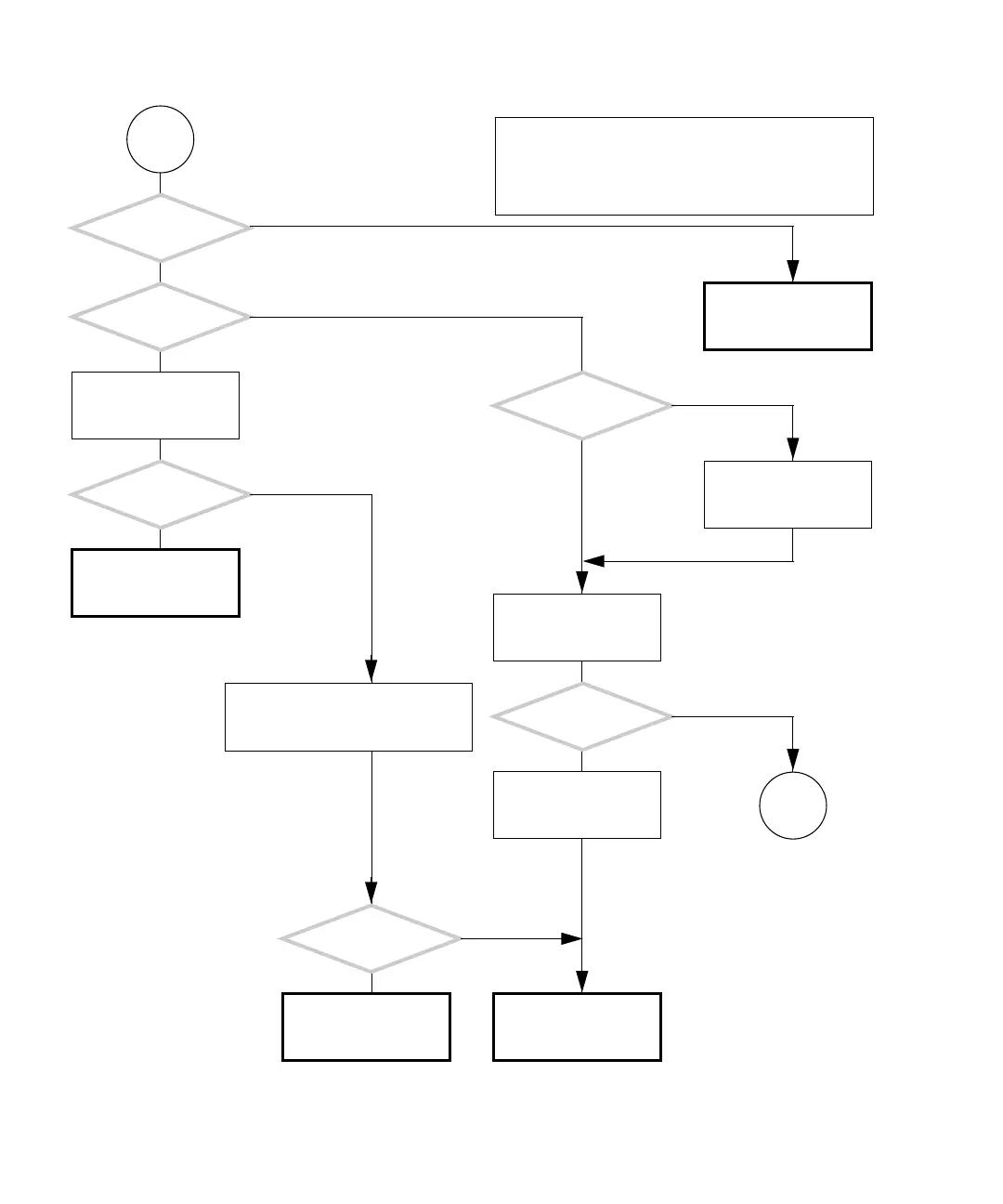
FIGURE 4-22 Optical Drive Problem (Continued)
H
Does the optical
drive sound like that of a
known good system?
Refer to audio responses
table. See “Audio
Responses” on page 3-12.
Is the
operating system
running?
Check if vold is running,
type:
ps -ef |grep vold
Is vold running?
Start the volume manager. As supe-
ruser, type:
# /etc/init.d/volmgt start
Check the optical drive
with SunVTS. See “Sun-
VTS” on page 9-1.
Can you read from the
optical drive?
Return to “Power-On
Flowchart” on page 4-3.
Are the manufacturer
and model of the optical
drive displayed?
Is the ok prompt
displayed?
Type:
ok probe-ide
Press the Stop-A keys.
Check the optical drive
with SunVTS. See “Sun-
VTS” on page 9-1.
Type boot to start the
operating system.
Y
N
Y
N
Y
N
Y
N
Y
N
Y
N
Try other optical media discs before replacing the optical
drive, as the problem disc might be dirty, have scratches,
or cracks.
Checking a component means checking the electrical con-
nections and fit.
Go to
J














 To Next Page