Chapter 4 Troubleshooting Flowcharts 4-27
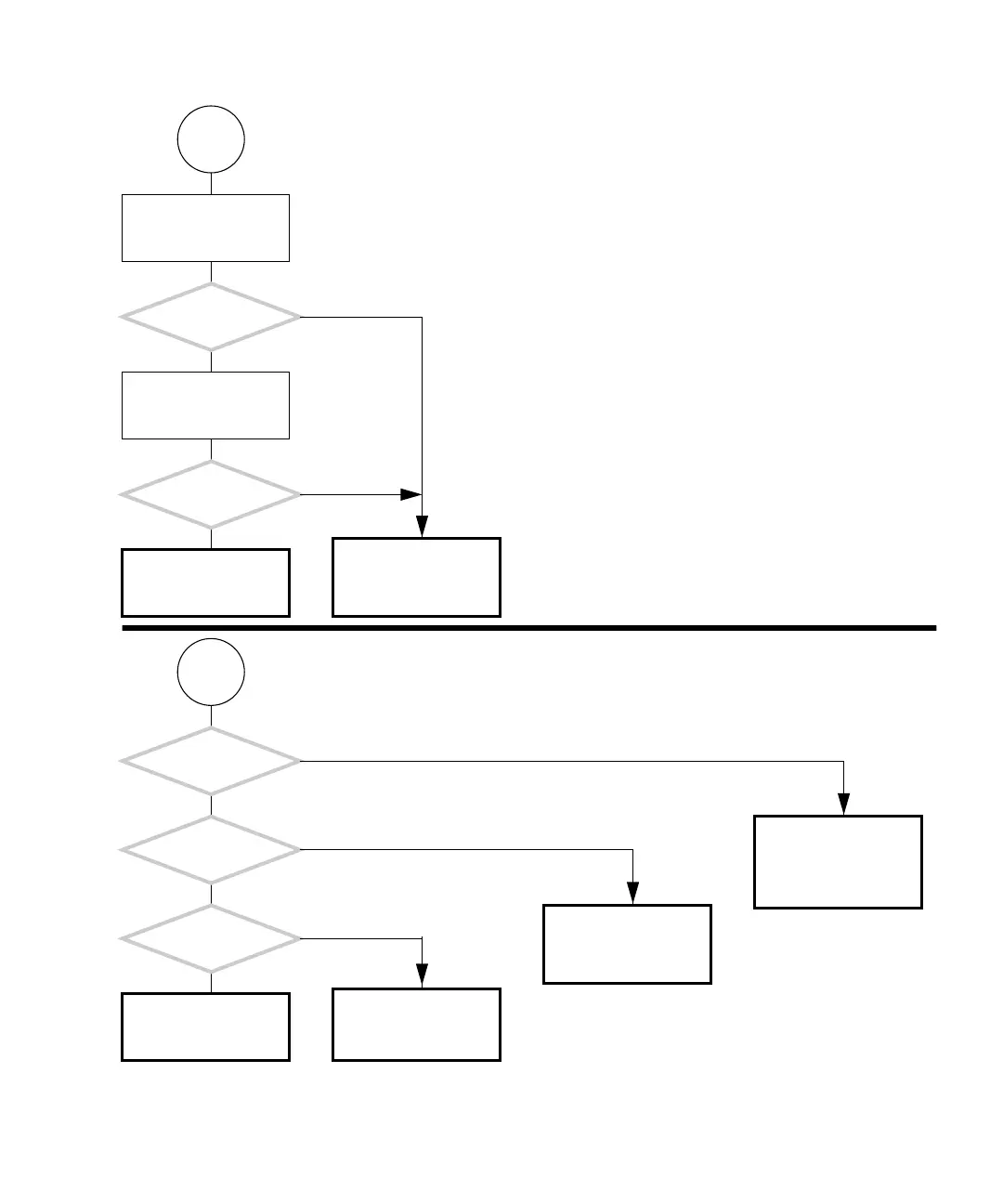
FIGURE 4-23 Optical Drive Problem (Continued)
I
Return to “Power-On
Flowchart” on page 4-3.
Remove the disc and
press the Eject button to
close the tray.
Type:
eject cdrom
Did the optical
drive tray close?
Did the optical
drive tray open?
J
Did
you check or replace
the motherboard?
Did
you check or replace
the optical drive?
Did you check or
replace the optical drive
signal or power cable?
Check the optical drive
and replace if necessary.
See “Replacing the Opti-
cal Drive” on page 12-9.
Check motherboard and
replace if necessary. See
“Motherboard Problem”
on page 4-34.
Return to “Power-On
Flowchart” on page 4-3.
Y
N
Y
N
Y
N
Y
N
Y
N
Check the optical drive
cable and replace if nec-
essary. See “Replacing
the Optical Drive Inter-
face Cable” on page 14-6.
Check the optical drive
and replace if necessary.
See “Replacing the Opti-
cal Drive” on page 12-9.














 To Next Page