10-10 Sun Blade 1500 Service, Diagnostics, and Troubleshooting Manual • December 2004
3. Manually synchronize the system.
As superuser at a terminal window, type:
Use the sync command when powering off a workstation to maintain file system
integrity. The command flushes all previously unwritten system buffers out to the
drive. Refer to the sync man page for additional information.
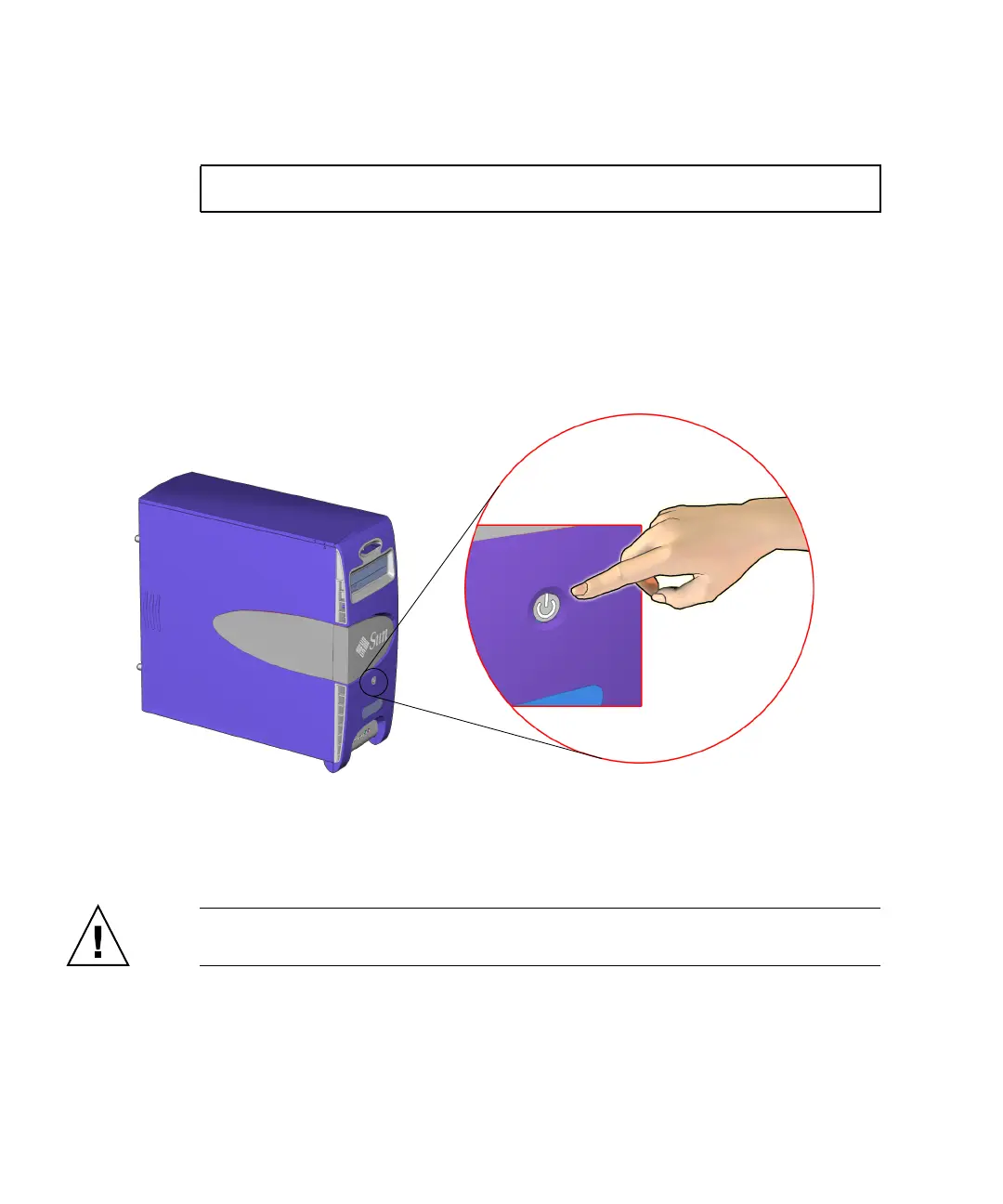
4. Press and hold the Power button for five seconds.
See FIGURE 10-4.
FIGURE 10-4 Pressing the Power Button
This abruptly stops all applications, tools, system processes. All unsaved data
changes are lost. The workstation is powered off.
Caution – A forced shutdown can corrupt your data and system files if it is
performed before the system is synchronized.
5. Verify that the power is off.
Check that the system fans are not spinning.
# sync
Power button














 To Next Page