Chapter 10 Preparing to Replace Components 10-11
6. Power off and disconnect all attached external peripherals.
See FIGURE 10-3.
Though you have powered off your workstation, you have not removed all power
from your workstation.
Caution – Pressing the Power button does not remove all power from the system.
Standby power remains until the power cord is removed.
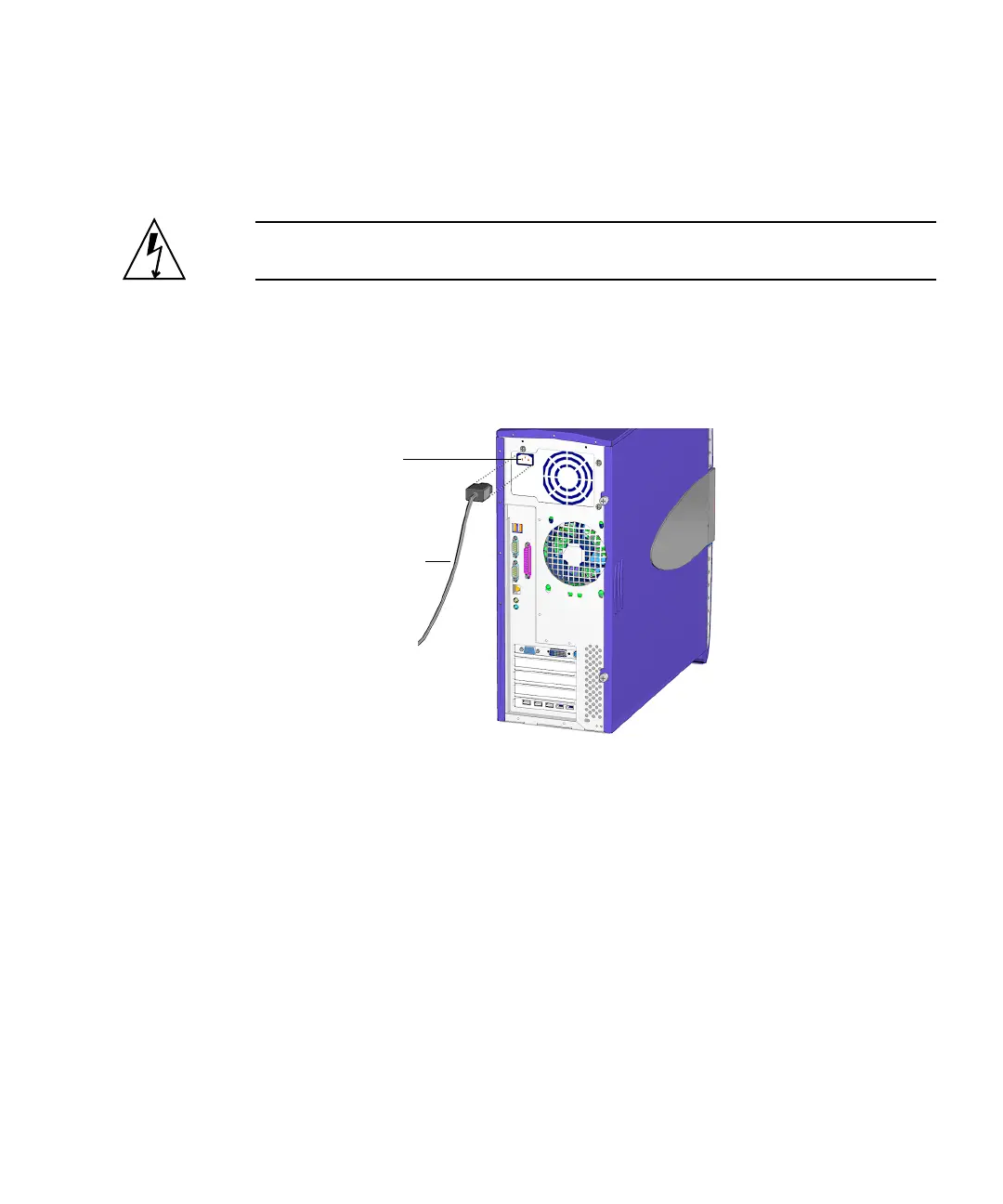
7. Remove all power to the workstation.
Disconnect the power cord from the system to reduce risk of electric shock. See
FIGURE 10-5.
FIGURE 10-5 Removing the Power Cord
When the system is powered off, then it is safe to open the workstation to gain
access to internal components.
Proceed to “Removing the Access Panel” on page 10-12.
IEC-320
connector
Power cord














 To Next Page