CLI Commands
4.8 H
SCALANCE W1750D CLI
Function Manual, 03/2019, C79000-G8976-C452-04
119
Syntax
hash-mgmt-user <username> password {{cleartext <cleartext_password>}| {hash
<hash_password>}} [usertype <type>]
no...
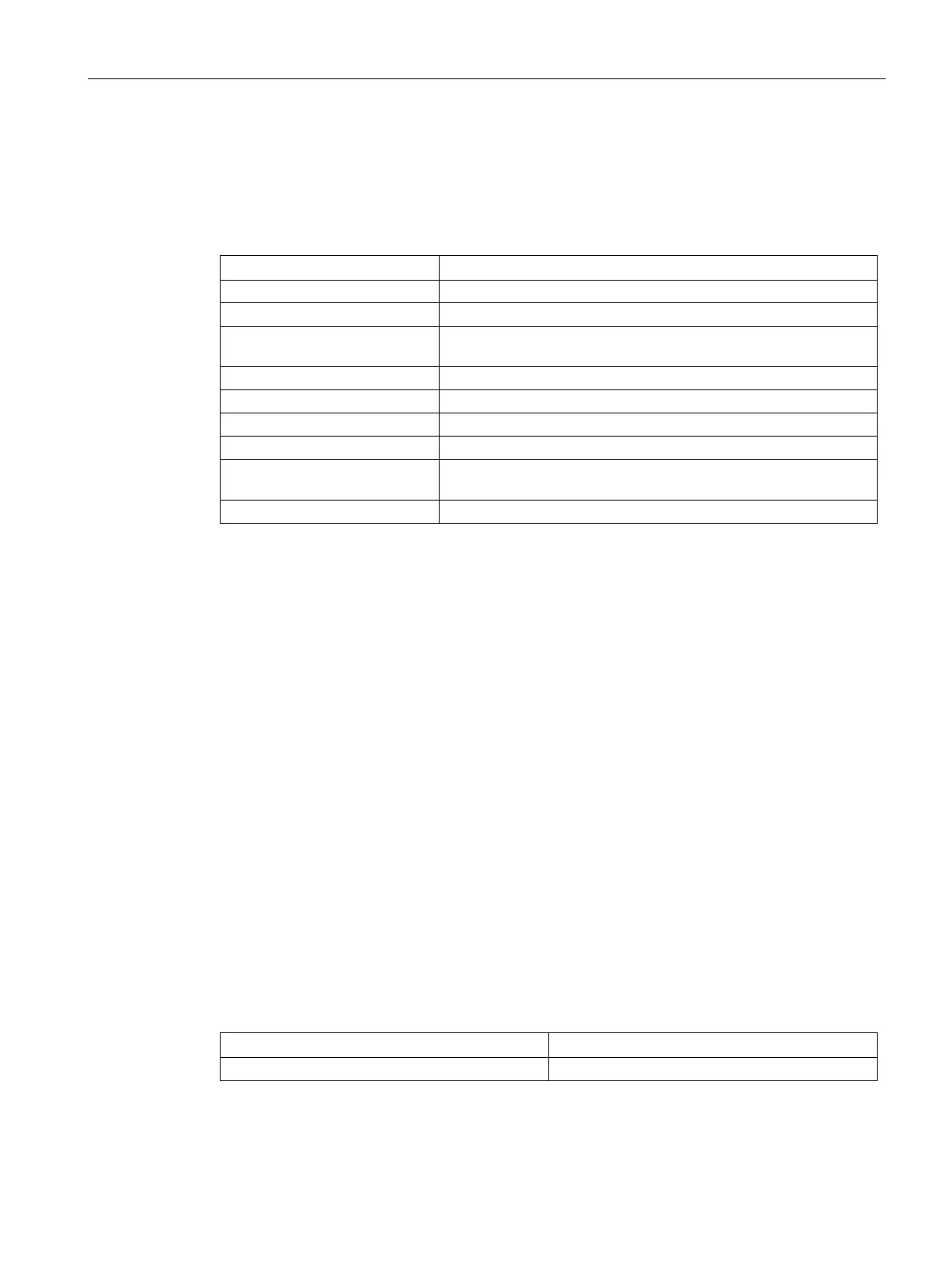
Indicates the username of the management user.
Indicates the management user password.
Indicates if a user will enable clear text as the password input
Indicates the password in plain text format.
Indicates that the input password is in hash format.
Indicates the password in hash format.
Indicates the type of management user.
Indicates the type of management user. For example, users with
guest-management, local, or read-only privilege.
Removes the management user configuration.
Usage Guidelines
Use this command to configure management user credentials to access and configure the
AP. After you configure the
hash-mgmt-password command, the mgmt-user command will
no longer be valid. You will be directed to this command for management user configuration.
Example
The following example adds a management user with read-only privilege:
(scalance)(config) # hash-mgmt-user john password cleartext password01 usertype read-
only
(scalance)(config) # end
(scalance) # commit apply
The following examples removes a management user with read-only privilege:
(scalance)(config) # no hash-mgmt-user read-only
(scalance)(config) # end
(scalance) # commit apply
Command Information



 To Next Page