SCALANCE W CLI
3.2 Command Line Editing
SCALANCE W1750D CLI
Function Manual, 03/2019, C79000-G8976-C452-04
23
3.2 Command Line Editing
The system records your most recently entered commands. You can review the history of
your actions, or reissue a recent command easily, without having to retype it.
To view items in the command history, use the
up
arrow key to move back through the list
and the
down
arrow key to move forward. To reissue a specific command, press Enter when
the command appears in the command history. You can also use the command line editing
feature to make changes to the command prior to entering it. The command line editing
feature allows you to make corrections or changes to a command without retyping. The
following table lists the editing controls. To use key shortcuts, press and hold the
Ctrl button
while you press a letter key.
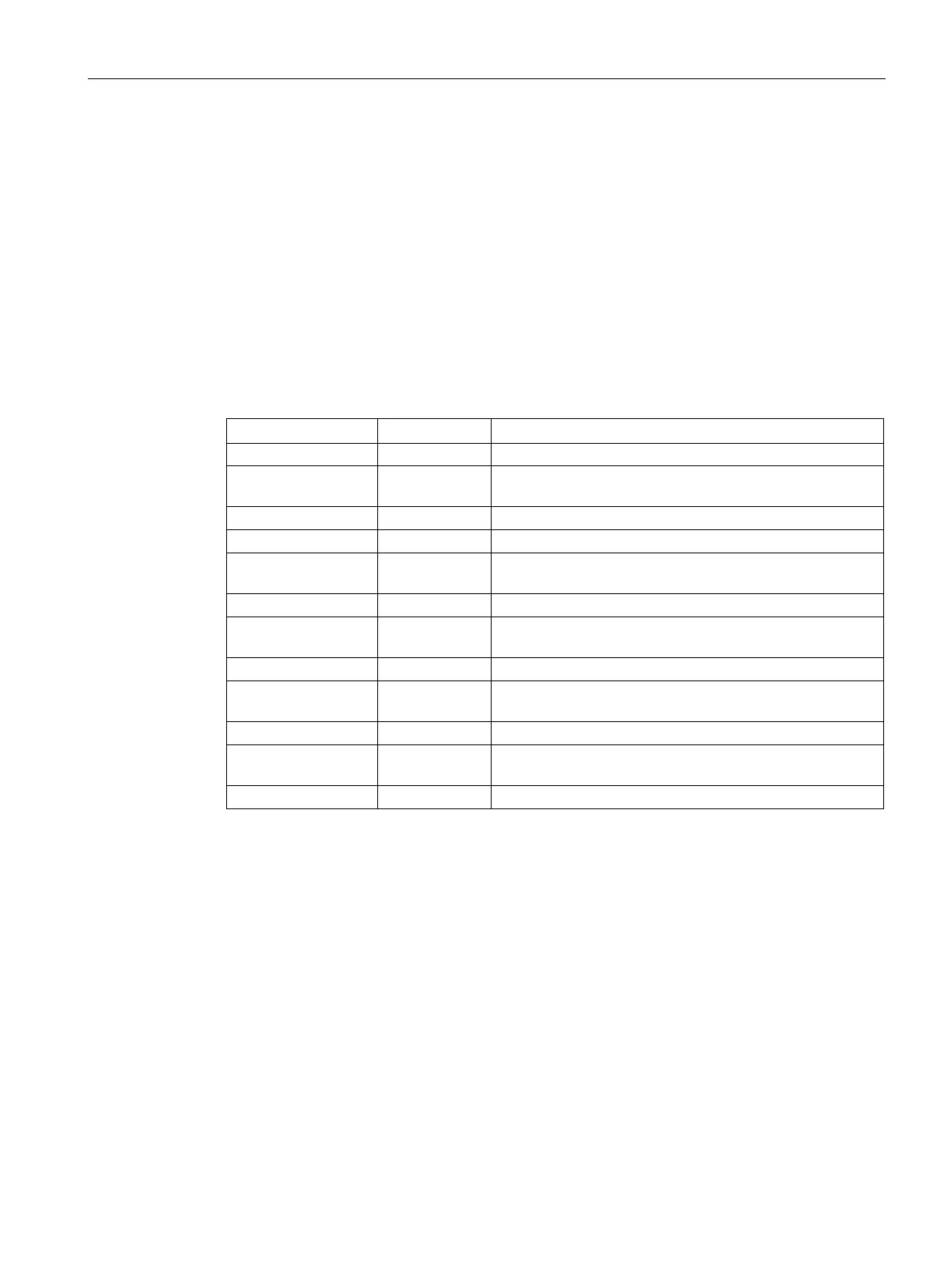
Table 3- 2 Line Editing Keys
Move the cursor to the beginning of the line.
or the left ar-
Back Move the cursor one character left.
Delete the character to the right of the cursor.
End Move the cursor to the end of the line.
or the right
Forward Move the cursor one character right.
Delete all characters to the right of the cursor.
or the down
Next Display the next command in the command history.
Display the previous command in the command history.
Transpose Swap the character to the left of the cursor with the charac-
ter to the right of the cursor.
Delete Word Delete the characters from the cursor up to and including
the first space encountered.
Delete all characters to the left of the cursor.










 To Next Page