7.7 Imporng Studies or Series f
or Review
You can import studies or series from a network locaon, a CD or DVD, or a USB device for review on
the system.
7.7.1 Imporng Studies or Series from a Network Locaon
1 Open the paent database.
2 Click the network locaon that you want to import from.
A search panel is displayed, allowing you to nd the paent and study you are looking for.
3 Enter some appropriate search terms and click Search.
A paent list is displayed showing studies matching your search criteria.
4 Select the desired paent study in the list.
The study details are displayed below the paent list.
5 To import the whole study, click Import.
6 To import a series from the study, click the Series tab.
The available series are displayed. No previews are shown in the pictorials as the series are not in
the local paent database.
7 Select the series you want to import.
8 Click Import.
When the import process is complete, a preview image is displayed in the pictorial.
9 If you want to cancel the import process, click Stop.
7.7.2 Imporng Studies and Series from USB Device, CD, or DVD
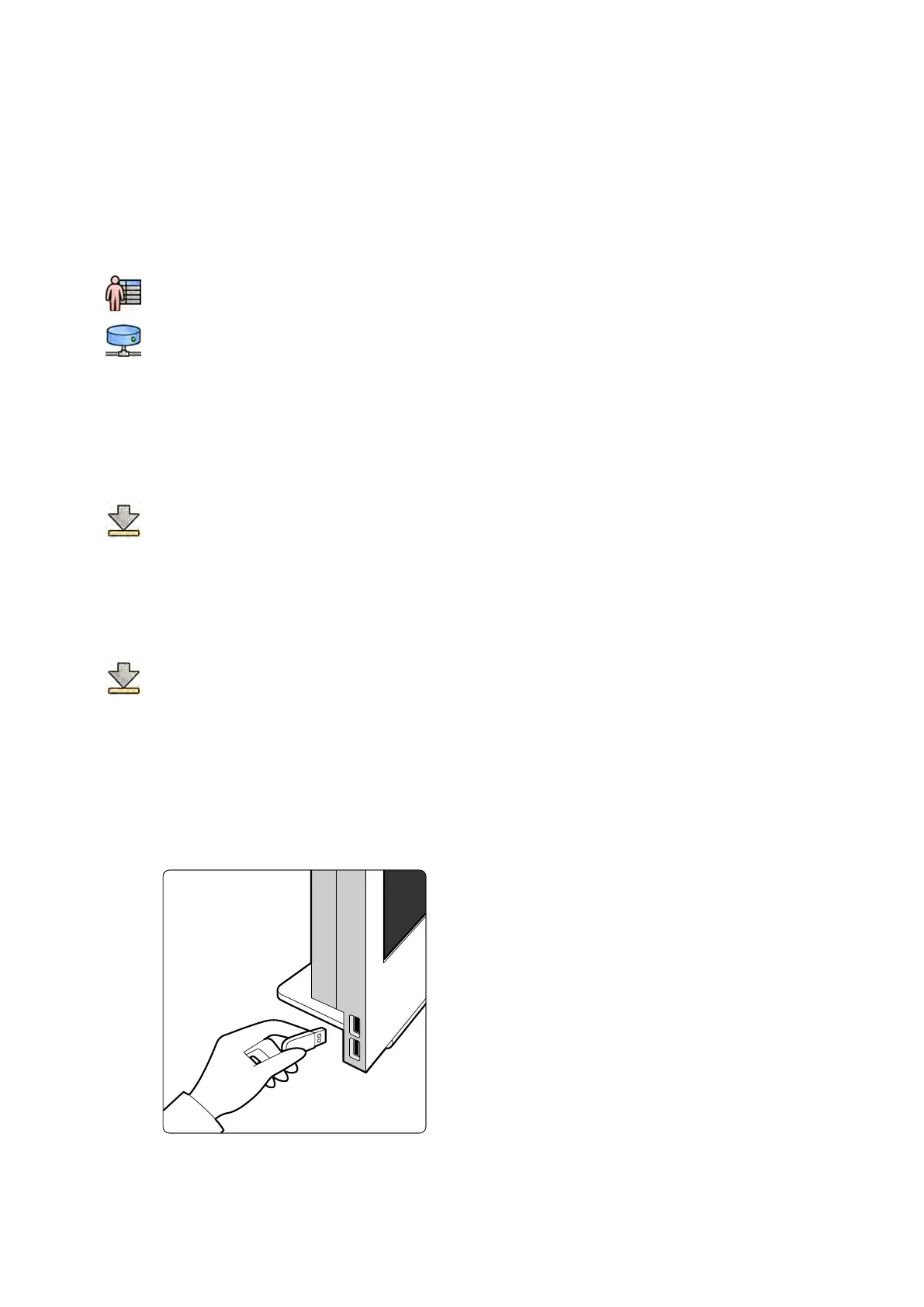
1 If you are imporng from a USB device, insert the device into one of the USB ports on the monitor
in the control room.
Figure 68 Inserng a USB ash memor
y drive
2 If you are imporng from a CD or DVD, insert the disc into the CD/DVD drive.
Reviewing Imporng Studies or Series f
or Review
Azurion Release 1.2 Ins
trucons for Use 122 Philips Healthcare 4522 203 52421



 To Next Page