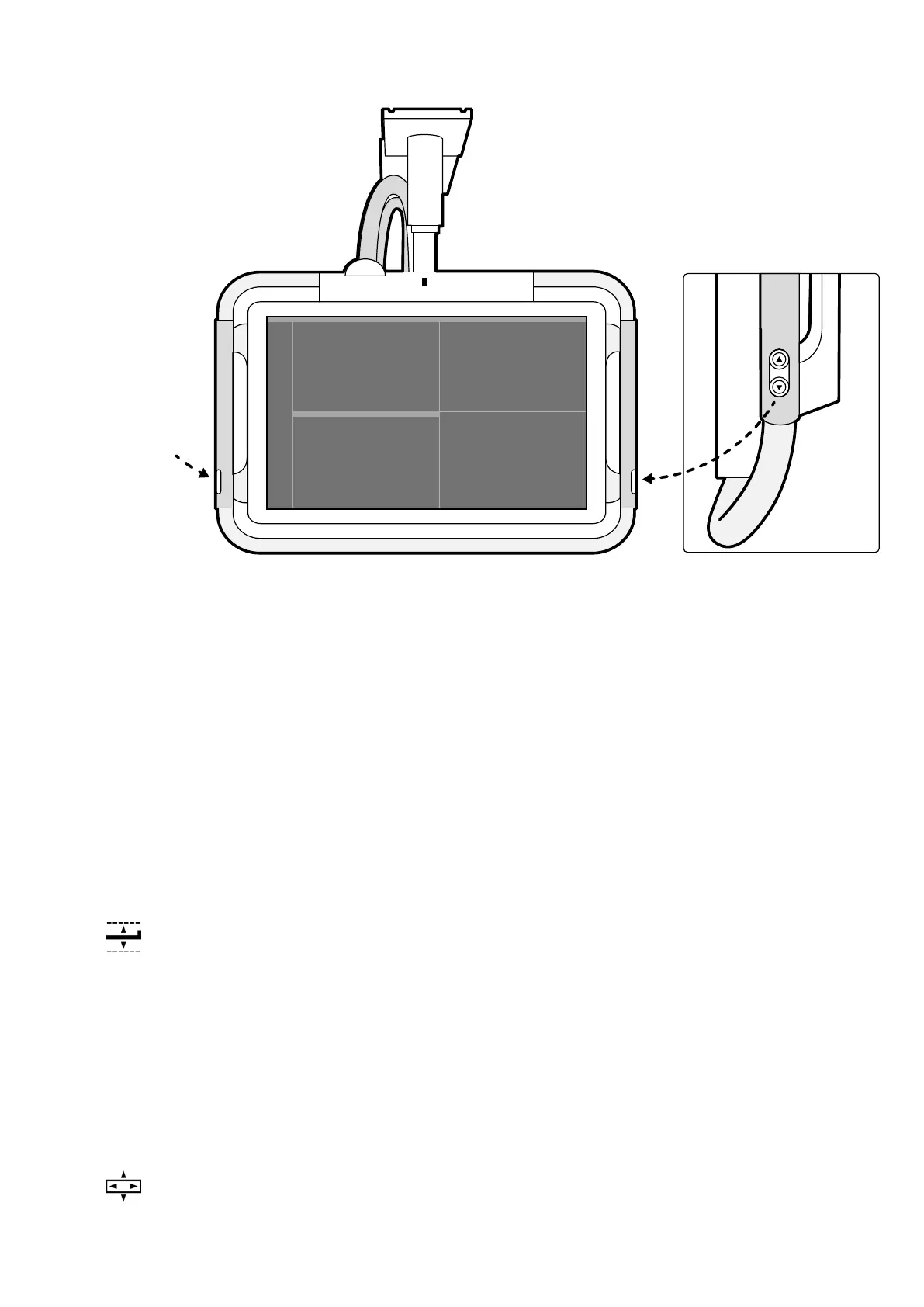
Figure 35 Monit
or ceiling suspension height movement buons
2 Push or pull the handgrip to adjust the X and Y posion of the monitor ceiling suspension.
3 Push or pull the handgrip to rotate the monitor ceiling suspension.
5.9.6 Posioning the Table
These secons provide guidance on using the table posioning funcons.
Adjusng the Table Height
You can adjust the height of the table to ensure the region of interest is in the appropriate posion.
For more informaon about posioning the region of interest in the isocenter, see
Isocentering (page 90).
1 Clear all objects from the path of the table.
2 Using the control module, adjust the table height unl the region of interest is in the middle of the
eld of view.
This can be aided with uoroscopy.
Floang the Tabletop
You can oat the tabletop laterally and longitudinally to assist in posioning the region of interest.
Depending on your system conguraon, lateral and longitudinal movements may be manual or
motorized.
1 Clear all objects from the path of the table.
2 Using the control module, oat the table and center the region of interest in the middle of the eld
of view.
Preparing a P
aent Study Preparing the System
Azurion Release 1.2 Ins
trucons for Use 61 Philips Healthcare 4522 203 52421



 To Next Page