3.1.2 FlexVision (Opon)
Fle
xVision is a single ultra-high-denion monitor situated in the examinaon room.
FlexVision allows you to display and control mulple applicaons in individual windows. The
applicaons that are available depend on the conguraon, but you can customize the layout of the
windows. You can apply predened screen layouts (presets) or modify the layout during the procedure.
For more informaon about selecng a preset for use and managing presets, see Selecng a Dierent
Preset for FlexVision (page 92) and Managing Presets for FlexVision Using the Touch Screen
Module (page 219).
3.1.3 FlexMove (Opon)
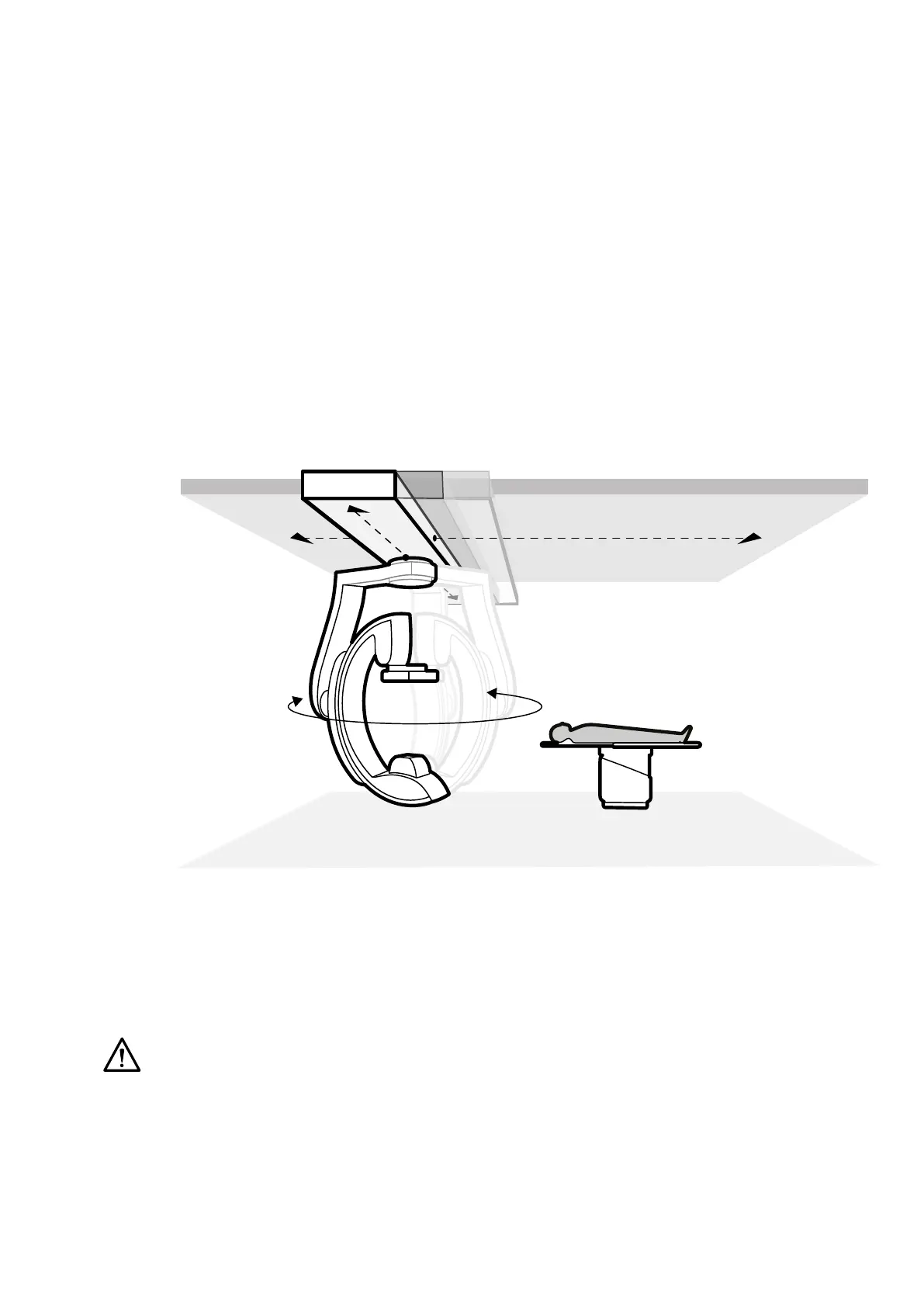
FlexMove allows you to park the C-arm in a stand-by posion and then move it into posion when
needed during the procedure.
If the FlexMove opon is installed, the C-arm moves longitudinally and laterally on ceiling-mounted
rails. For more informaon, see FlexMove (page 58).
Figure 5 Fle
xMove opon
3.1.4 Collision Prevenon (BodyGuard)
The BodyGuard collision prevenon system protects the paent by slowing system movement speeds
when an object is sensed within a certain safety distance.
CAUTION
If a c
ollision occurs involving any part of the system, contact technical support.
If a collision occurs that causes any equipment cover to break or become detached, you should do the
f
ollowing:
• Finish the case
• Switch o the power
• Contact technical support
About the System Equipment in the Ex
aminaon Room
Azurion Release 1.2 Ins
trucons for Use 28 Philips Healthcare 4522 203 52421



 To Next Page