To prevent the risk of pinched ng
ers for the paent, motorized tabletop movements stop at a distance
of at least 2.5 cm between the stand and the tabletop. This is applicable for paents up to the
maximum paent weight on the table, except during motorized movement in override mode.
Tabletop - X-ray Tube Clearance
The iCP funcon prevents collisions between the X-ray tube and the tabletop. To allow steep angle
projecons, iCP does not prohibit movements of the stand or table when the clearance between the X-
ray tube and the boom side of the tabletop is more than 2 cm (except for the area at the p with a
risk of pinched ngers).
Stand - Table Clearance (XY)
The iCP funcon prevents collisions between the stand and the table. Ensure that no part of the paent
can become jammed between the stand and tabletop and that the stand does not collide with the
tabletop during motorized movement of the stand. When the stand is posioned away from the stored
posion, the L-arm may rotate during posion recall movements, and there is a possibility that it may
hit the tabletop.
Stand - Airow Channel Clearance (XY)
The iCP funcon prevents collisions between the stand and the airow channel. The posion of the
stand (propeller or roll angle) is taken into consideraon.
3.1.7 Paent Table
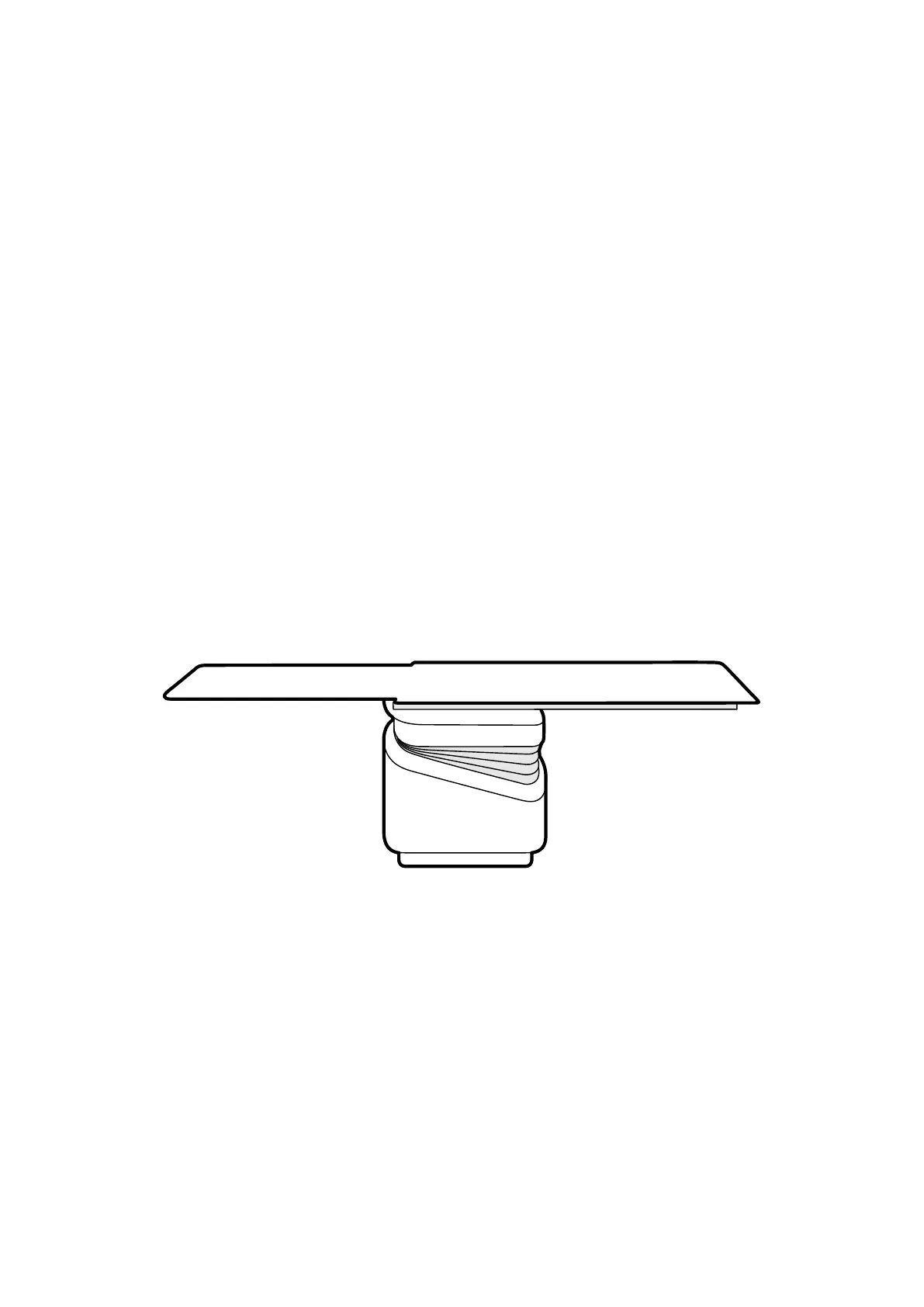
The paent table allows you to posion the paent in several dierent ways to suit the procedure that
you are performing.
Figure 6 P
aent table
Available movements depend on the type of table and the congured opons:
• Manual or motorized tabletop oat for longitudinal and lateral movements
• Height adjustment
• Tilng (when the table is lted, longitudinal oat movements are motorized, while lateral
movements can sll be performed manually)
• Cradling
• Pivong
• Swiveling
Table movements are controlled using the control module. Some of these funcons may not be
available on your system. For more informaon, see Posioning the Table (page 61).
The paent table has an accessory rail that is used to mount addional equipment such as the control
module, touch screen module, and radiaon shields.
About the System Equipment in the Ex
aminaon Room
Azurion Release 1.2 Ins
trucons for Use 32 Philips Healthcare 4522 203 52421



 To Next Page