Legend Descripon
12
Table lt
1
The table lt angle.
13
Table cradle
1
The table cradle angle.
14
Table pivot
1
The table pivot angle.
15 - System in
formaon System informaon, warnings, and error messages.
16 - X-ray protocol The selected procedure sengs.
17 - Dose model For more informaon, see Dose Model (page 388).
18 -
Air kerma in skin area
rate
2
Displays the air kerma rate (mGy/min).
19 - Cumulave air k
erma Displays the cumulave air kerma (mGy).
20 - Dose area product
Displays the cumulav
e dose area product (Gy cm
2
).
21 - Total uoroscopy me Displays the total uoroscopy me.
22
System me / s
top-
watch
Displays the system me. If the stopwatch is acve, the stopwatch me is
displayed.
1
If a c
ollision is detected, this secon in the status area displays collision detecon warnings and icons.
2
Only displayed if the thorax region is selected.
18.5.2 Status Area - Biplane System
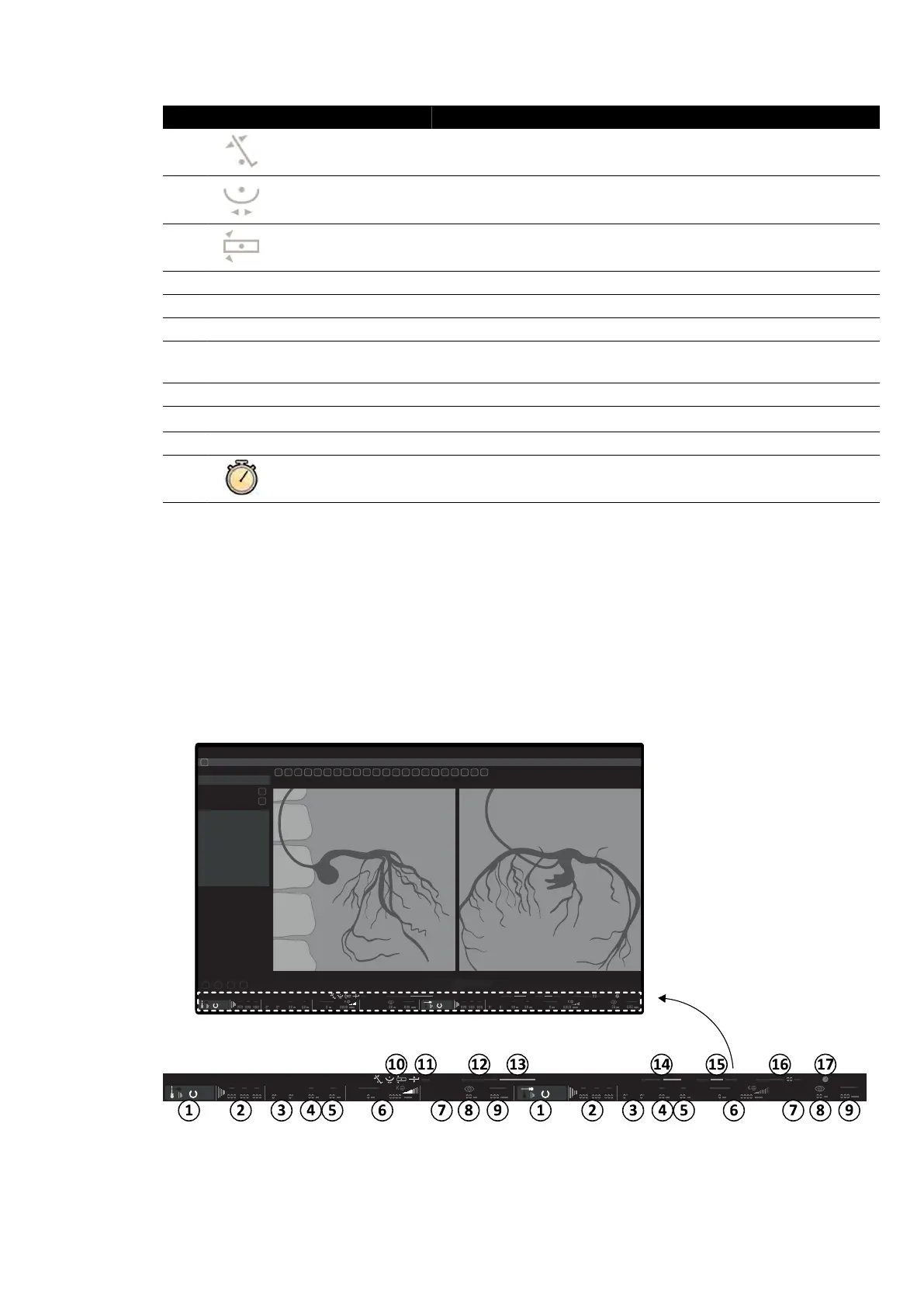
On a biplane system, the status area is visible on the acquision window in the control room. In the
examinaon room, the status bar is split across the live X-ray window and reference window.
Status Area in the Control Room (Biplane System)
Figure 187 Status area in the control room acquision window
Quick Reference Status Area
Azurion Release 1.2 Ins
trucons for Use 362 Philips Healthcare 4522 203 52421



 To Next Page