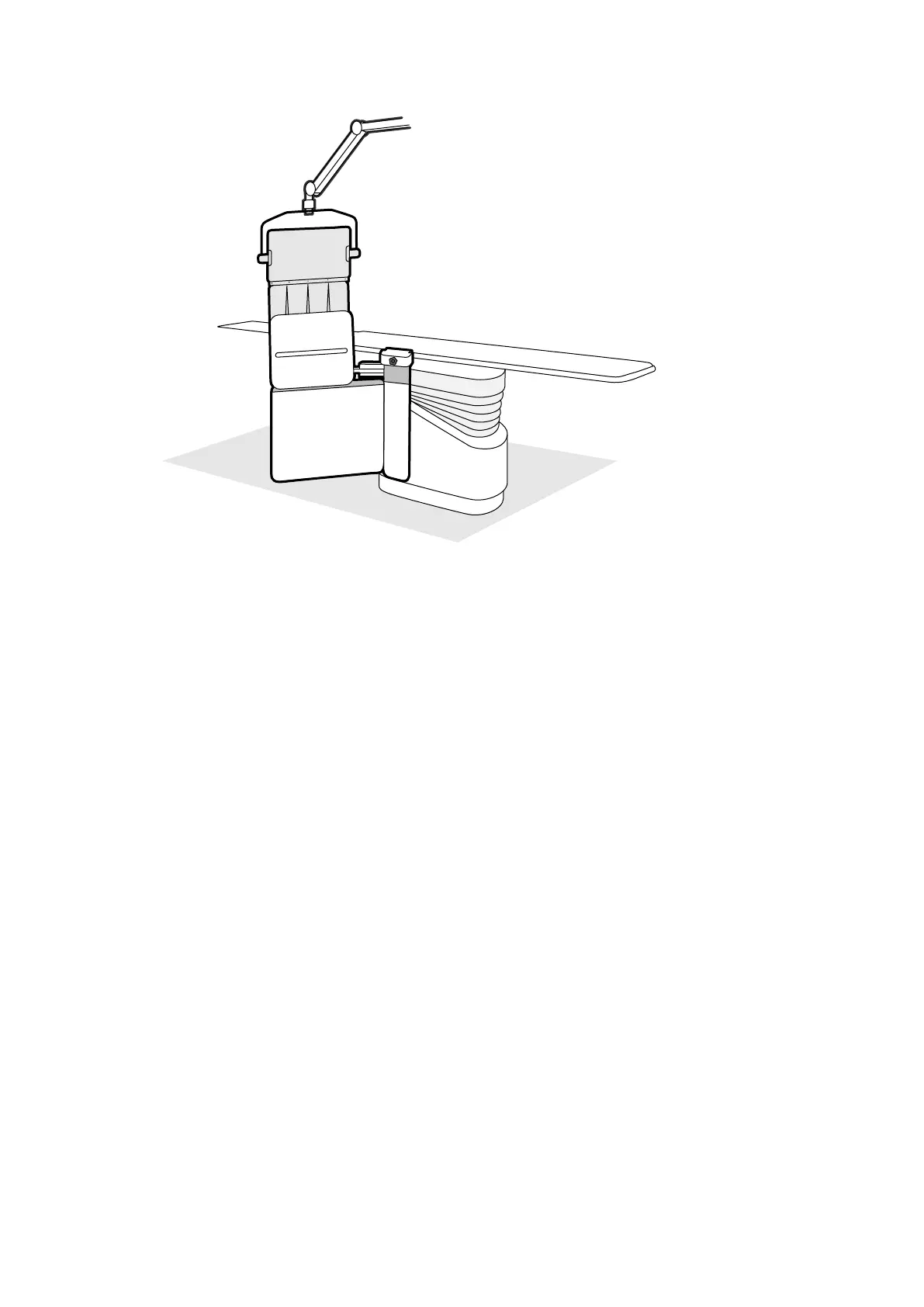
Figure 41 Combined use of the r
adiaon shields
Before using the radiaon shield, check that the shielding material is not damaged. The shield should
be free from visible cracks and tears when examined using uoroscopy. It is strongly recommended to
perform this check on a regular basis and whenever there is a possibility that the shield may have been
damaged.
Remove the table-mounted radiaon shield from the table accessory rail before lng or cradling the
tabletop, as it may come loose during the movement. When the tabletop is cradled, the protecon
provided by the table-mounted radiaon shield is reduced.
Collisions may occur with the radiaon shields when posioning the C-arm or the monitor ceiling
suspension. Take care to avoid collisions as this may damage the equipment.
Aaching and Posioning the Table-Mounted Radiaon Shield
NOTE Do not t the table-mounted radiaon shield to the addional table accessory rail.
1 If desired, place a sterile bag over the radiaon shield and apron.
2 Hold the radiaon shield with your right hand on the clamping device and your le hand on the
arm of the shield.
3 Slide the jaws of the clamping device on to the tabletop accessory rail.
4 Turn the knob of the clamping device clockwise to clamp the radiaon shield to the accessory rail.
Preparing a P
aent Study Preparing the System
Azurion Release 1.2 Ins
trucons for Use 66 Philips Healthcare 4522 203 52421



 To Next Page