Guidance for QCA and QVA
•
Prevent foreshortening of objects by using projecons where the object under analysis is in a plane
parallel to the image detector.
• Avoid imaging with strong noise, background structures, or overlapping vessels.
• Avoid imaging at 50/60 fps as the decreased resoluon in these images aects the accuracy of the
results.
Guidance for LVA and RVA
• Use an acquision speed of at least 15 fps to allow selecon of images from non-ectopic beats and
in a proper end-diastolic and end-systolic phase.
• Acquire images from angles as prescribed for the various volume and wall moon methods.
• Instruct the paent in the use of breath-holding techniques for acquision of images for wall
moon analysis.
10.3 Starng 2D Quantave Analysis
1 Click the Processing task to display the image processing tools.
2 Click Measurements to display the Measurements task panel.
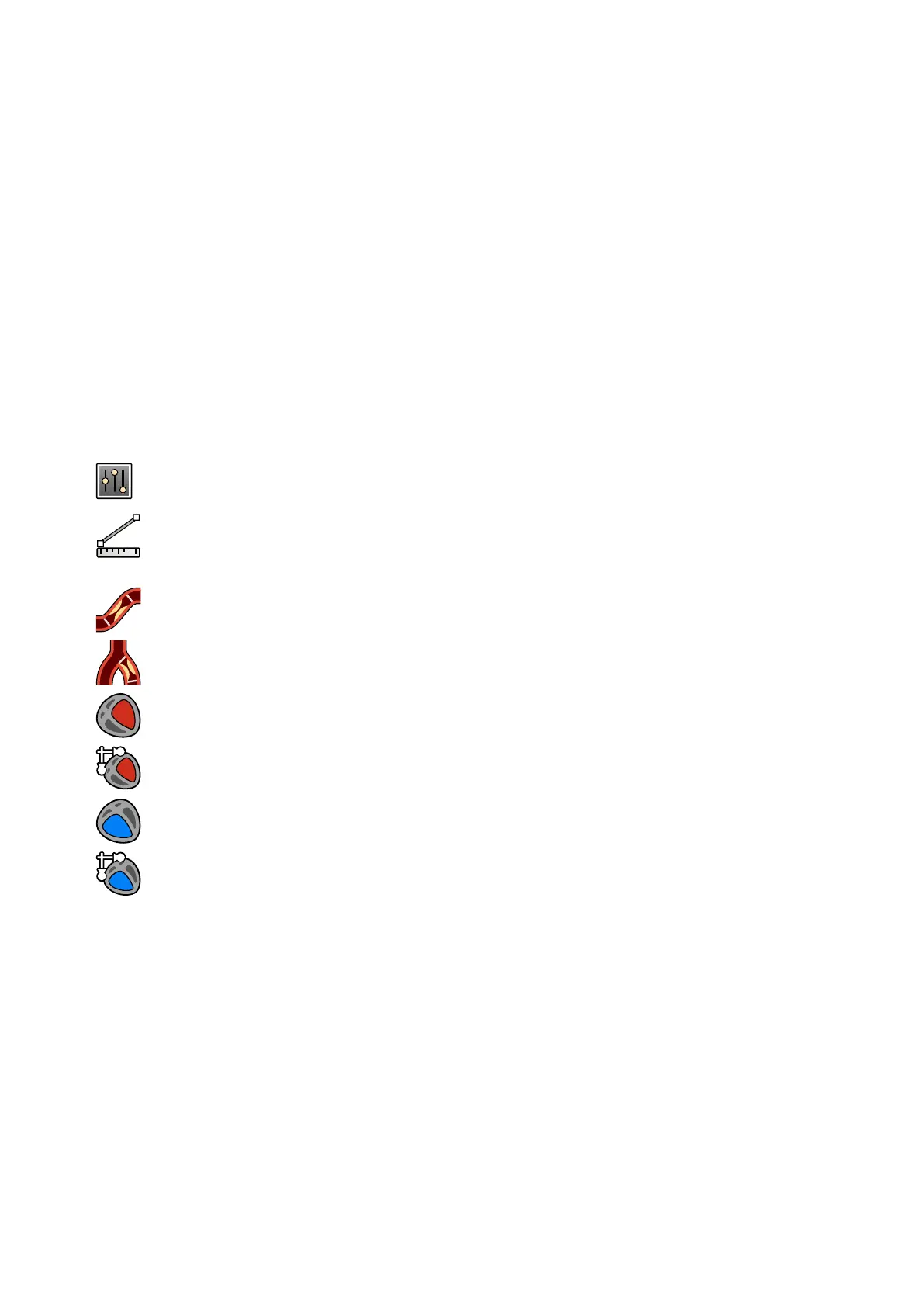
3 In the Open Analysis Tool secon, click the desired analysis tool buon to start the analysis.
• Quantave Coronary Analysis
• Quantave Vascular Analysis
• Le Ventricular Analysis
• Biplane Le Ventricular Analysis
• Right Ventricular Analysis
• Biplane Right Ventricular Analysis
NOTE To open only the frontal image or the lateral image of a biplane series in an analysis
applic
aon, right-click the image, point to Open With, and then click a monoplane
applicaon.
10.4 Calibraon Guidelines
A projecon of an anatomical object on an X-ray detector is geometrically magnied. If you want to
perform a realisc measurement in the corresponding X-ray image, you have to compensate for that
magnicaon. This is done through performing a calibraon on the X-ray image, and determining a
calibraon factor (CF) in units of millimeter/pixel.
There are two main types of calibraon:
2D Quant
ave Analysis (Opon) Starng 2D Quantave Analysis
Azurion Release 1.2 Ins
trucons for Use 158 Philips Healthcare 4522 203 52421



 To Next Page