Legend
6 Displays the previous image 14
Sets the current image as the mask image for sub-
tr
acon (vascular viewpad only)
7 Displays the next image 15
Enables or disables landmarking (vascular viewpad
only)
8 Displays all series in the study overview 16 Turns the laser pointer on or o
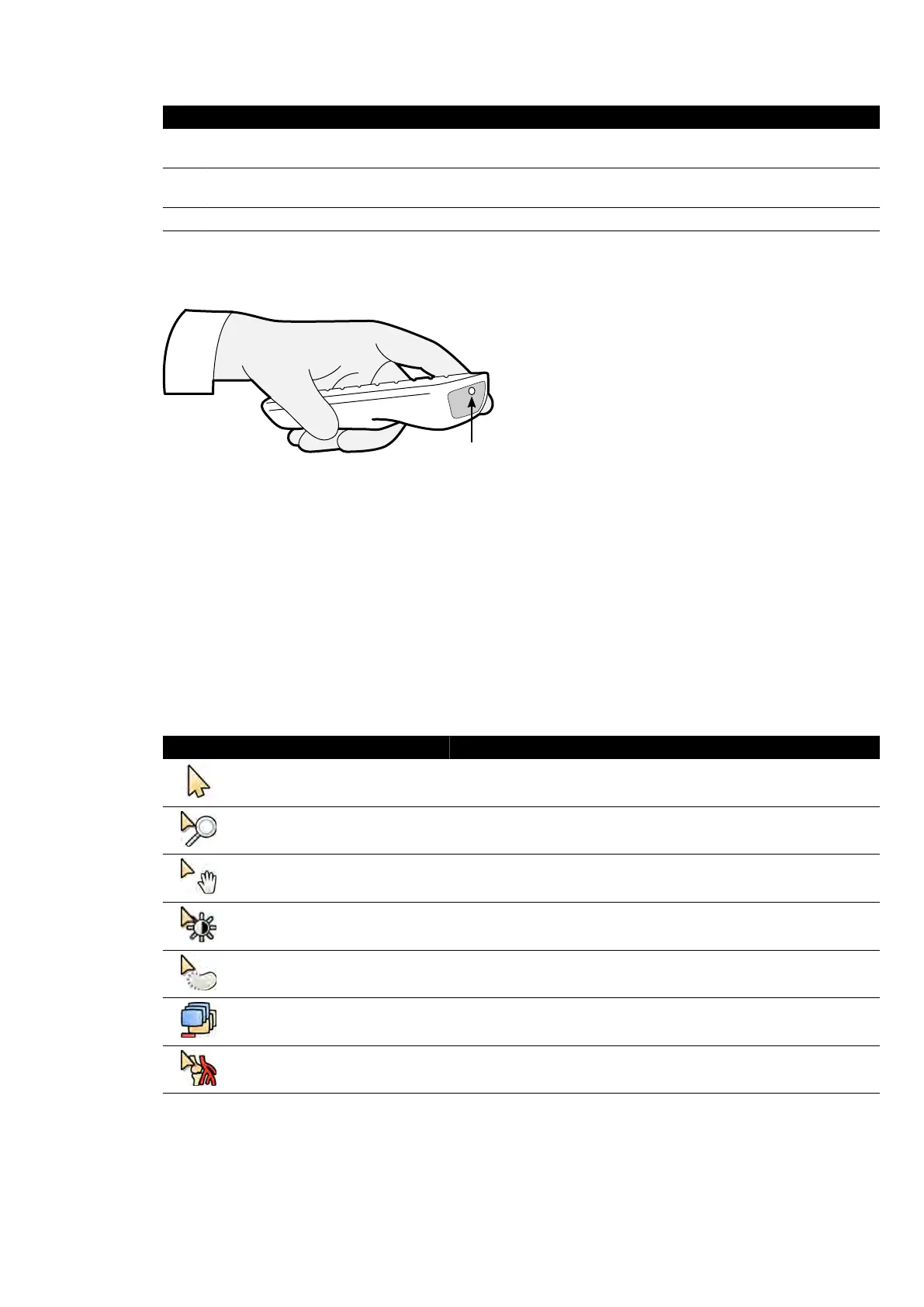
Viewpad Laser Aperture
The laser apertur
e of the viewpad is indicated with an arrow in the following illustraon.
Figure 192 Vie
wpad laser aperture
18.13 Bolus Chase Reconstrucon Main Window Toolbars
The main window displays the original images from the bolus chase acquision.
The main window has a dedicated toolbar. It also has a navigaon toolbar that you can use for
reviewing images.
Main Window Toolbar
The toolbar in the main window provides tools for manipulang the original images.
Tool Funcon
Select Selects an object (this is the default tool)
Zoom Zooms the image in or out
Pan Pans the image
Brightness / Contrast Adjusts the brightness or contrast of the image
Edge enhancements Sharpen or soen edg
es in the image
Subtracon On / O
Turns sub
tracon on or o (this tool is only available when a mask run is
available)
Landmarking
Adjusts the amount of subtracted background that is combined with the
sub
tracted image
Quick Reference Bolus Chase R
econstrucon Main Window Toolbars
Azurion Release 1.2 Ins
trucons for Use 381 Philips Healthcare 4522 203 52421



 To Next Page