This can be aided with uor
oscopy.
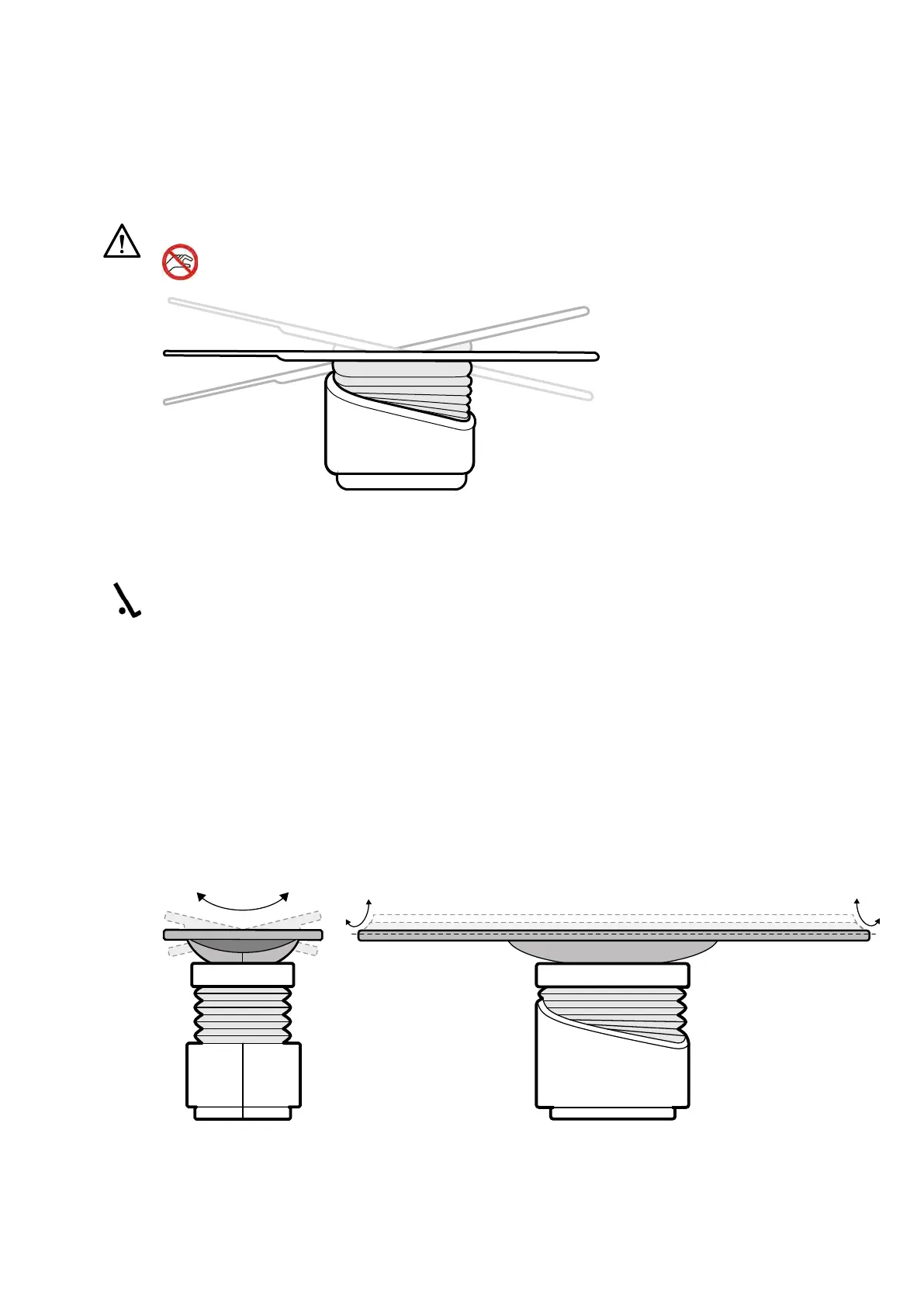
Tilng the Table
The lt funcon allows you to lt the tabletop from -17 degrees to +17 degrees.
CAUTION
Beware of nger en
trapment. Do not place your ngers on the table bellows during lng.
Figure 36 Tilng the t
able
1 Clear all objects from the path of the table.
2 Press and hold Tilt unl the desired angle is reached.
If the synchro lt opon is available and the working posion is set to doctor side or nurse side, the
table height automacally adjusts during the lt movement to ensure the region of interest stays in
the isocenter.
3 To oat the tabletop when it is lted, press the Float Tabletop control on the control module, and
then push the Float Tabletop control in the direcon that you want to move the tabletop.
To assist with moving the tabletop with heavy paents, longitudinal movements are automacally
motorized when you use Float Tabletop with a lted tabletop. Lateral movements are not
motorized, even when the tabletop is lted.
Cradling the Table
The cradle funcon allows you to cradle the tabletop from -15 degrees to +15 degrees.
Figure 37 Cr
adling the table
Preparing a P
aent Study Preparing the System
Azurion Release 1.2 Ins
trucons for Use 62 Philips Healthcare 4522 203 52421



 To Next Page