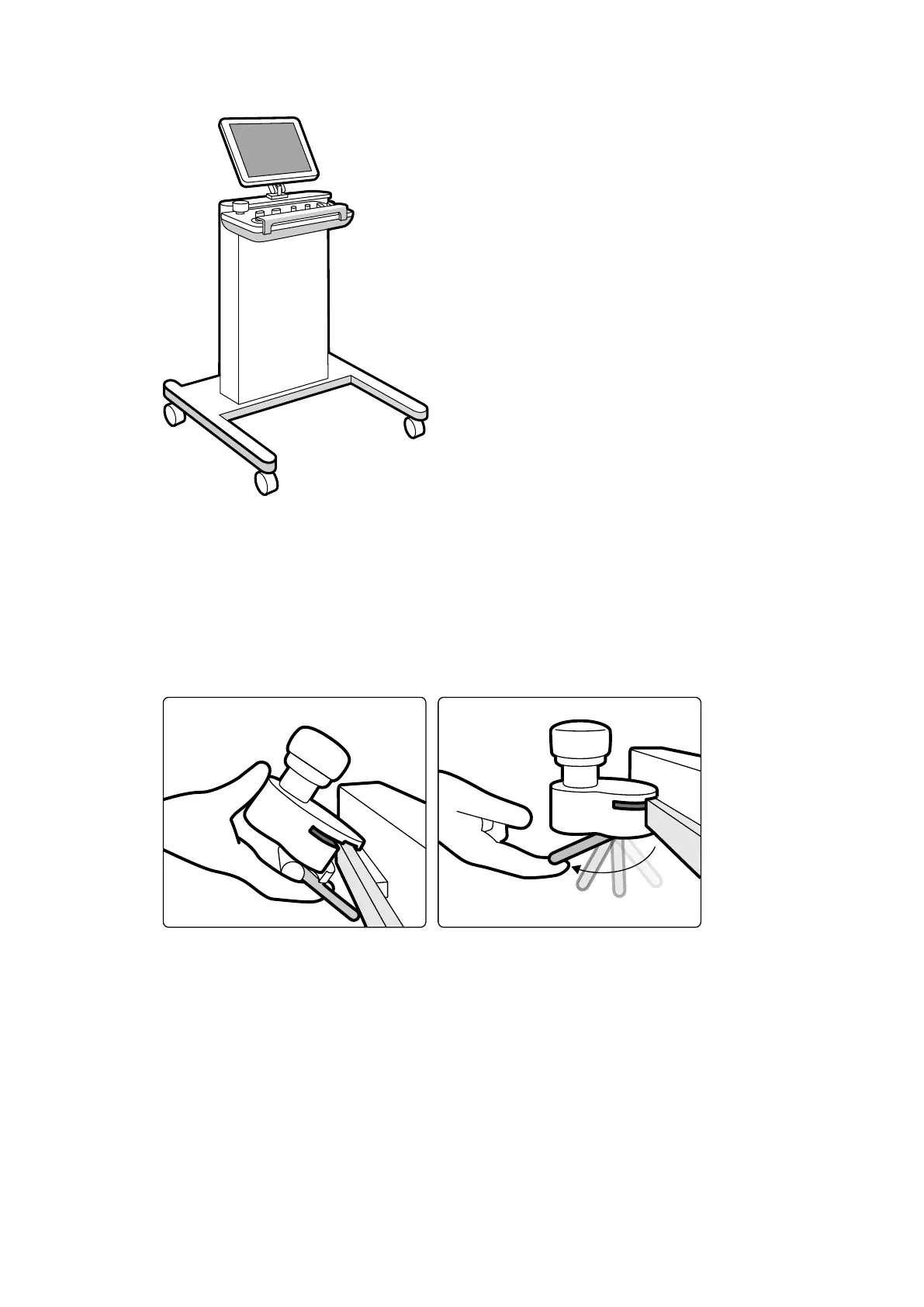
Figure 114 P
edestal
To support certain system conguraons, you can use a compable, ceiling-suspended equipment rack
as an alternave to the pedestal.
11.3.6 Pan Handle (Opon)
You can use the pan handle to release the tabletop brakes and oat the tabletop.
Figure 115 P
an handle
1 Clamp the pan handle to the accessory rail or to the tabletop.
2 Tighten the locking lever to secure the pan handle.
The funcon of the pan handle is congured by a service engineer and corresponds to the funcon
congured for the Float Tabletop funcon on the control module:
• Alternang mode: When you press and release the pan handle, the tabletop brake is released and
you can oat the table. Press and release the pan handle again to acvate the tabletop brake.
• Direct mode: When you press and hold the pan handle, the tabletop brake is released and you can
oat the table. Release the pan handle to acvate the tabletop brake.
If your table has a lt funcon, you can only oat the tabletop longitudinally using the pan handle
when the table is not lted.
Using Other Equipment Other Devices
Azurion Release 1.2 Ins
trucons for Use 208 Philips Healthcare 4522 203 52421



 To Next Page