NOTE Infrared signals from the viewpad may interfere with other infrared-controlled equipment in
the same room. Be
fore using the viewpad in a procedure, check that there is no interference
with other equipment.
A laser poinng device is located on the front of the viewpad. You can use this device to point at images
on the monitors. The quality of the laser pointer spot on the monitors is aected when using a sterile
cover.
NOTE Do not point the laser into people’s eyes, as there is a risk of injury.
3.1.14 Mouse and Mouse Table (Opon)
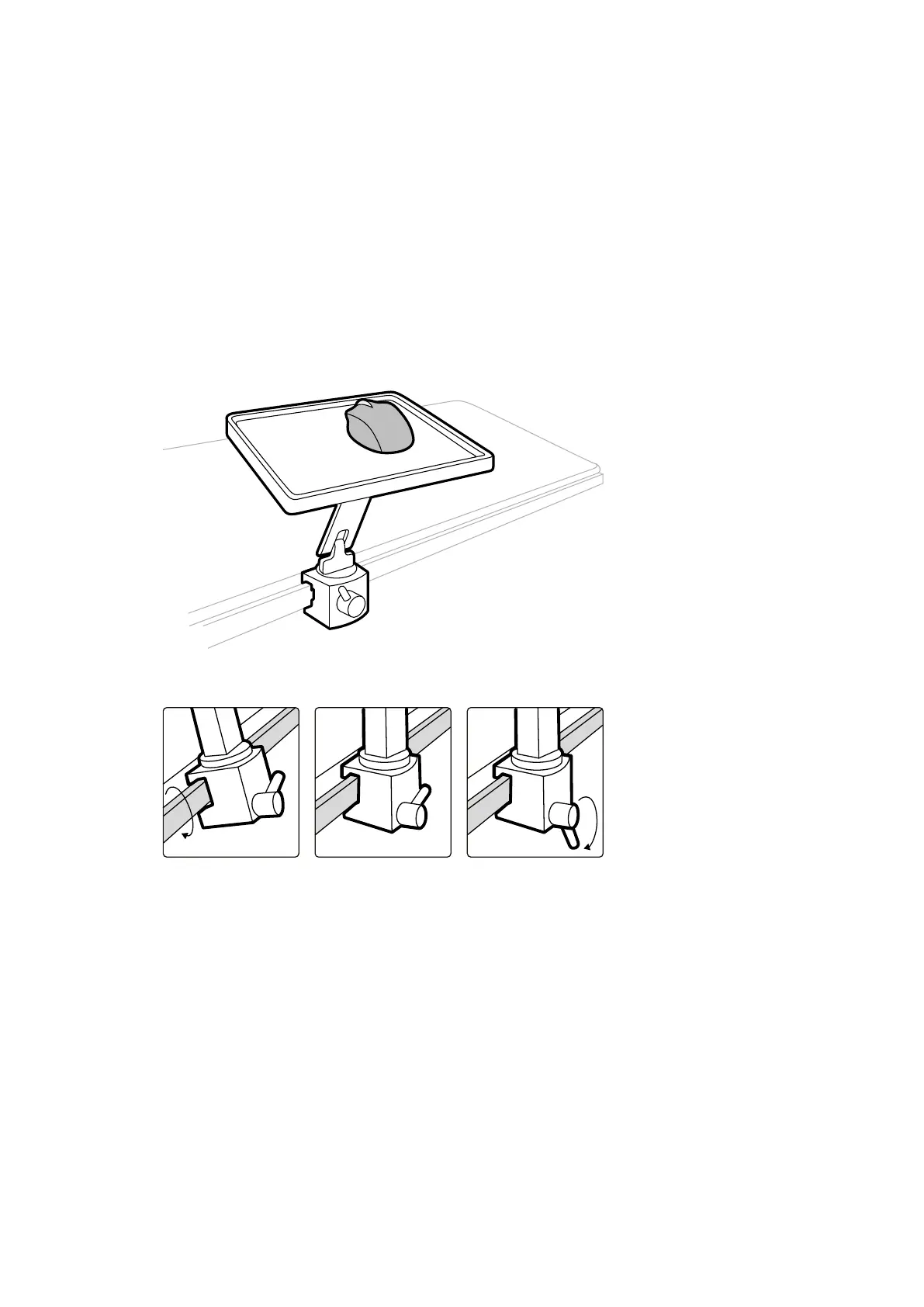
An oponal mouse is available in the examinaon room to assist with operang the system. You use the
mouse with a mouse table mounted on the table accessory rail.
Figure 18 Mouse and mouse t
able (opon)
Figure 19 Aaching the mouse t
able to the accessory rail
3.1.15 Sterile Covers
Sterile covers are available for the table, stand, and touch screen module. We recommend that you use
sterile covers to prevent contaminaon of the system and maintain a sterile environment. It is the
responsibility of the hospital to supply and t sterile covers when needed.
3.2 Equipment in the Control Room
The control room usually contains two monitors that display the acquision window and the review
window.
About the System Equipment in the Control Room
Azurion Release 1.2 Ins
trucons for Use 40 Philips Healthcare 4522 203 52421



 To Next Page