11 Using Other Equipment
The s
ystem is designed for use with other oponal and integrated systems and equipment.
These Instrucons for Use provide basic informaon on how the system interfaces with other
equipment. For informaon on how to use the other equipment, you should refer to the Instrucons
for Use supplied with the equipment.
11.1 Accessories
This secon provides informaon about accessories that are available with the system.
11.1.1 Addional Table Accessory Rail
You can use the addional table accessory rail to posion modules and accessories closer to the head
of the tabletop. The maximum load on the addional table accessory rail must not exceed 100 N
downwards (limited by the table), and a maximum torque of 40 Nm downwards and 20 Nm upwards
(limited by the table).
The addional table accessory rail is available as EU and US versions (the US version has a black
anodized nish). The modules that are designed for the EU version do not t correctly on the US
version; the modules may become detached from the rail.
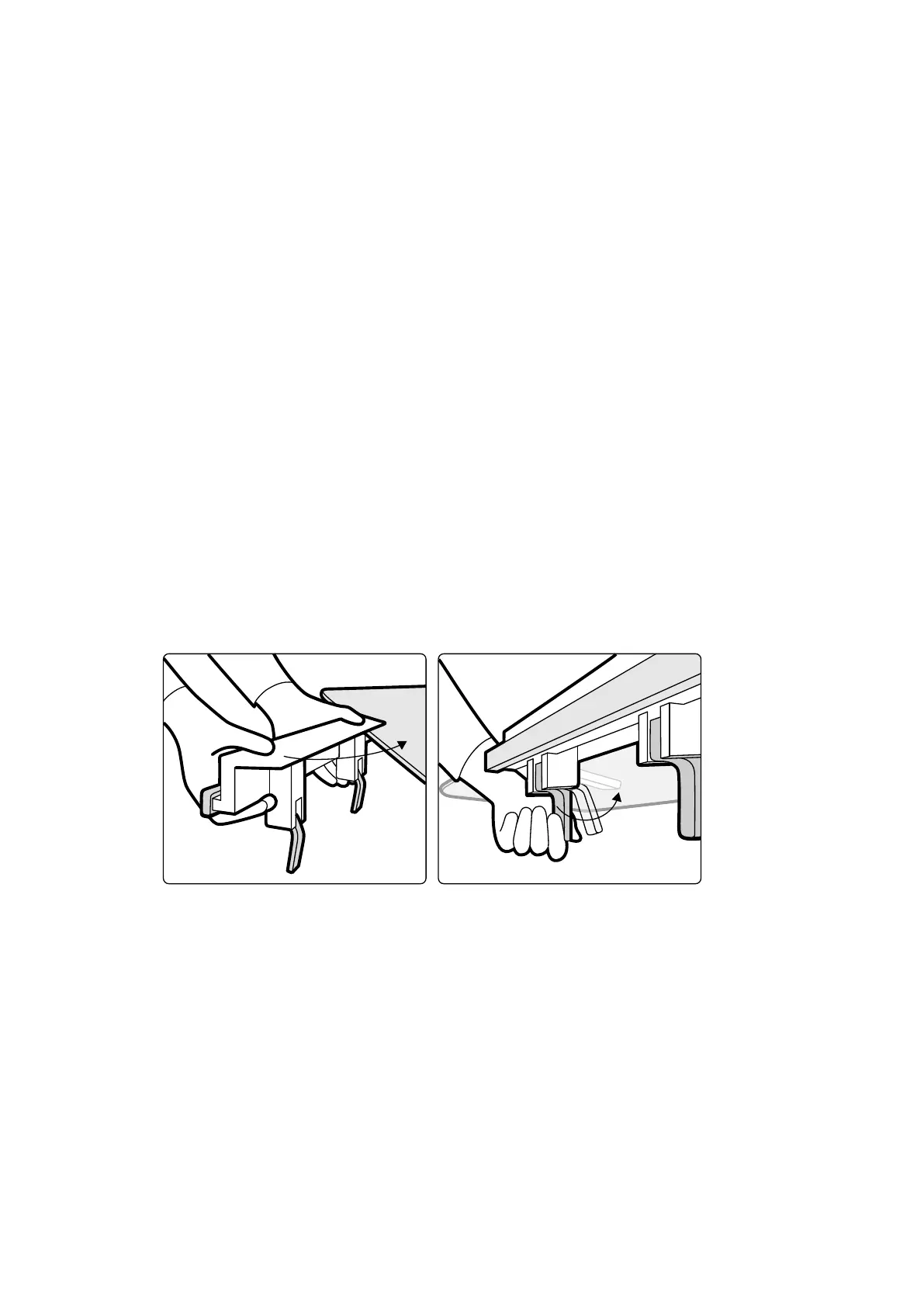
1 Open the clamps on the addional table accessory rail, posion the rail on the edge of the tabletop,
and then close the clamps to secure the rail.
Figure 81 Addional t
able accessory rail
2 Aach modules to the addional table accessory rail.
The addional table accessory rail can be used for 2 modules, or 1 module and surgical accessories.
The maximum weight must not exceed 10 kg. If you aach a surgical accessory on the addional
table accessory rail, which will be placed over the table width, the maximum force may not exceed
4 kg over the middle of the table.
3 Ensure that all cables are ed to the cable supports.
4 To remove the addional table accessory rail, do the following:
a Remove the modules and aach them to the standard table accessory rail.
b Remove the addional table accessory rail from the tabletop.
Using Other Equipment Accessories
Azurion Release 1.2 Ins
trucons for Use 187 Philips Healthcare 4522 203 52421



 To Next Page