You can choose what is displayed on each monitor using the touch screen module. For more
in
formaon, see Using Switchable Monitors (page 94).
FlexVision (Opon)
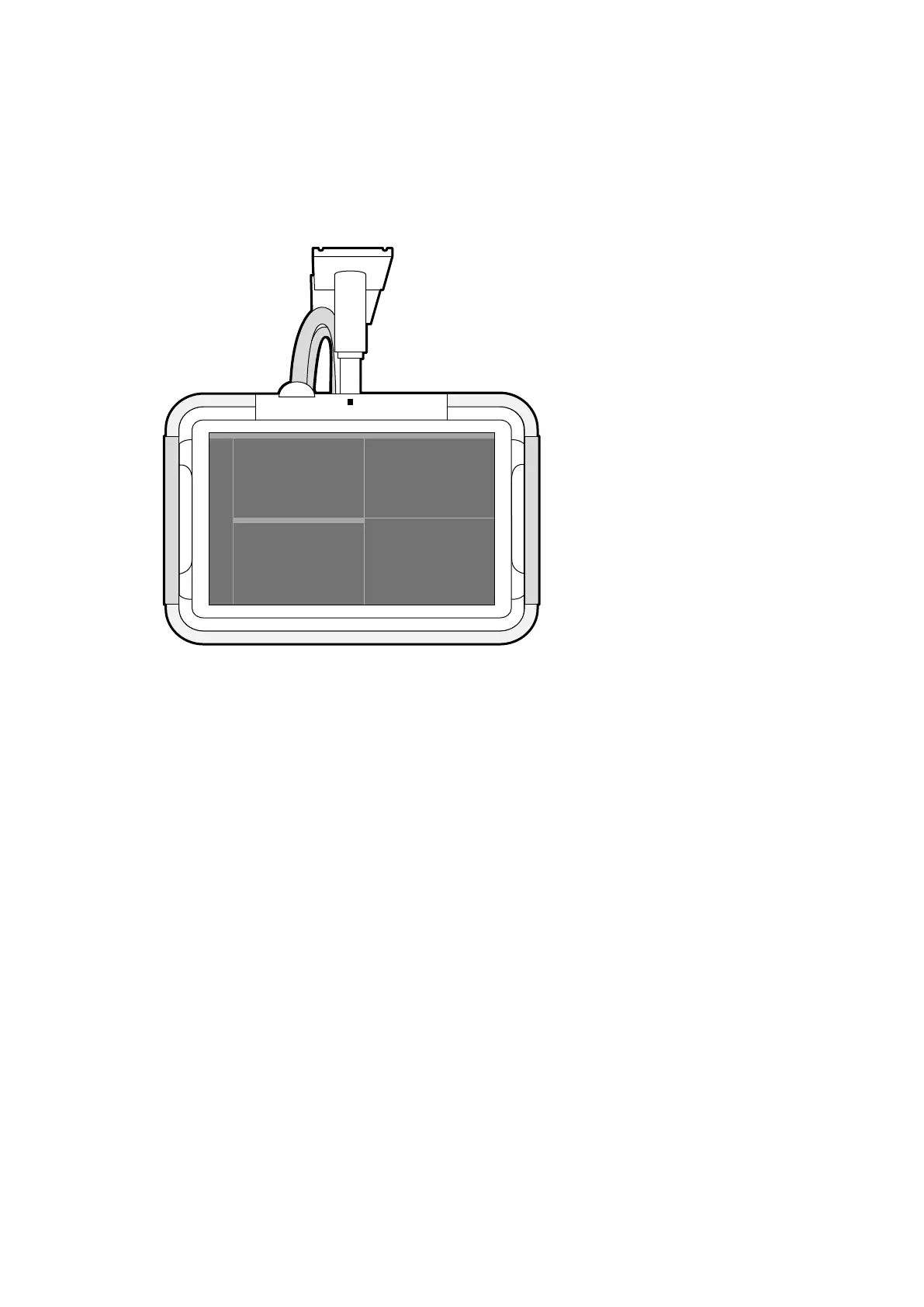
If the FlexVision opon is installed, individual monitors on the monitor ceiling suspension are replaced
by a single large monitor that displays all applicaons.
Figure 13 Monit
or ceiling suspension with FlexVision
The monitor displays applicaons in windows. You can choose which applicaons to display in each
window and select dierent preset layouts according to your workow. For more informaon, see the
following secons:
• Selecng a Dierent Preset for FlexVision (page 92)
• Managing Presets for FlexVision Using the Touch Screen Module (page 219)
NOTE When third-party video sources are too bright (for example, ultrasound), you can reposion
the third-party video feed on the large screen.
3.1.11 Foot Switch
You can control uoroscopy and exposure using the foot switch.
The funcon assigned to each pedal on the foot switch is congured when your system is installed.
About the System Equipment in the Ex
aminaon Room
Azurion Release 1.2 Ins
trucons for Use 36 Philips Healthcare 4522 203 52421



 To Next Page