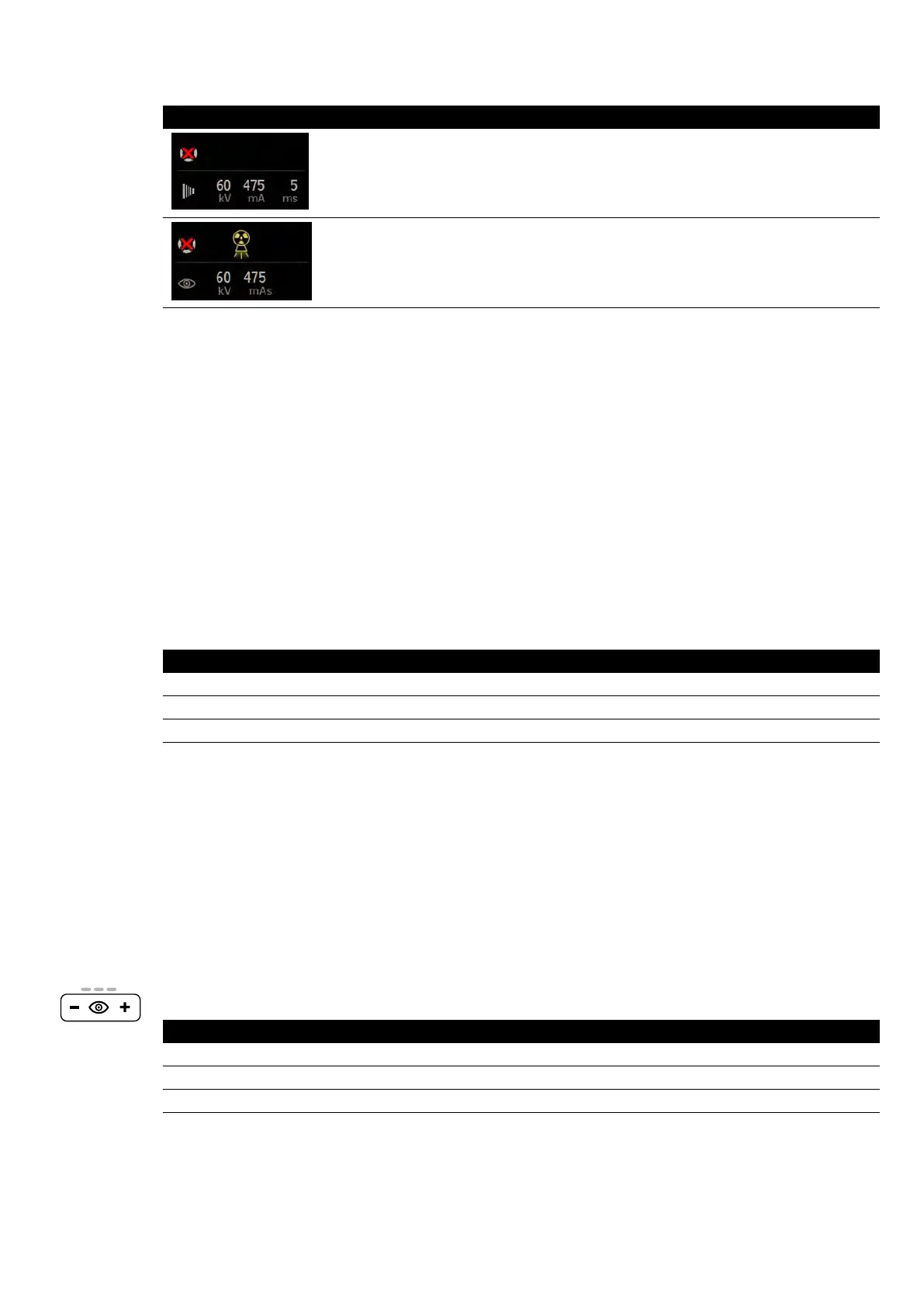
Indicaon Meaning
The system is not ready for exposure
The system is not ready for exposure but uoroscopy is acve
6.4.2 Acquiring Fluoroscopy Images
Fluor
oscopy is the generaon of X-ray images at low air kerma rates.
During uoroscopy, the following indicaons are displayed in the status area in the control room and
the examinaon room:
• X-ray on indicator
• Fluoroscopy parameters
• Fluoroscopy avor
Seng the Fluoro Flavor
You can choose which level of uoroscopy to use. These uoroscopy levels are known as avors.
There are three uoroscopy avors.
Standard System System with ClarityIQ (Opon)
Low Low
Normal Medium
High Normal
You can change the default uor
oscopy avor before iniang uoroscopy. The default avor is dened
when the system is installed.
Each avor provides a dierent dose level, and can also dier for each group of X-ray protocols.
The indicator lights on the control module indicate which avor is acve.
You can set the uoroscopy avor in the following locaons:
• Control module
• Touch screen module
• Acquision window in the control room
• Live X-ray window in the examinaon room
1 To set the uoroscopy avor using the control module, press + or -.
Control Module Indicator Lights Standard System System with ClarityIQ (Opon)
One Low Low
Two Normal Medium
Three High Normal
2 T
o set the uoroscopy avor using the touch screen module, do the following:
Performing Procedures Acquiring Images
Azurion Release 1.2 Ins
trucons for Use 80 Philips Healthcare 4522 203 52421



 To Next Page