Wall c
onnecon boxes can be installed as desired in the control room, the examinaon room, and the
technical room.
For more informaon about the technical specicaon of the wall connecon box, see the following
secons:
• Wall Connecon Box (page 287)
• Installaon and Equipment Connecons (page 344)
11.3.3 Intercom (Opon)
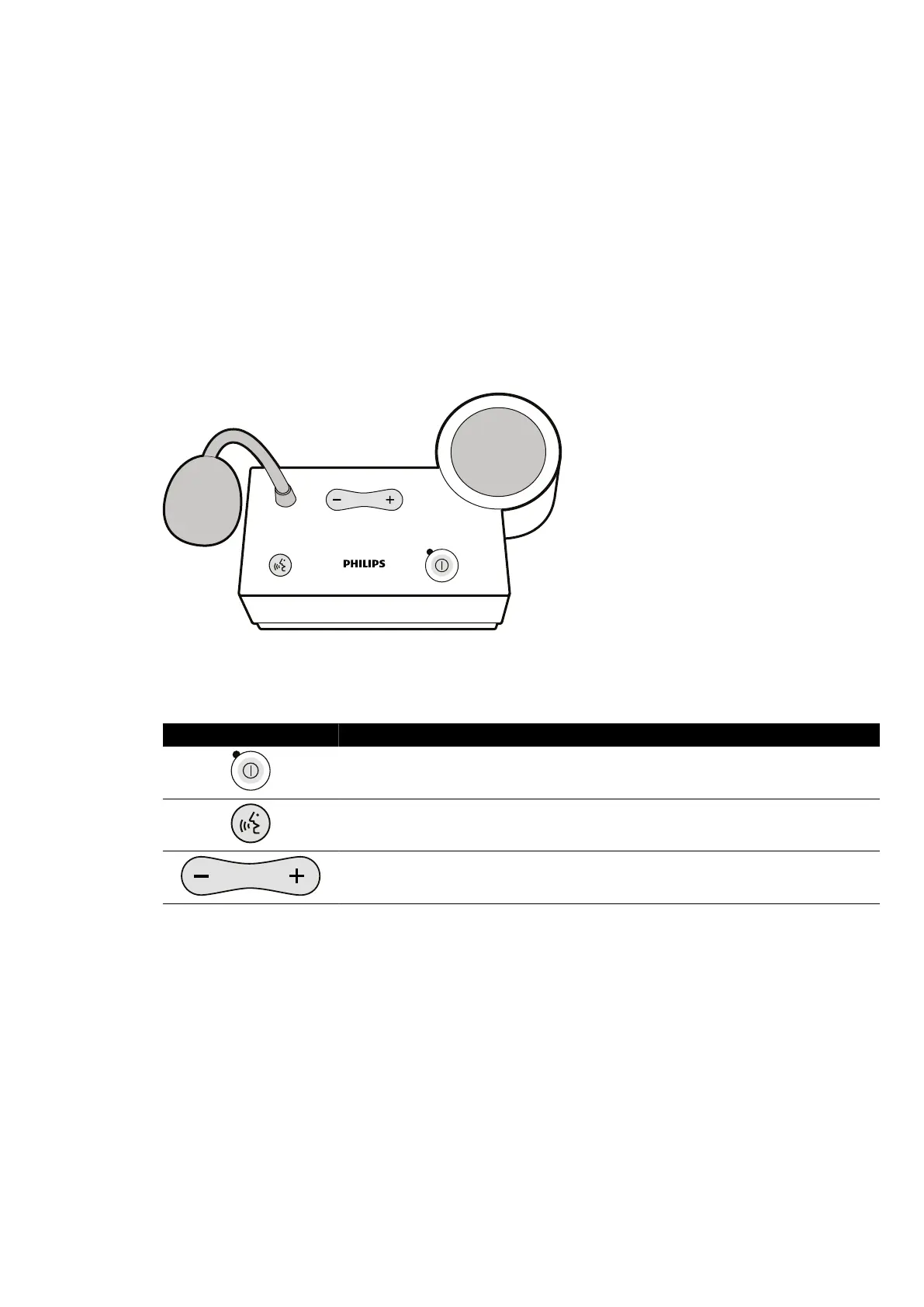
An oponal intercom is available to assist communicaon between the control room and the
examinaon room.
Two intercom units are installed: one in the control room and one in the examinaon room.
Figure 112 In
tercom unit
The following controls are used to operate the intercom.
Control Descripon
Switch the intercom on and o
. The indicator light is on when the intercom is switched on.
Press and hold to speak.
Volume control.
11.3.4 Equipment Rack (Opon)
The ceiling-suspended equipmen
t rack is a space-saving unit which helps you keep the examinaon
room dy by consolidang the separate equipment carriers associated with EP procedures, for
example, and by streamlining cabling.
Addional power and network connecon points are integrated with the equipment rack.
Using Other Equipment Other Devices
Azurion Release 1.2 Ins
trucons for Use 206 Philips Healthcare 4522 203 52421



 To Next Page