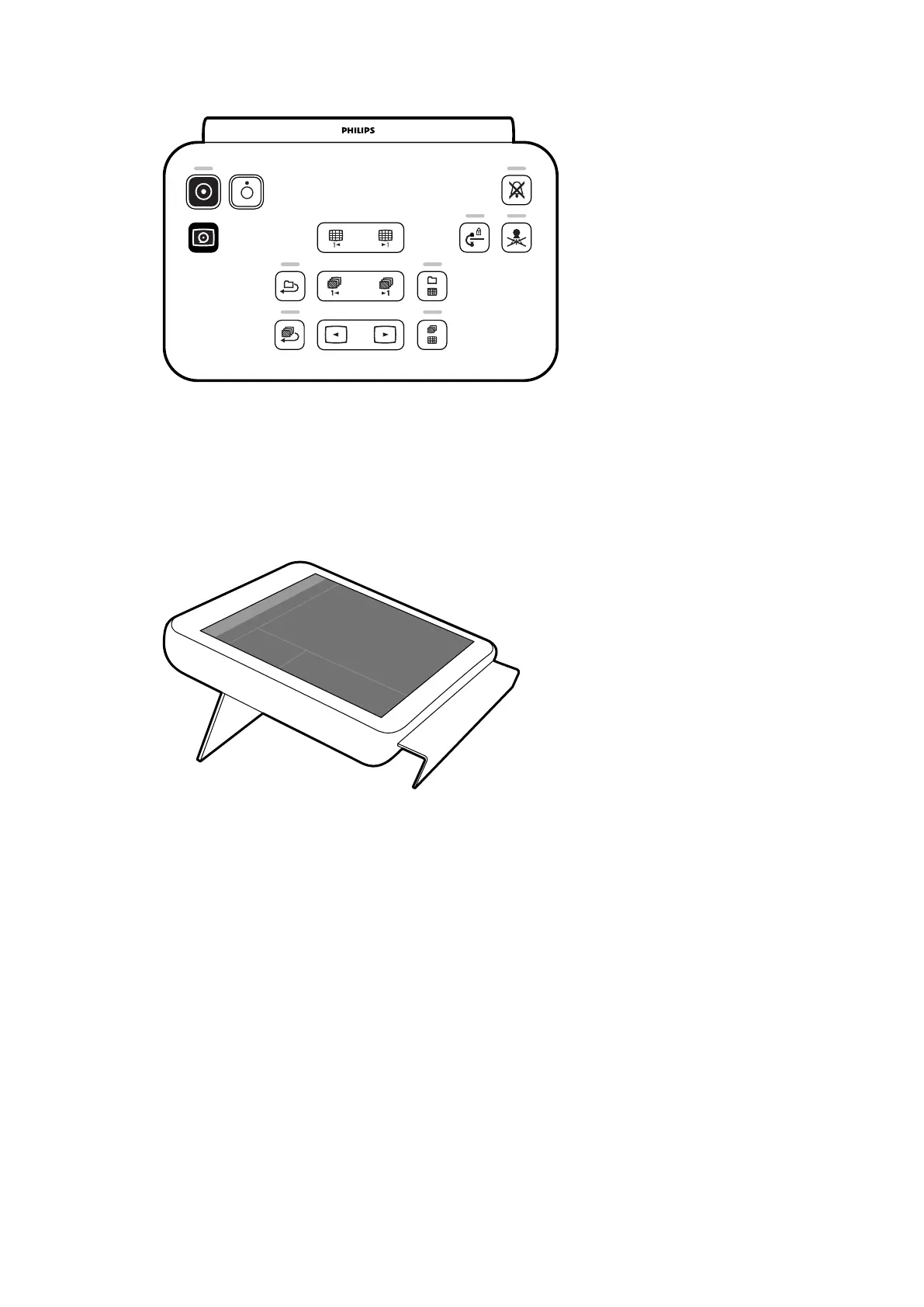
Figure 21 R
eview module
For more informaon, see Review Module (page 378).
3.2.2 Touch Screen Module
An oponal touch screen module can be installed in the control room.
Figure 22 T
ouch screen module in the control room
You can control system funcons using the touch screen. Depending on the acve procedure or the
system conguraon, some funcons may not be available.
Up to three touch screen modules can be used with each system.
• The touch screen module at the tableside in the examinaon room can be aached to the
accessory rail in three posions: doctor side, nurse side, and foot end.
• The second touch screen module in the examinaon room can be mounted on a pedestal
(oponal). The pedestal can be posioned at the doctor side, nurse side, foot end, or head end of
the table.
• A third (oponal) touch screen module can be located in the control room.
If you are using mulple touch screen modules, the following rules apply:
• You can use dierent applicaons on each touch screen module.
• If you use the same applicaon on mulple touch screen modules, the modules are fully linked.
For more informaon, see Touch Screen Module (page 357).
About the System Equipment in the Control Room
Azurion Release 1.2 Instrucons for Use 42 Philips Healthcare 4522 203 52421



 To Next Page