The speed controller is aut
omacally enabled when you select an X-ray protocol for bolus chase. You
control the table speed by pressing the trigger. The more you press the trigger, the faster the table
moves.
Exposure Hand Switch
You use the exposure hand switch to control the exposure funcon. The hand switch has a single
buon that you press in two stages:
• Pressing the buon to the rst stage prepares the system for exposure.
• Pressing the buon to the second stage acvates exposure.
3.1.13 Viewpad
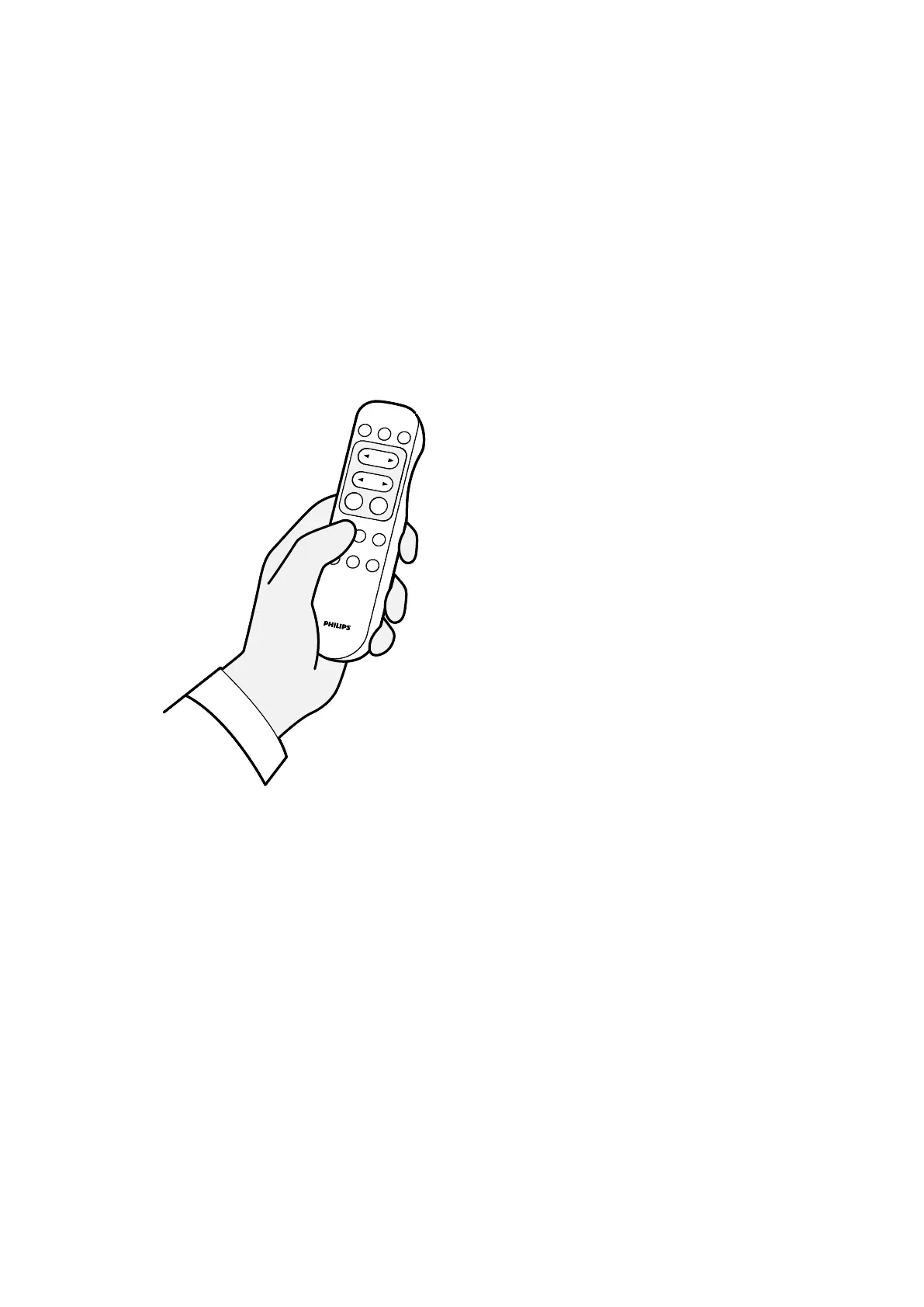
The viewpad is a handheld remote control that you can use to control viewing funcons on the system.
Figure 17 Vie
wpad
Two dierent versions of the viewpad are available: standard and vascular. The vascular viewpad has
addional funcons. For more informaon, see Viewpad (page 379).
The viewpad is an infrared remote control. The infrared transmier is located on the front of the
viewpad. If the transmier is obstructed, signals are not transmied. The receiver is located in the
monitor ceiling suspension, above the monitors. A light on the receiver indicates that the selected
command has been received. The viewpad will funcon inside a transparent sterile cover.
The viewpad is baery-powered. For more informaon about replacing the baeries, see Replacing
Baeries (page 254).
When not in use, store the viewpad in the holder provided on the side of the touch screen module.
NOTE Do not open the cover of the viewpad (not including the baer
y compartment cover). For
maintenance, contact your technical support. If cover is damaged, do not use the viewpad
and call technical support for a replacement.
NOTE Do not use the viewpad when more than one Azurion system is in use in the same room.
About the System Equipment in the Ex
aminaon Room
Azurion Release 1.2 Ins
trucons for Use 39 Philips Healthcare 4522 203 52421



 To Next Page