Legend
1 Frontal stand (for monoplane systems, the stand
ma
y be oor or ceiling-mounted)
6 Touch screen module and viewpad holder
2 Lateral stand (biplane systems only) 7 Foot switch
3 Paent table 8 Monitors
4 Control module 9 Monitor ceiling suspension
5 Mouse and mouse table (opon)
3.1.1 Stand
The s
tand allows you to posion the detector and X-ray tube in relaon to the paent table using the
control module.
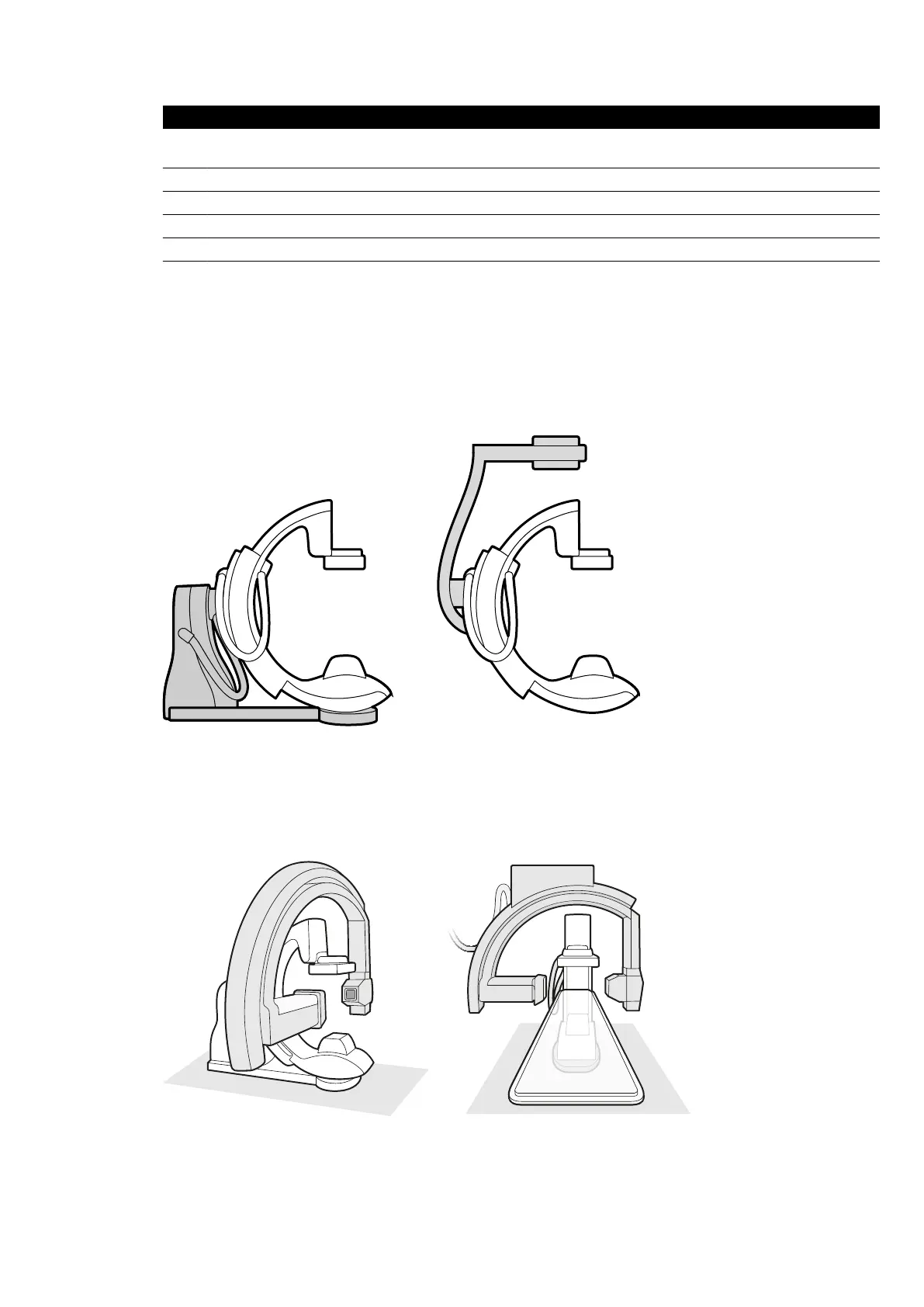
Monoplane Stand
Figure 3 Floor
-mounted stand (le) and ceiling-mounted stand (right)
The monoplane stand can be oor or ceiling-mounted.
Biplane Stands
Figure 4 T
wo views of the frontal stand and lateral stand of a biplane system
About the System Equipment in the Ex
aminaon Room
Azurion Release 1.2 Ins
trucons for Use 27 Philips Healthcare 4522 203 52421



 To Next Page