1.15 MFP CONTROLLER OPTIONS
1.15.1 OVERVIEW
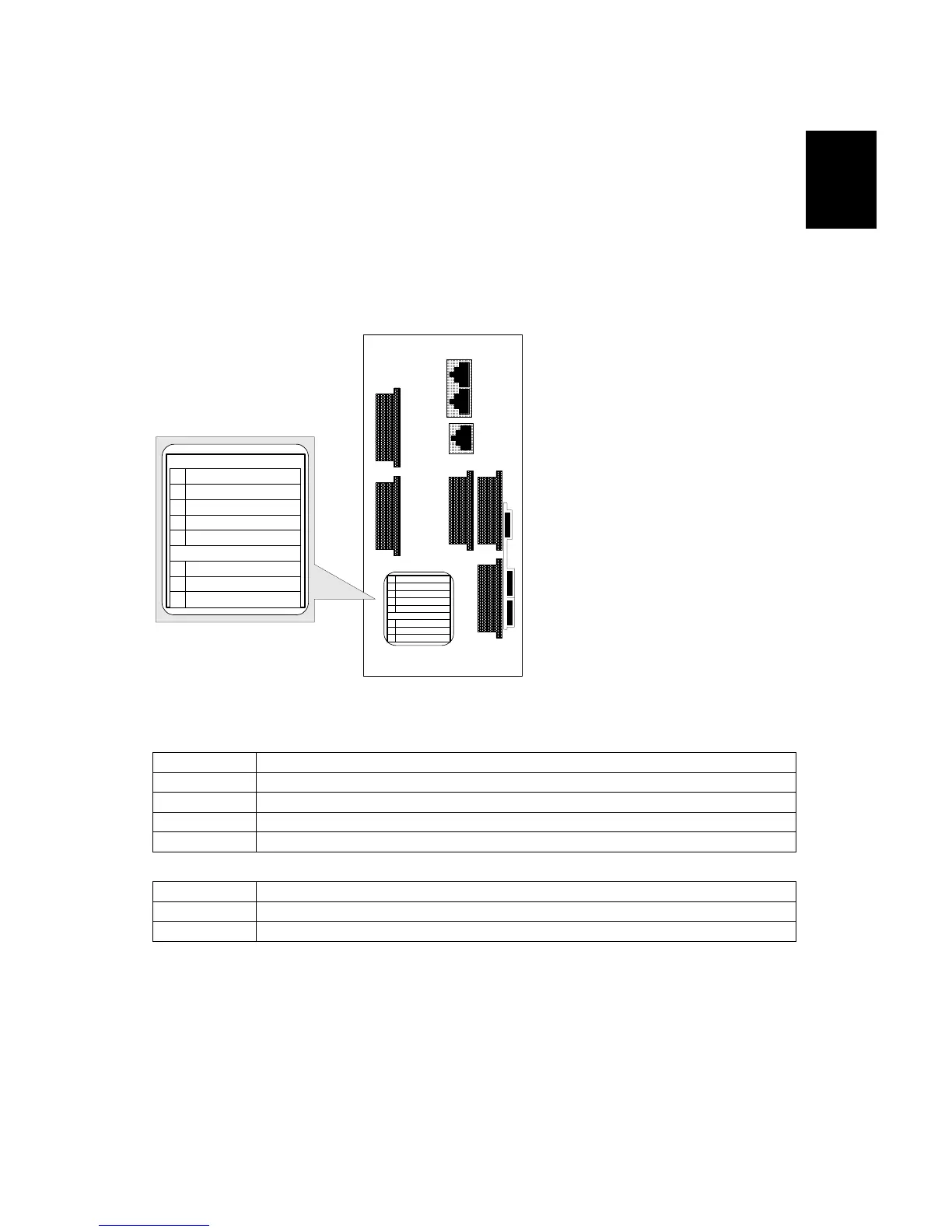
The machine controller box has five board slots and 3 SD cards. Make sure that
each board and SD card is put in the correct slot. For more, please see the decal
on the controller box.
Board Slots
A Not used
B Copy Connector Type 3260 (B328)
C EFI Printer Controller E-7000 (G815)
D Not used
E Not used
SD Card Slots
3 Version updates, moving applications to other SD Cards.
2 Applications (1 or several applications combined on 1 SD Card).
1 System Controller SD Card. Never remove!
Important!
• Only one SD Card slot (Slot 2) is available for applications. To install more than
one application, they must be copied on the same SD Card. (1.15.5)
L-ADP
NEXT
COPIER
KEY
CARD
B
A
CD
E
A
B
C
D
E
File Format Converter
Tandem
External CTL
Option
Ethernet & USB (Ver. 2.0)
SD Card Slot
3
2
1
Service
Option
System
A
B
C
D
E
File Format Converter
Tandem
External CTL
Option
Ethernet & USB (Ver. 2.0)
SD Card Slot
3
2
1
Service
Option
System
I/F Card Slot



 To Next Page
 Loading...



