August, 2006 IMAGE ADJUSTMENTS
3-177
3.19 IMAGE ADJUSTMENTS
3.19.1 SCANNING
Before doing the following scanner adjustments, perform or check the printing
registration, side-to-side adjustment and the blank margin adjustment. Use a C-4
test chart to perform the following adjustments.
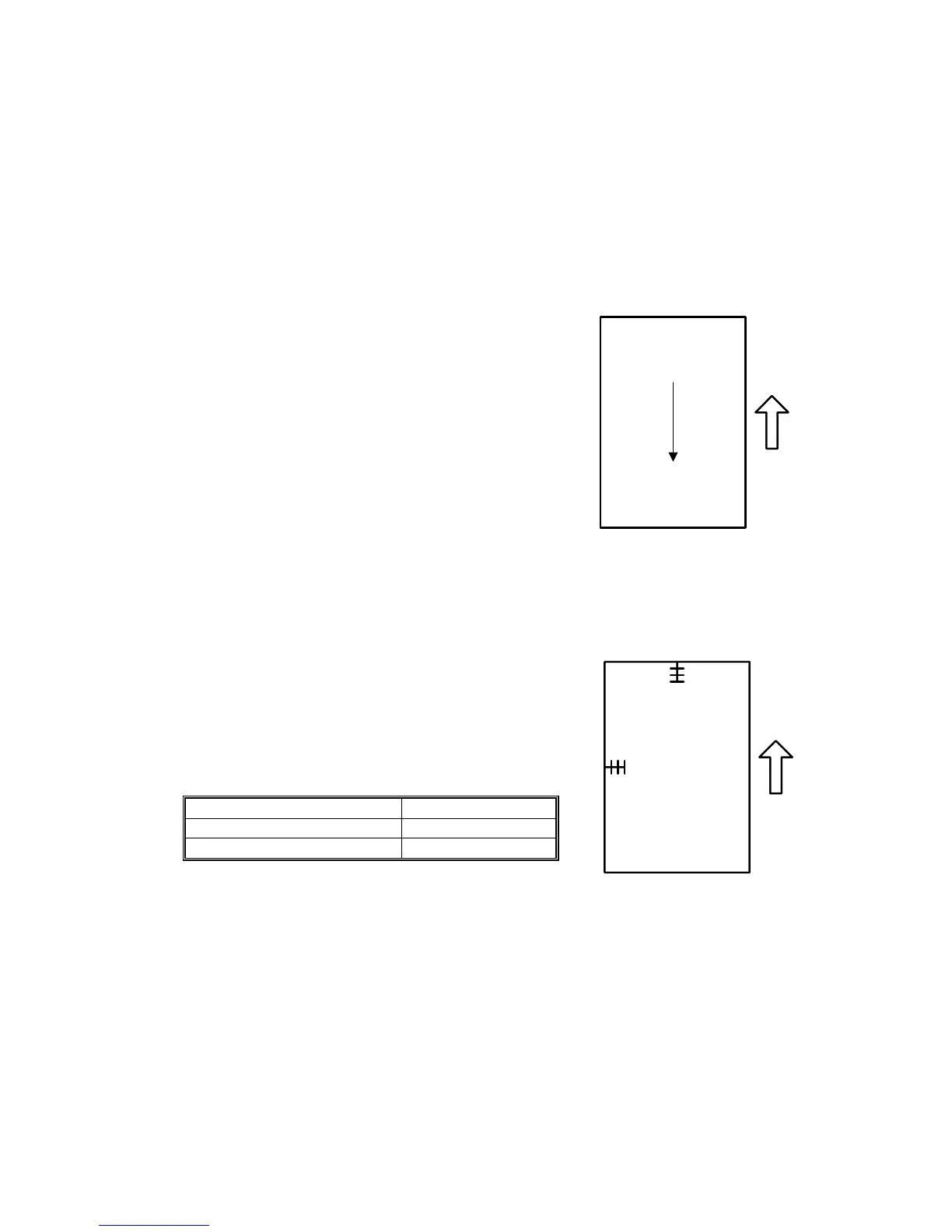
Scanner sub-scan magnification
1. Place the test chart (C-4) on the exposure glass and
make a copy.
2. Check the magnification ratio.
3. Use SP4008 (Sub Scan Mag) to adjust if necessary.
Standard: ±1.0%.
Scanner leading edge and side-to-side registration
1. Place the test chart (C-4) on the exposure glass and
make a copy.
2. Check the leading edge and side-to-side registration.
3. Adjust with the following SP modes if necessary.
Standard: 0 ± 2mm.
SP mode
Sub Scan Reg SP4010 001
Main Scan Reg SP4011 001
A
A: Sub-scan magnification
A: Leading Edge Registration
B: Side-to-side Registration



 To Next Page
 Loading...



