ADDITIONAL INFORMATIONS April 2007
4-98
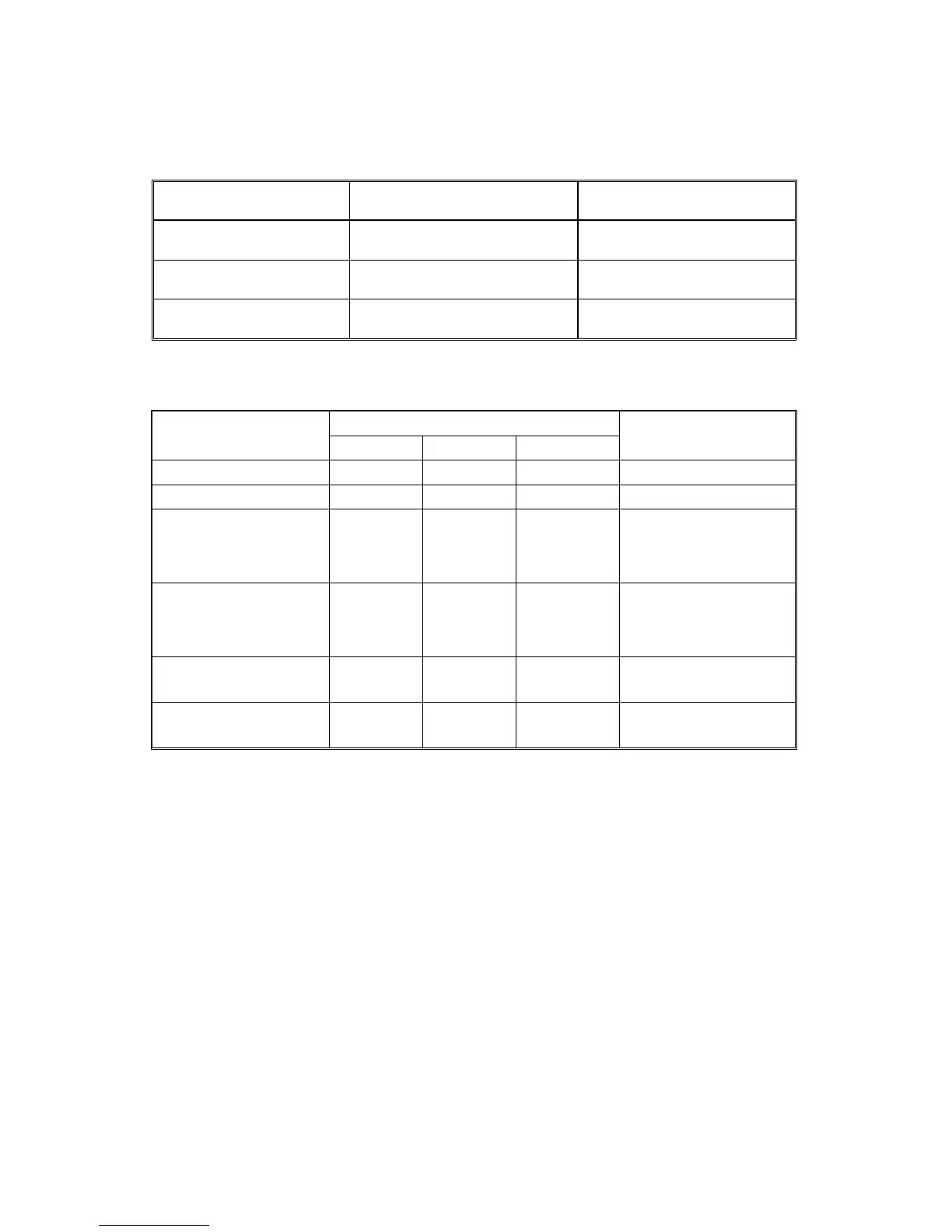
NOTE: Please refer to the below table to select most appropriate type of Middle
Thickness Paper Mode.
Type
Effectiveness level for poor
fusing.
Stripper Streaks level.
"Middle Thickness Paper
Mode -1" (Default)
Less than previous temporary
solution B or B+
Better than previous
temporary solution B or B+
"Middle Thickness Paper
Mode -2"
Same as previous temporary
solution B or B+
Same as previous temporary
solution B or B+
"Middle Thickness Paper
Mode -3"
Better than previous temporary
solution B or B+
Less than previous temporary
solution B or B+
Side effects of various combinations of solutions
Previous Temporary Solution
Side Effects
Solution A
Adjustment
(None) (None) (None)
X
See NOTE 2
”X”: Indicates a side effect
NOTE1: 1st Print Time in Final solution: 7sec to 14.5 sec (maximum)
NOTE2: During this adjustment, the printing speed will reduce during the first 3-5 A3/DLT sheets.
1st 5 pages: 43.75cpm, after that 45cpm (in e-STUDIO4500c)
1st 5 pages: 51.25cpm, after that 55cpm (in e-STUDIO5500c)



 To Next Page
 Loading...



