1256 Command Reference for x230 Series Edge Switches C613-50055-01 REV A
AlliedWare Plus™ Operating System - Version 5.4.5-0.x
AMF COMMANDS
SHOW
ATMF GROUP MEMBERS
show atmf group members
Overview This command will display all group memberships within an AMF working-set.
Each node in the AMF working set is automatically added to automatic groups
which are defined by hardware architecture, e.g. x510, x610. Nodes that are
configured as masters are automatically assigned to the master group. Users can
define arbitrary groupings of AMF members based on their own criteria, which can
be used to select groups of nodes.
Syntax
show atmf group members [user-defined|automatic]
Mode Privileged Exec
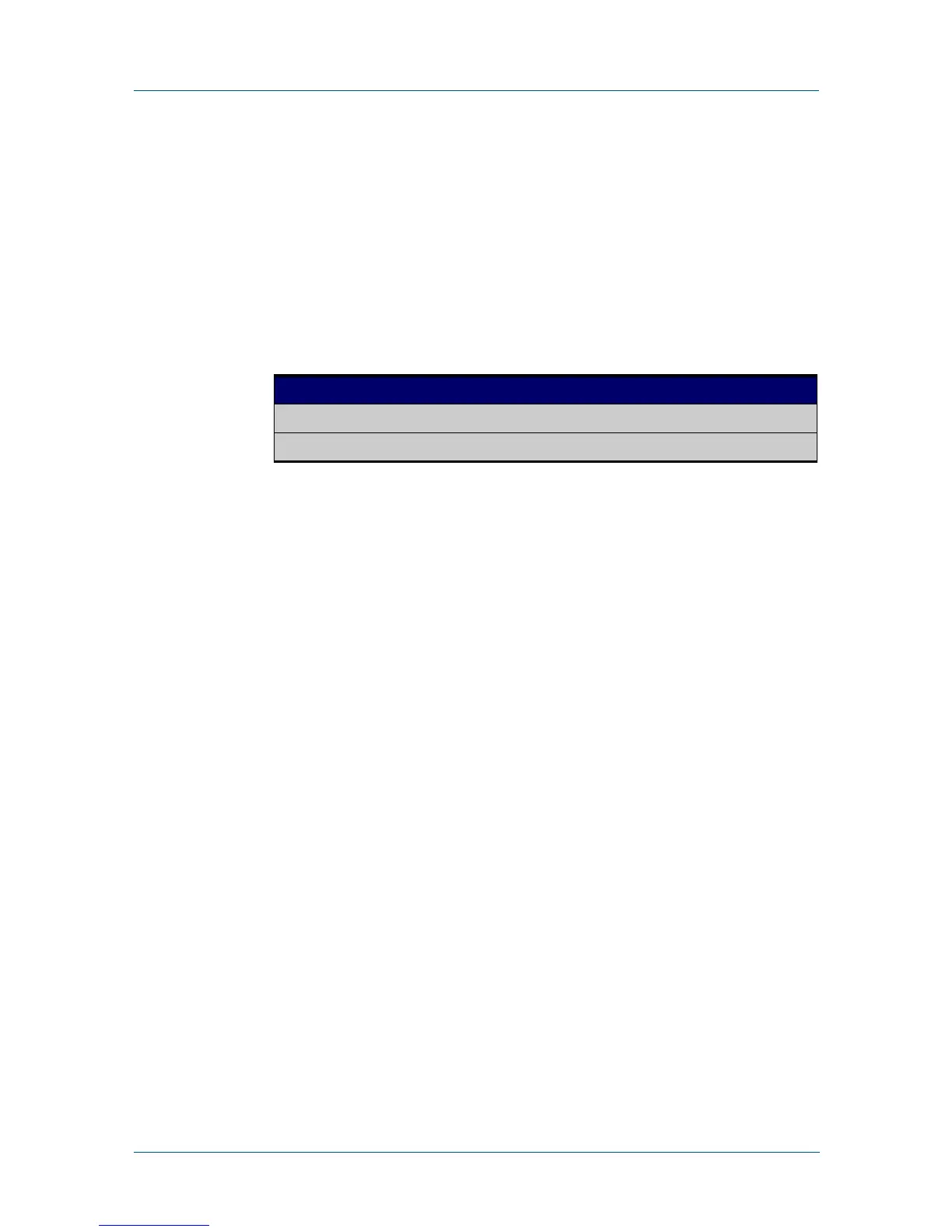
Parameter Description
user-defined User defined group membership display.
automatic Automatic group membership display.



 To Next Page
 Loading...






