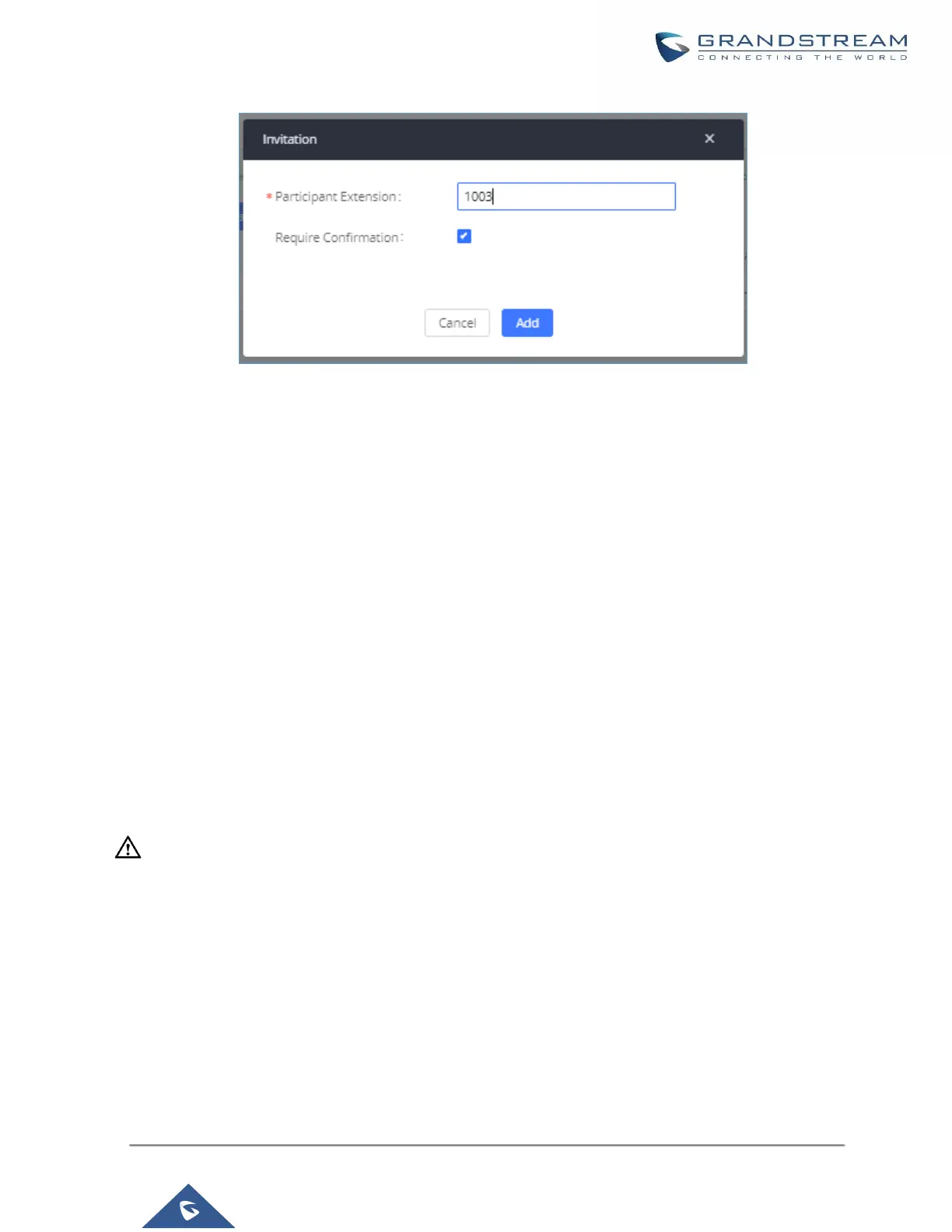
Figure 144: Meeting Invitation from Web GUI
• Invite by dialing 0 or 1 during conference call.
A meeting participant can invite other parties to the meeting by dialing from the phone during the meeting call.
Please make sure option "Enable User Invite" is turned on for the meeting room first. Enter 0 or 1 during the
meeting call. Follow the voice prompt to input the number of the party you would like to invite. A call will be sent
to this number to join it into the meeting.
0: If 0 is entered to invite other party, once the invited party picks up the invitation call, a permission will be asked
to "accept" or "reject" the invitation before joining the conference.
1: If 1 is entered to invite other party, no permission will be required from the invited party.
----------------------------------------------------------------------------------------------------------------------------- ----------------------
Note:
Conference administrator can always invite other parties from the phone during the call by entering 0 or 1. To
join a conference room as administrator, enter the admin password when joining the conference. A conference
room can have multiple administrators.
----------------------------------------------------------------------------------------------------------------------------- ----------------------
During the meeting
During the meeting call, users can manage the conference from Web GUI or IVR.



 To Next Page
 Loading...



