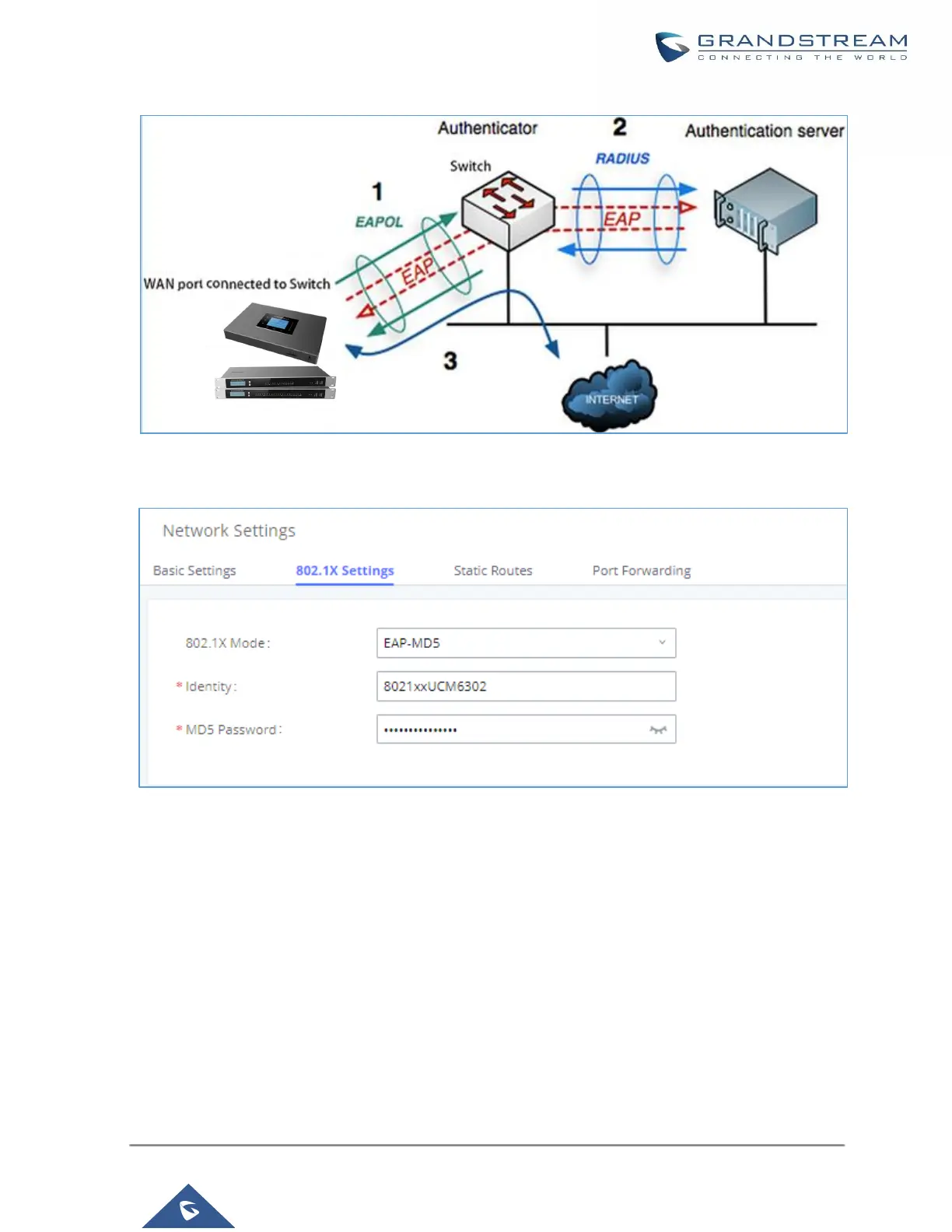
Figure 22: UCM630X Using 802.1X as Client
Figure 23: UCM630X Using 802.1X EAP-MD5
The following table shows the configuration parameters for 802.1X on UCM630X. Identity and MD5 password
are required for authentication, which should be provided by the network administrator obtained from the
RADIUS server. If “EAP-TLS” or “EAP-PEAPv0/MSCHAPv2” is used, users will also need to upload 802.1X CA
Certificate and 802.1X Client Certificate, which should be also generated from the RADIUS server.



 To Next Page
 Loading...



