Scan Recipes - Creating and Editing a Scan Recipe KLA-Tencor P-16+ / P-6 User’s Guide
3-52 KLA-Tencor Confidential 0142530-000 AB
3/13/09
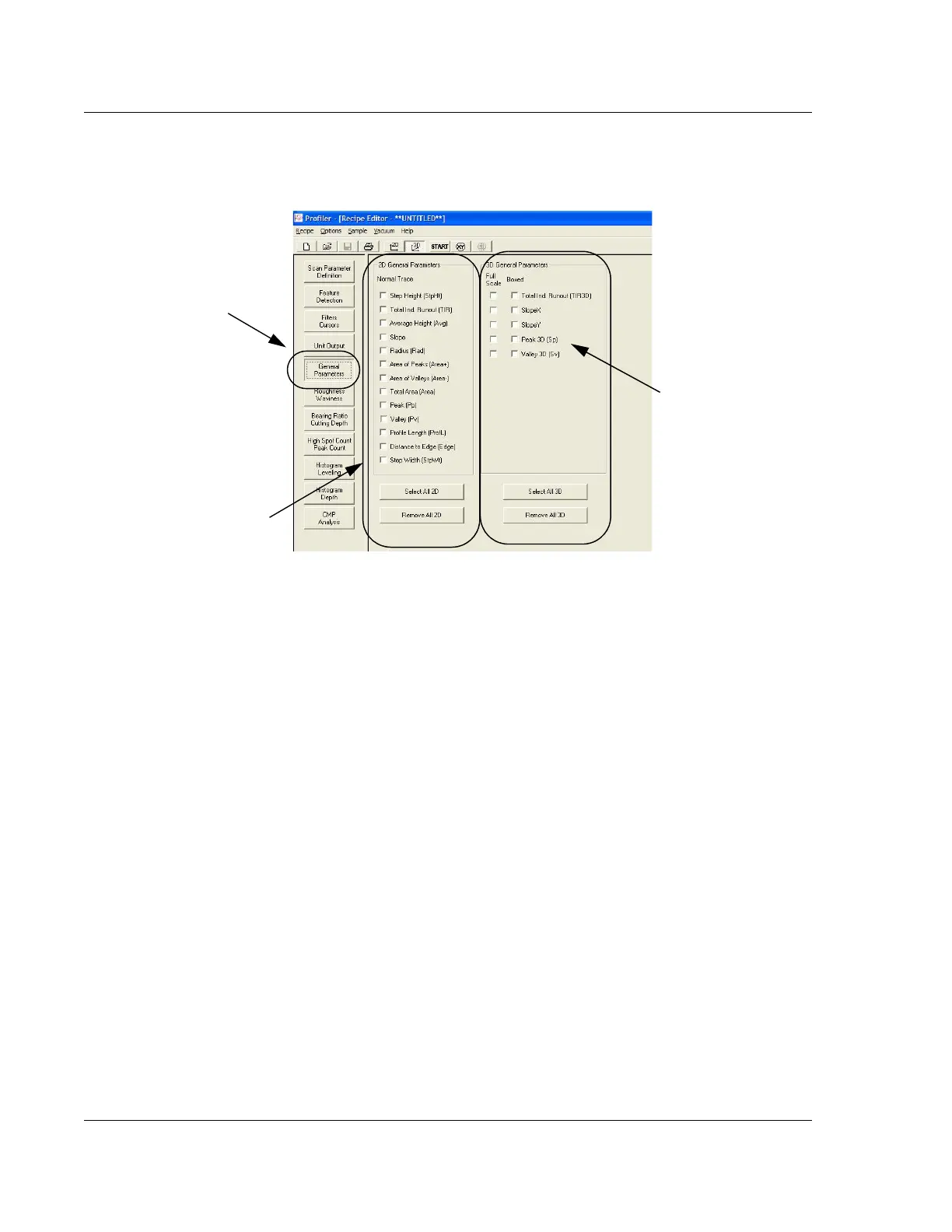
2D General Parameters (Normal Trace) 3
These parameters represent calculations that are performed using the data from a
scan. If the options are chosen before the scan is performed, and are part of the scan
recipe, the calculations are automatically performed by the software and displayed in
the Analysis screen upon completion of the scan. Parameters from the 2D General
Parameters are for single trace analysis. For 3D scans, the 2D parameters can be
calculated for a cross-section of the 3D scan.
Figure 3.42 General Parameters - Recipe Editor
To display the General
Parameters options in the
Information Display window
of the Recipe Editor, click
the General Parameters
button.
The 2D options are only for
2D scans and are not
available for 3D scans.
The 3D options are
only for 3D scans.
2D cannot be applied
to 3D scans.



 To Next Page