3D Stress (optional Feature, P-16+ only) - KLA-Tencor P-16+ / P-6 User’s Guide
10-18 KLA-Tencor Confidential 0142530-000 AB
3/13/09
Saving the Stress Difference Data 10
As with other Apex analysis, the entire stress analysis routine can be saved as a
document or only the data itself. To save the entire routine, go to File > Save the
Document As. This will save the routine in the native Apex format with the extension
.MNT. By default the document will be saved to the directory that corresponds with
Stress Difference button in the Profiler software, though data can be saved anywhere
on the system. To save only the Stress difference data, go to File' Save the Disc
Measurement. Saving only the Stress difference data allows multiple stress files to be
added into the same Apex document.
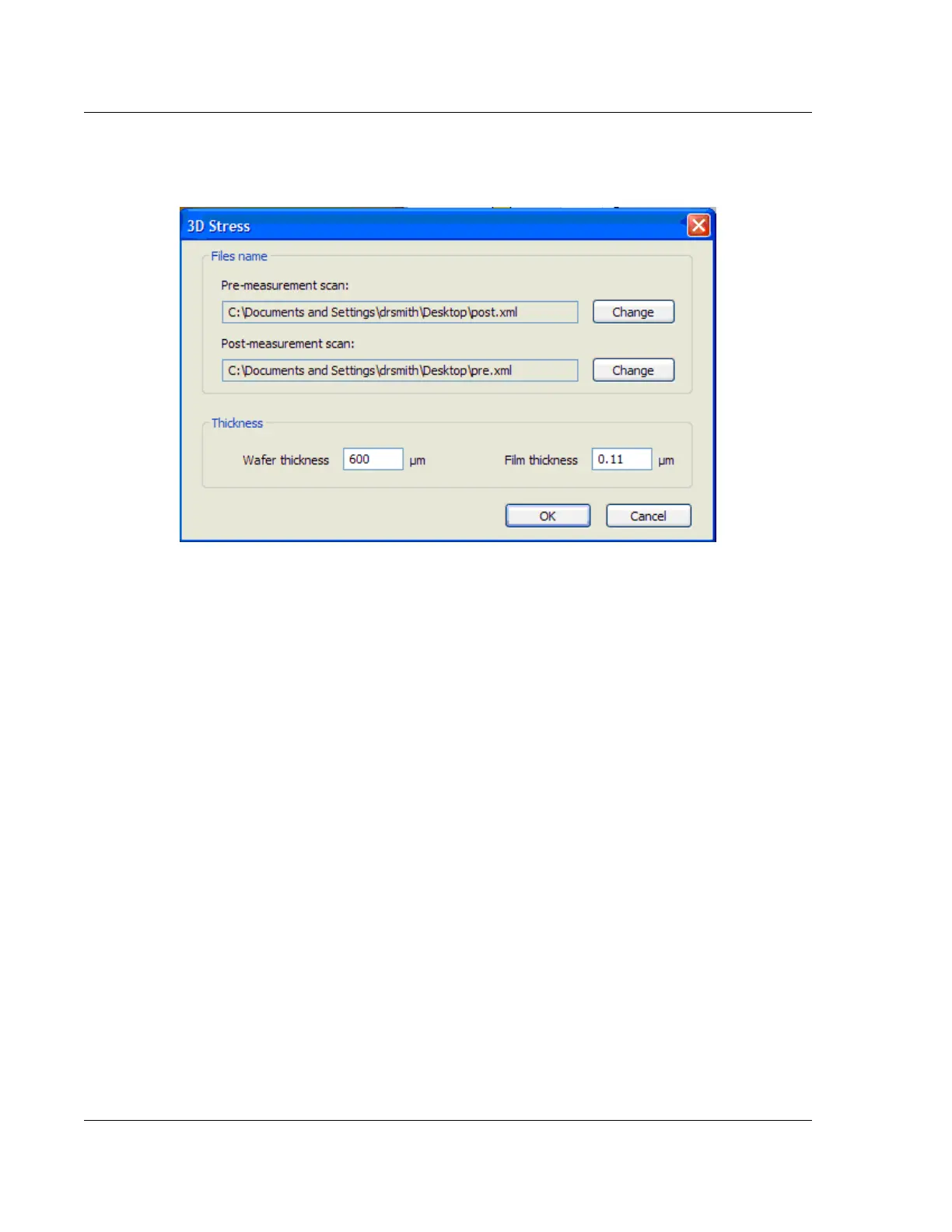
Figure 10.17 3D Stress File Selection Dialogue Box



 To Next Page