Basic Skills - Powering Up the Profiler KLA-Tencor P-16+ / P-6 User’s Guide
2-2 KLA-Tencor Confidential 0142530-000 AB
Friday, March 13, 2009
Preliminary
POWERING UP THE PROFILER 2
Introduction 2
By powering up the computer, the system launches Windows.
Power Up Procedure 2
1. Press the ON/OFF button on the monitor to activate the monitor.
2. Press the
ON/OFF button on the Computer.
The Computer starts, Windows is launched, and the Windows desktop is
displayed.
LOGGING INTO PROFILER SECURITY 2
After logging into Windows XP as an Administrator, either automatically (default
setting) or manually, you will need to log into profiler security.
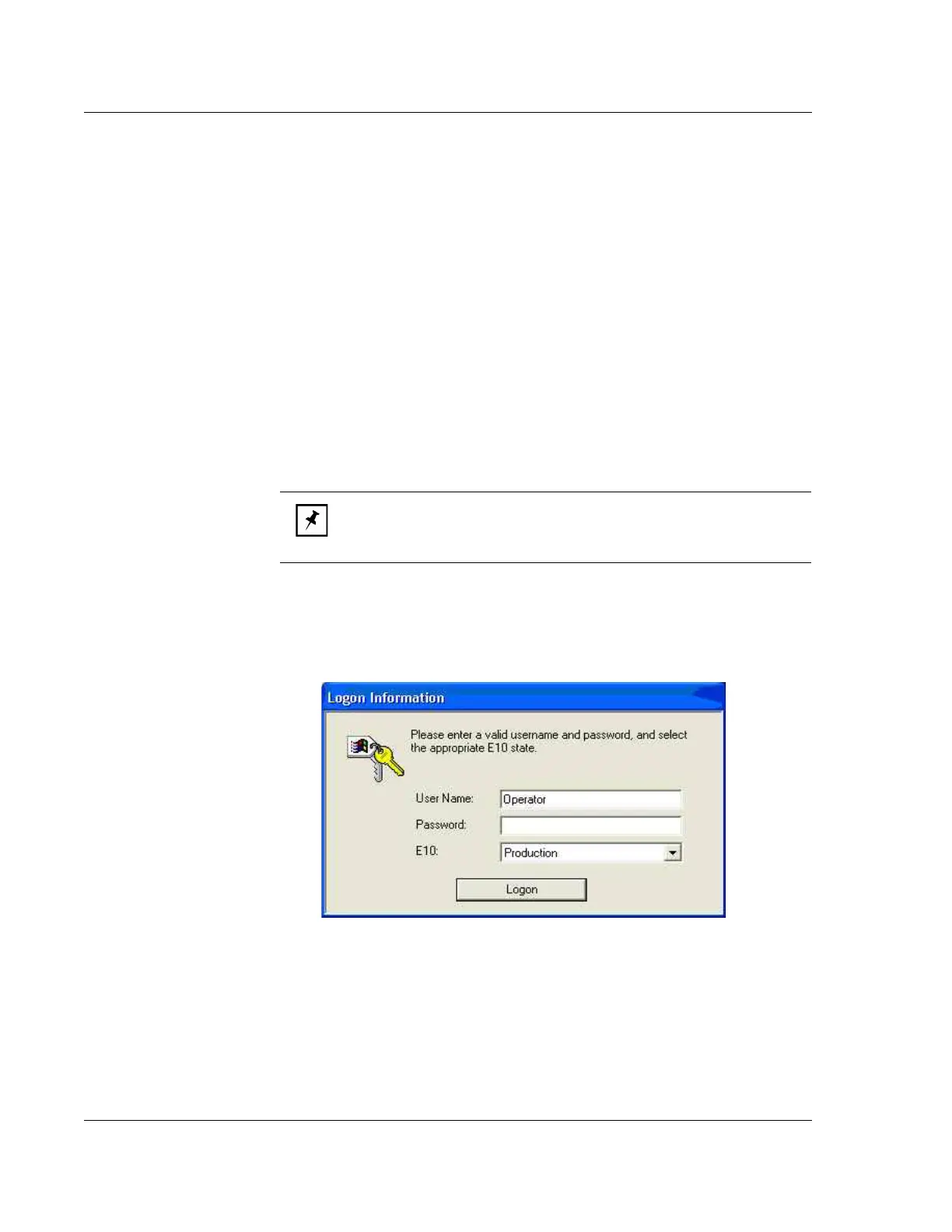
1. After Windows XP is loaded, you will be presented with the LogOn
dialog shown in Figure 2.1.
2. Enter a valid User Name that has been previously created, such as
Administrator.
3. Enter a valid Password (case sensitive) that is associated with the User
Name.
NOTE: To have Profiler and Windows XP function properly, you must
log into Windows XP as an Administrator. Profiler security login is then
responsible for granting the user the correct access level.
Figure 2.1 Logon Dialog



 To Next Page