0142530-000 AB KLA-Tencor Confidential 3-3
3/13/09
KLA-Tencor P-16+ / P-6 User’s Guide Scan Recipes - Scan Recipe Catalog Screen Components
If the Scan Recipe button is not chosen, click it. After the Scan Recipe button is
clicked, the List window changes to the Scan Recipe list. The Scan Recipe
screen is divided into functional components. Each is discussed in the following
section, Scan Recipe Catalog Screen Components on page 3-3.
SCAN RECIPE CATALOG SCREEN COMPONENTS 3
Screen Tools 3
The Catalog Screen Tools section is divided into three parts: Title Bar, Menu Bar, and
the Tool Bar. An additional tool bar is located below the List window and is discussed
in List Window on page 3-10.
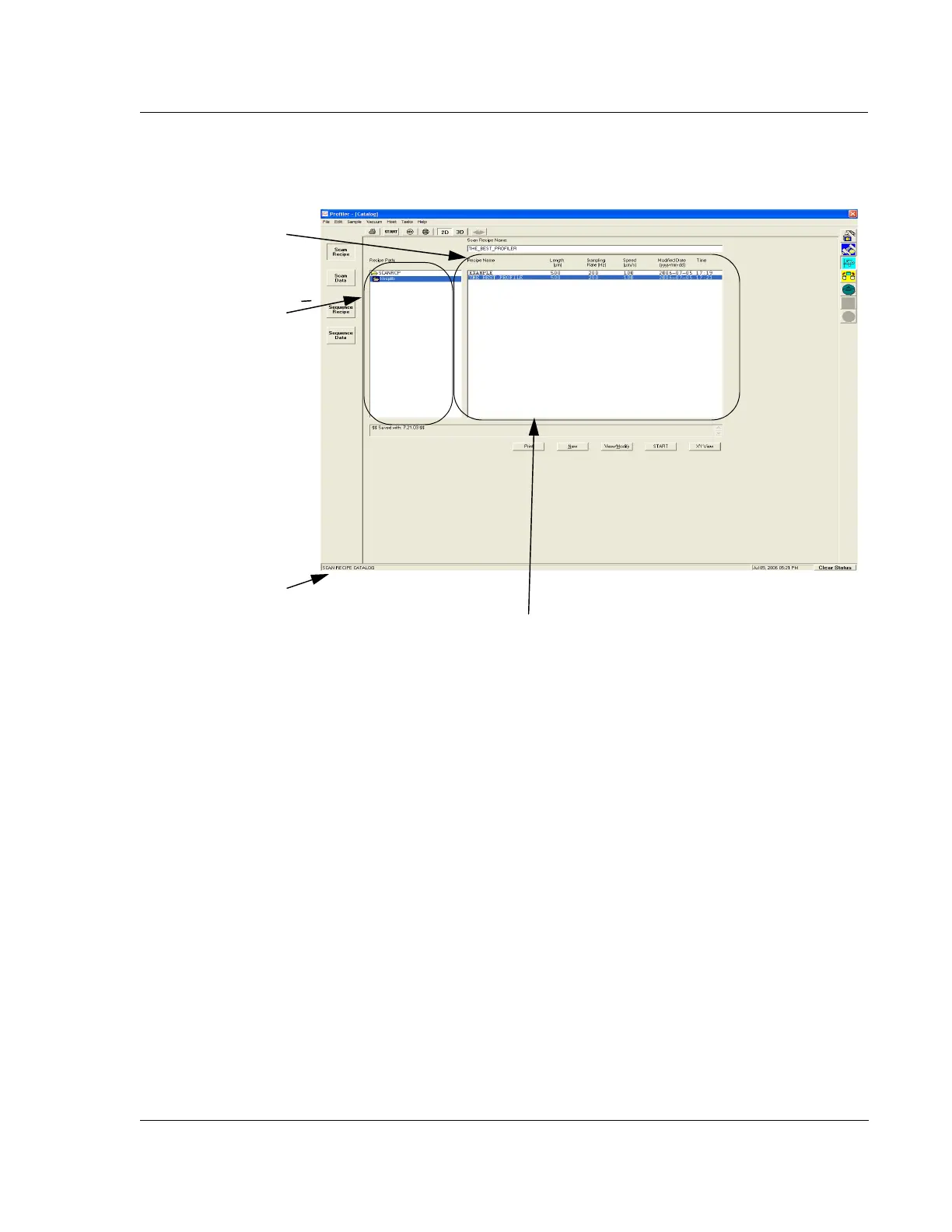
Figure 3.2 Catalog Sequence Recipe Screen
The current path to the set
of files displayed in the List
window is shown here.
When a recipe is chosen,
its name appears in this
box.
The System Status
Message area.
The List window contains the list of currently available recipes for
whichever scan type and dimension is indicated



 To Next Page