0142530-000 AB KLA-Tencor Confidential 3-23
3/13/09
KLA-Tencor P-16+ / P-6 User’s Guide Scan Recipes - Creating and Editing a Scan Recipe
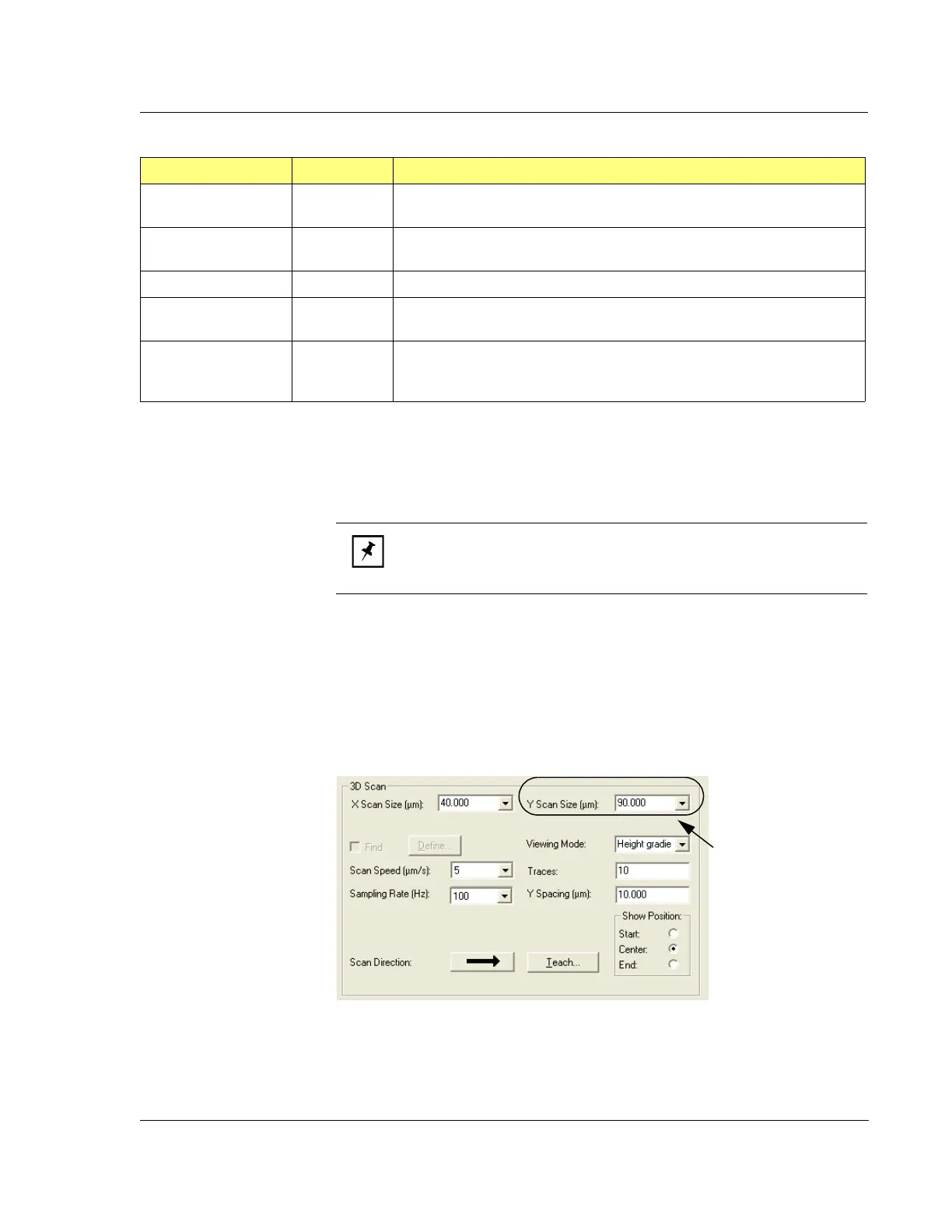
Y Scan Size (μm)
This parameter defines the size, in the Y-direction, of the 3D area to be scanned. It is
the area across which the number of scans defined in the parameter
Traces are divided
up. (See Figure 3.19 on page 3-24.)
Setting or Changing
Y Scan Size - Use one of the following procedures:
Click the menu arrow to the right of the
Y Scan Size field and click the
desired size.
Highlight the current number and type in the new number. (See also
Automatic Parameter Adjustment: in Step on page 3-24.)
Multi-Scan Average 2D The number of single identical scans which are performed and used to
create a scan data set that represents the average of the scans.
Spacing 3D This is the distance between X scans performed across the Y direction of
the 3D scan area.
Scan Direction Both The direction in which the scan is performed.
Teach… Both Displays the
Teach Scan Length screen that is used to determine the start,
center or end of the scan. Can also be used to drag a new scan length.
Show Position Both Displays the current position and provides an opportunity to set a new
position at which the scan, of scan length set in
X Scan Size, is started, is
centered, or ends.
Table 3.14 3D Scan Parameters Summary (Continued)
Parameter Setting 2D, 3D or Both Description and Location
NOTE: If the variable in the Spacing parameter is changed, the Y Scan
Size
changes to accommodate the number of Traces at the new
Spacing distance.
Figure 3.18 3D Scan Parameters
Set the Y Scan
Size
by clicking
on the menu
arrow and
choosing the
desired size, or by
highlighting the
current number
and typing in the
new number.



 To Next Page