Analyzing 3D Scan Data - 3D Analysis Screen Features KLA-Tencor P-16+ / P-6 User’s Guide
7-26 KLA-Tencor Confidential 0142530-000 AB
3/13/09
1. From the Edit menu, select Recipe to modify the recipe parameters saved with
the data set, such as leveling, filtering, and parameter calculations.
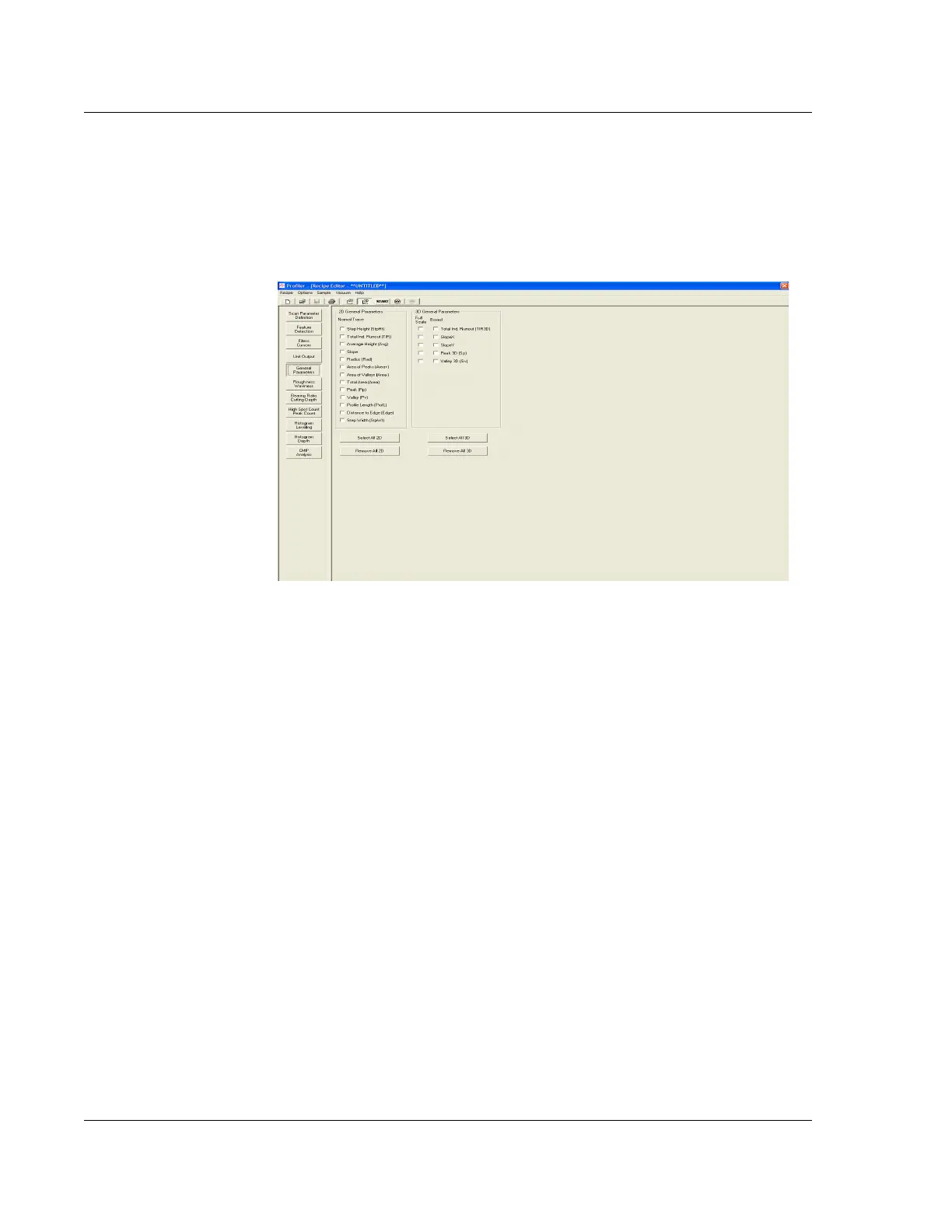
General Parameters 2. Click the General Parameters button (see Figure 7.15.) to display the General
Parameters
information in the Information Display Window.
3. Ensure that the required parameters for the scan are chosen. (Figure 7.16.)
Roughness/Waviness
Parameters
4. Click Roughness/Waviness button to display the Roughness/Waviness options in
the information display window. (See Figure 7.17.)
Figure 7.16 3D Recipe Editor



 To Next Page