0142530-000 AB KLA-Tencor Confidential 10-13
3/13/09
KLA-Tencor P-16+ / P-6 User’s Guide 3D Stress (optional Feature, P-16+ only) -
Additionally the type of rendering can be toggled in Apex between Difference Map,
Deflection Map, Curvature Map, and Stress Map by use of the toolbar. See Table 10.6
for descriptions of the toolbar icons used to change the image rendering.
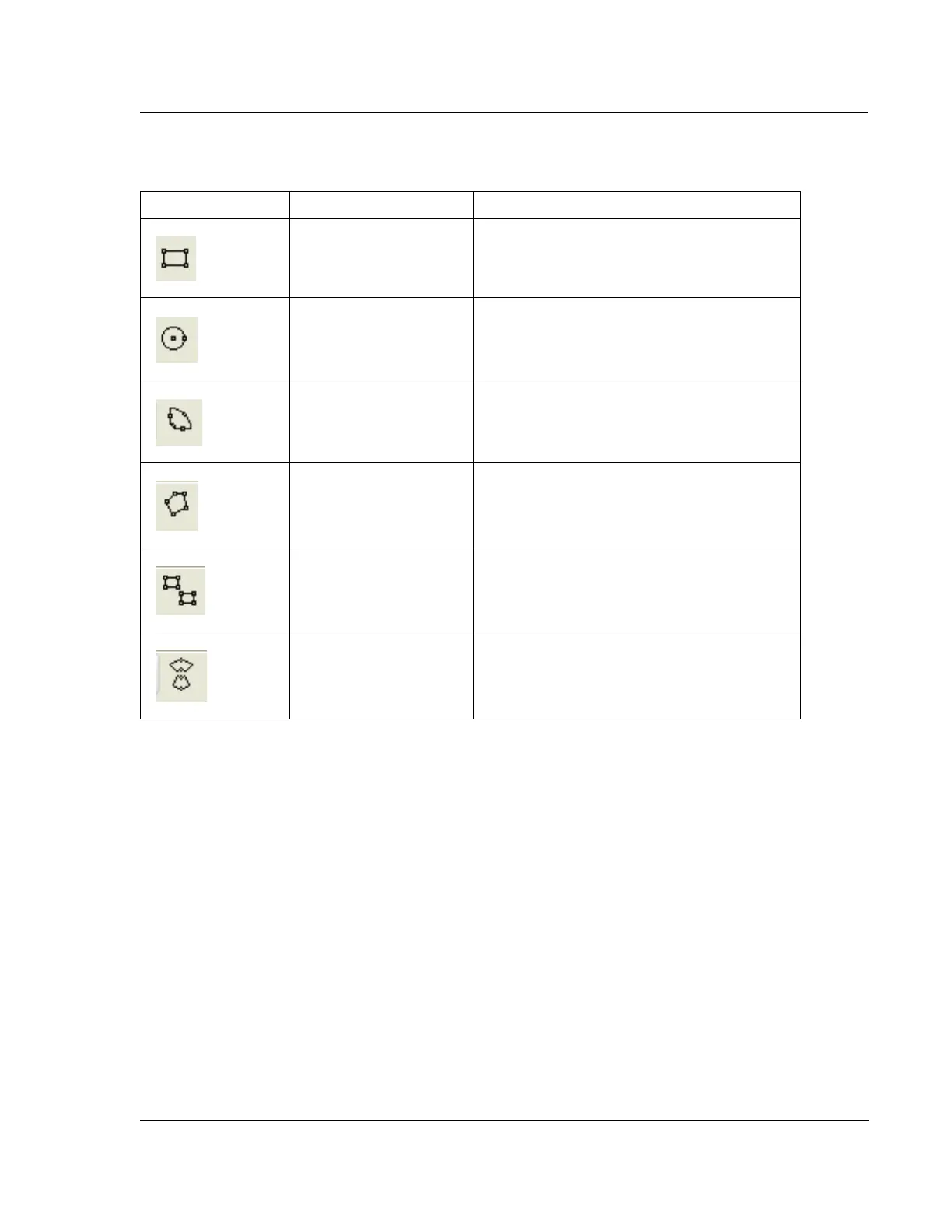
Table 10.5 Tool Bar Icons for the Stress Map Image Cursors
Graphic Icon Name Description
Square Zone Cursor is a user definable square.
Circular Zone Cursor is a circle with a user definable diameter.
Portion Zone Cursor is a arc section with user definable area.
Zig Zag Zone Cursor shape is completely definable.
Two Rectangular Zone Cursors are two user definable rectangles allowing
for comparisons on different areas of the Stress
Map.
Two Portion Zone Cursors are two portions for comparisons on
different areas of the Stress Map.



 To Next Page