0142530-000 AB KLA-Tencor Confidential 11-25
3/13/09
KLA-Tencor P-16+ / P-6 User’s Guide System Security - Procedure to Add Users to Security Groups
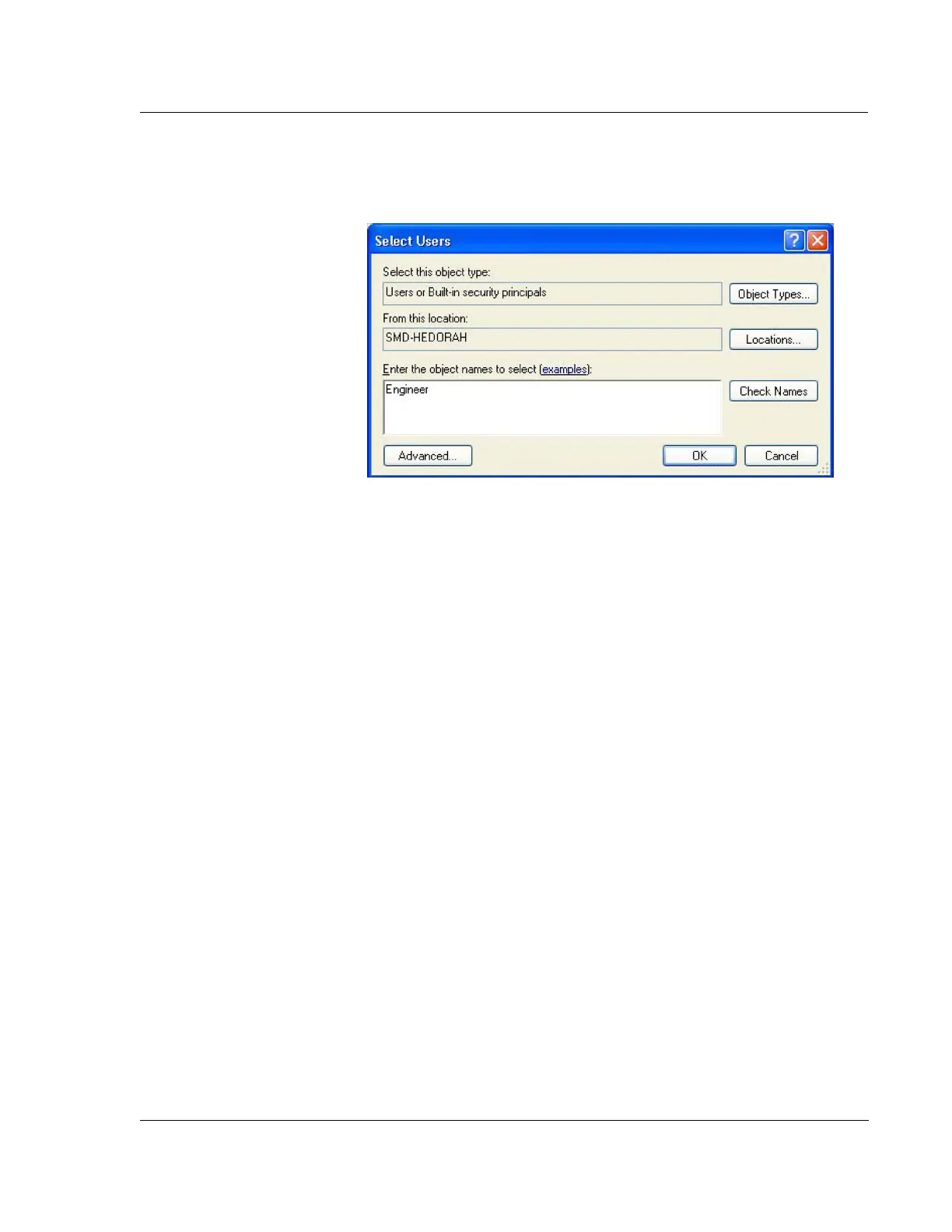
3. Click on Add to grant new users access to the security group as shown in Figure
11.25.
4. Type in the user name(s) in the object names field and click on OK when
complete.
5. Click on OK from the security group window to complete adding the user(s) to
the security group.
6. Repeat these steps for each security grup that the user(s) requires access.
Figure 11.25 Add a User to a Security Group



 To Next Page