System Security - Procedure to Change Application Lifecycle Settings KLA-Tencor P-16+ / P-6 User’s Guide
11-16 KLA-Tencor Confidential 0142530-000 AB
3/13/09
y
PROCEDURE TO CHANGE APPLICATION LIFECYCLE SETTINGS 11
1. Start the Security Configuration Editor and select Application Lifecycle.
2. To remove programs from the control list:
a. Select the program from the list
b. Select Delete
c. Repeat Step 2 to delete additional programs
d. Proceed to Step 4, skipping Step 3 when done deleting programs
3. To add programs to the control list:
a. Click on Add
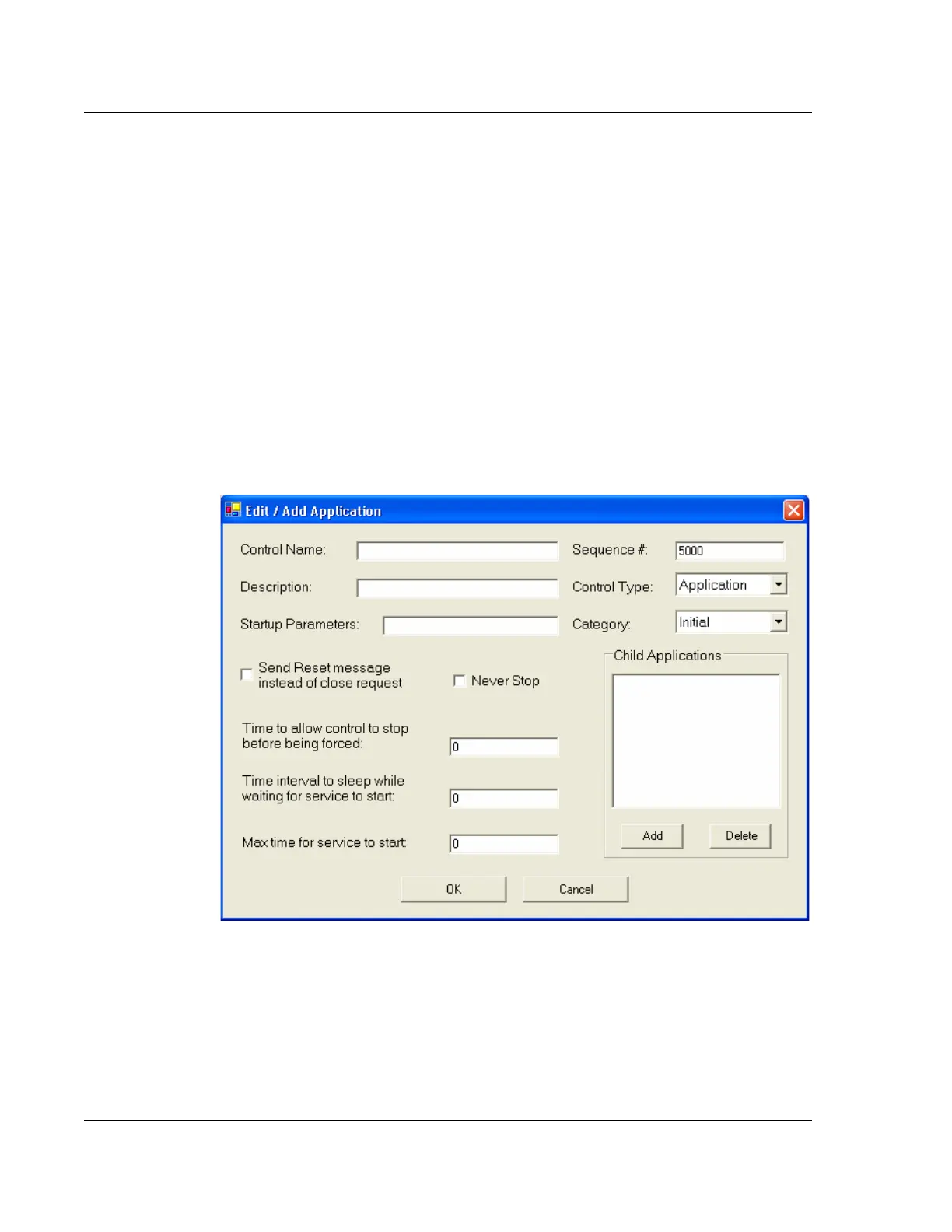
b. In the Control Name field shown in Figure 11.15, type in the name of the
executable program. For example, type in notepad.exe to have Windows
notepad launch upon starting Windows XP.
c. When complete, select OK in Figure 11.18.
Figure 11.15 Add Programs to the Control List



 To Next Page