0142530-000 AB KLA-Tencor Confidential 11-9
3/13/09
KLA-Tencor P-16+ / P-6 User’s Guide System Security - Procedure to Change Access Policy Settings
PROCEDURE TO CHANGE ACCESS POLICY SETTINGS 11
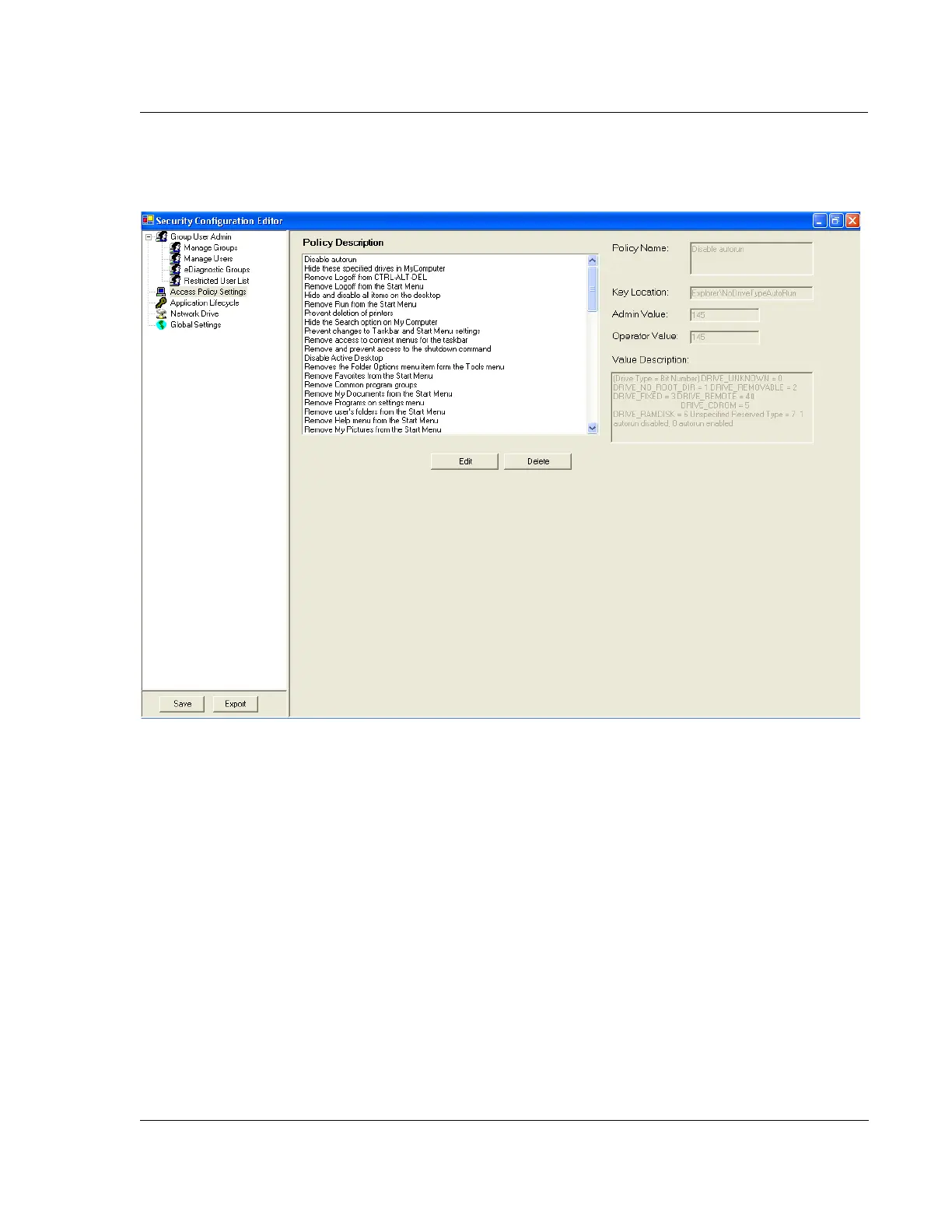
1. Open the Security Configuration Editor and select Access Policy Settings.
2. Select the policy setting from the list that you want to modify.
a. As shown in Figure 11.11, the right side of the screen shows the name of
the policy, settings for administrator and operator, and a description of the
policy.
b. Most settings use a 1 or 0 to define True or False for user access to this
policy, but in all cases, refer to the value description to determine the
potential settings for each policy.
Figure 11.11 Access Policy Settings



 To Next Page