0142530-000 AB KLA-Tencor Confidential 7-31
3/13/09
KLA-Tencor P-16+ / P-6 User’s Guide Analyzing 3D Scan Data - 3D Analysis Screen Features
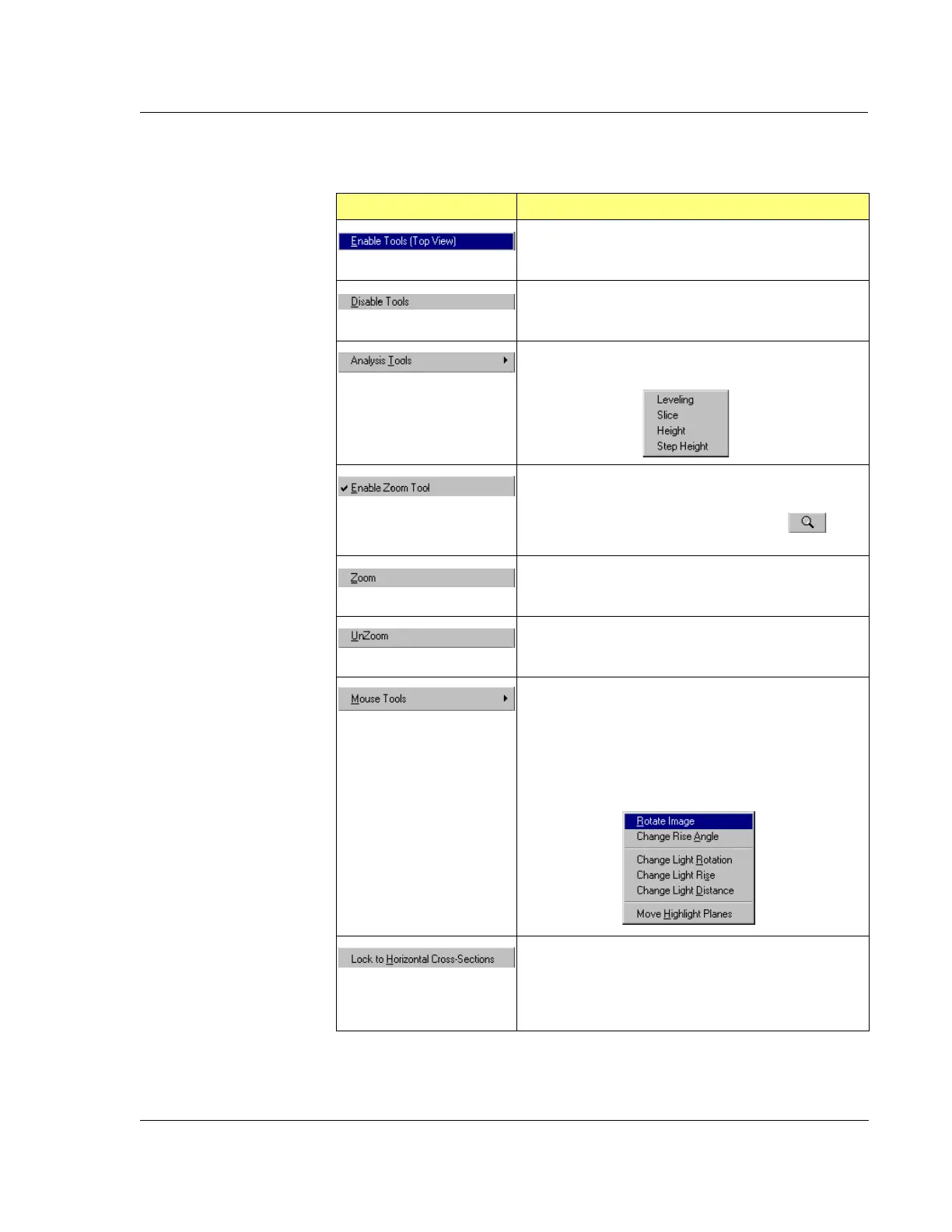
Tools Menu from the Analysis Screen Menu Bar 7
Table 7.14 Tools Menu Options (From Menu Bar)
Menu Item Description of Action
This options enables the Side Tool Bar Buttons. (See
Table 7.6.)
This options disables the Side Tool Bar Buttons.
This option displays the Analysis Tools menu.
This option changes the image to Top View, places the
zoom box at the bottom left corner of the image, and
activates the Zoom In (magnification) icon in
the top tool bar. (See Table 7.5, Zoom In.)
Once the Zoom In boundary box is set on the area to
be zoomed in on, this option completes the zoom
procedure to magnify the surface bounded by the box.
This button restores the pre zoom image.
This option displays the
Mouse Tools menu.
These tools are all duplications of tools on the top tool
bar. For Rotate Image and Change Rise Angle, see
Table 7.2. For three Change Light... options, see
Table 7.5, look for the same titles. For the
Move
Highlight Planes
, see Table 7.5, look for the same title.
This option is used with the Slicing Tool. (See
Table 7.6, in the Activate Slicing Tool section.) When
this option is chosen, the slicing tool will automatically
go to the horizontal position and only operate in that
position for the slicing procedure.



 To Next Page